Bootstrap 5 Contact Form That Sends Email (Free Template + Validation)
Free Bootstrap 5 contact form template with validation styles, a loading button and success alerts. No PHP: every submission is emailed to you. Copy, paste, done.
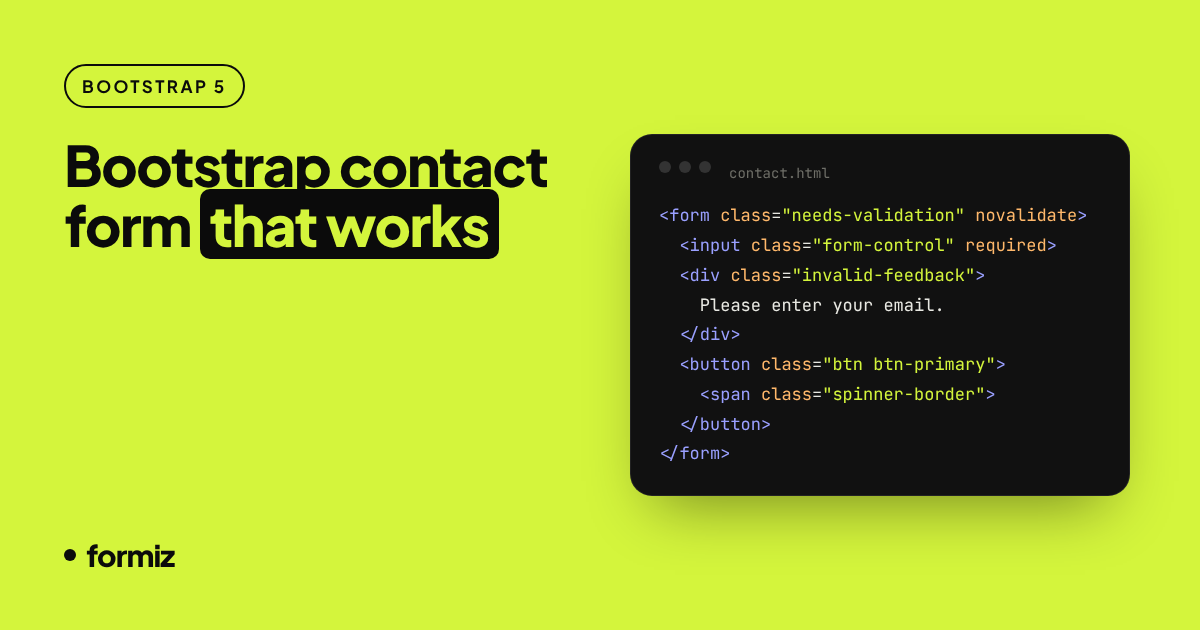
Bootstrap is still one of the most used CSS frameworks, especially in templates bought from marketplaces. Those templates almost always ship a contact form that posts to a PHP file which may not work on your host. Here is a Bootstrap 5 form that works anywhere, with Bootstrap's own validation styles.
The form
<form id="contact" class="needs-validation" action="https://api.formiz.app/submit" method="POST" novalidate>
  <input type="hidden" name="access_key" value="YOUR_ACCESS_KEY">
  <input type="hidden" name="subject" value="New message from the website">
  <input type="checkbox" name="_honey" class="d-none" tabindex="-1" autocomplete="off">

  <div class="row g-3">
    <div class="col-md-6">
      <label for="cf-name" class="form-label">Name</label>
      <input id="cf-name" name="name" class="form-control" autocomplete="name" required>
      <div class="invalid-feedback">Please enter your name.</div>
    </div>
    <div class="col-md-6">
      <label for="cf-email" class="form-label">Email</label>
      <input id="cf-email" name="email" type="email" class="form-control" autocomplete="email" required>
      <div class="invalid-feedback">Please enter a valid email address.</div>
    </div>
    <div class="col-12">
      <label for="cf-topic" class="form-label">Topic</label>
      <select id="cf-topic" name="topic" class="form-select">
        <option>General question</option>
        <option>Quote request</option>
        <option>Support</option>
      </select>
    </div>
    <div class="col-12">
      <label for="cf-message" class="form-label">Message</label>
      <textarea id="cf-message" name="message" rows="5" class="form-control" minlength="10" required></textarea>
      <div class="invalid-feedback">Please write at least a few words.</div>
    </div>
    <div class="col-12">
      <button class="btn btn-primary" type="submit">
        <span class="spinner-border spinner-border-sm me-1 d-none" aria-hidden="true"></span>
        Send message
      </button>
    </div>
    <div class="col-12">
      <div id="contact-alert" class="alert d-none mb-0" role="status"></div>
    </div>
  </div>
</form>
Get a free access key from Formiz and add your email under Channels → Email.
The script
<script>
  const form = document.getElementById('contact');
  const btn = form.querySelector('button[type="submit"]');
  const spinner = btn.querySelector('.spinner-border');
  const alertBox = document.getElementById('contact-alert');

  function showAlert(type, text) {
    alertBox.className = `alert alert-${type} mb-0`;
    alertBox.textContent = text;
  }

  form.addEventListener('submit', async (event) => {
    event.preventDefault();
    if (!form.checkValidity()) {
      form.classList.add('was-validated');
      form.querySelector(':invalid')?.focus();
      return;
    }

    btn.disabled = true;
    spinner.classList.remove('d-none');

    try {
      const res = await fetch(form.action, { method: 'POST', body: new FormData(form) });
      const data = await res.json();
      if (!data.success) throw new Error(data.message);
      form.reset();
      form.classList.remove('was-validated');
      showAlert('success', 'Thanks! Your message has been sent. We will reply soon.');
    } catch (err) {
      showAlert('danger', err.message || 'Something went wrong. Please try again.');
    } finally {
      btn.disabled = false;
      spinner.classList.add('d-none');
    }
  });
</script>
How it works
novalidate+was-validatedis Bootstrap's recommended pattern: the browser checks the rules, but Bootstrap draws the error styles and.invalid-feedbackmessages.- The spinner gives feedback during sending, and the disabled button stops double submissions.
- The alert uses
role="status"so screen readers announce the result. fetchwithFormDatasends every named field. The endpoint replies with JSON, so the visitor never leaves the page.
Replacing a template's PHP form
Premium templates often include contact.php or mail.php plus a custom script. To switch:
- Set the form
actiontohttps://api.formiz.app/submitand add theaccess_keyhidden input. - Remove the template's form script (or point its URL at the new action).
- Delete the PHP mailer once it is no longer referenced.
Notifications then come from an authenticated sending domain, so they stop landing in spam (why that happens), and the visitor's address is the reply-to.
Get your form working in five minutes
Create a free Formiz key, add it to your form and receive submissions by email and Telegram. No server, no SMTP, no card.