HTML Survey Form: Rating Scales, Multiple Choice and Free Text (Template)
Build a short survey with plain HTML: star or 1–10 ratings, multiple choice, checkboxes and an open question. Collect answers in an inbox or Google Sheets without a survey tool.
Survey tools are great for big research projects. For a quick question to your customers, such as "How did we do?", "What should we build next?" or a post-event survey, a plain HTML form is lighter, matches your site, and is free of someone else's branding.
Keep it short
Response rates drop with every question. Aim for 3 to 5 questions, at most one open text question, and put the most important one first. Tell people up front: "3 questions, 30 seconds."
The building blocks
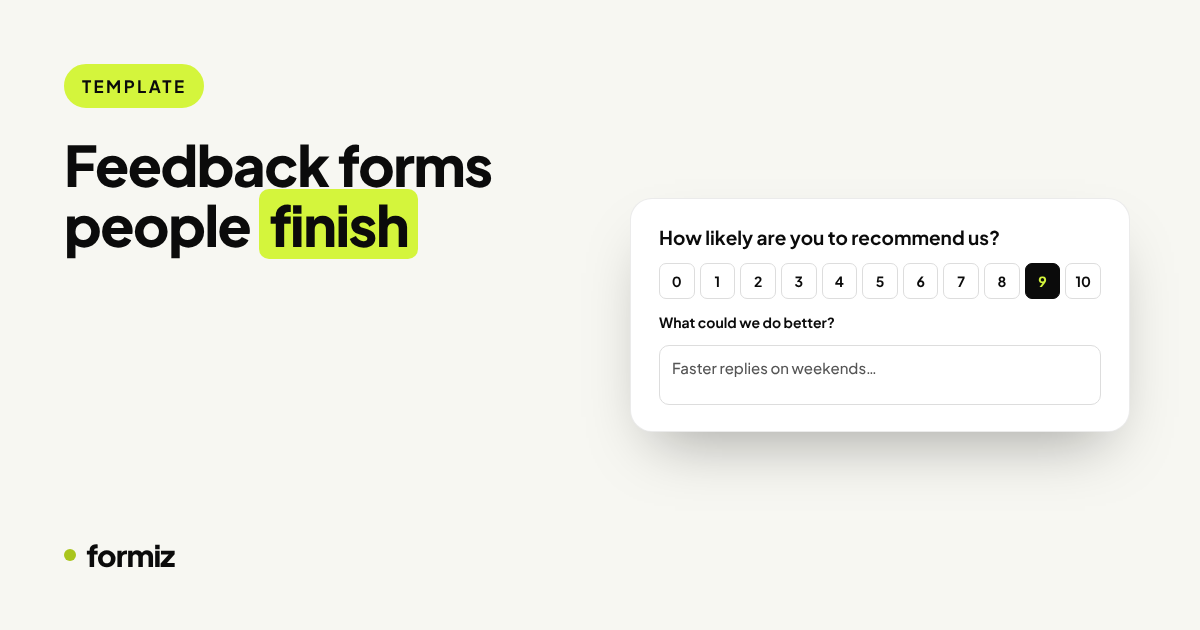
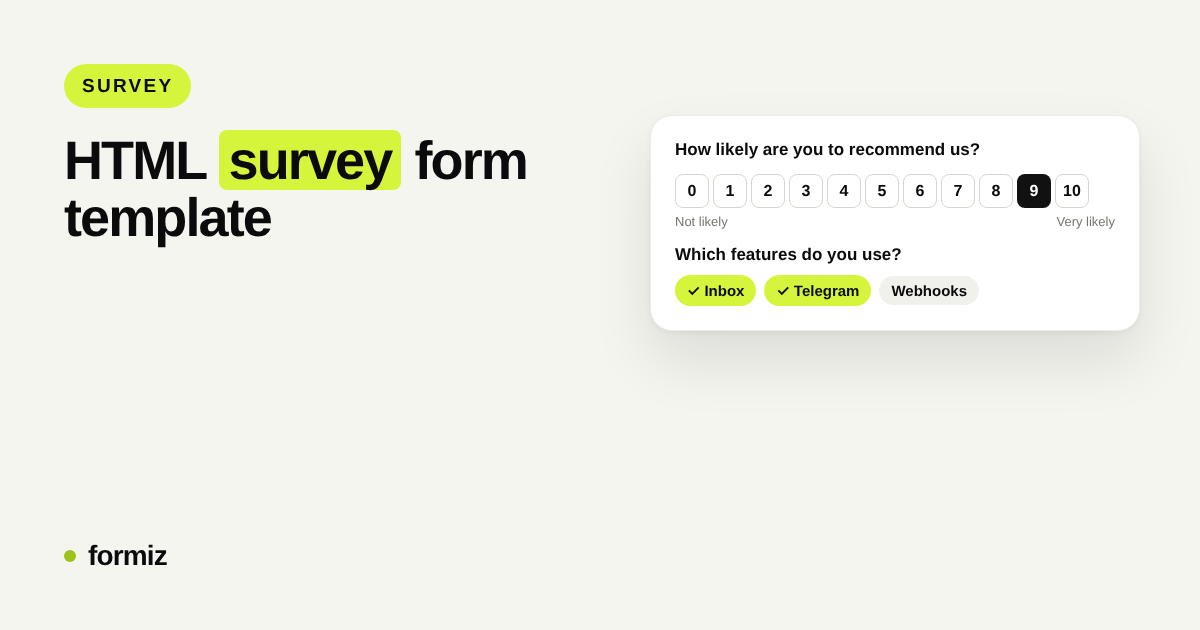
A 0–10 scale (NPS style)
<fieldset class="scale">
  <legend>How likely are you to recommend us to a friend?</legend>
  <div class="scale-row">
    <label><input type="radio" name="nps" value="0" required><span>0</span></label>
    <label><input type="radio" name="nps" value="1"><span>1</span></label>
    <label><input type="radio" name="nps" value="2"><span>2</span></label>
    <label><input type="radio" name="nps" value="3"><span>3</span></label>
    <label><input type="radio" name="nps" value="4"><span>4</span></label>
    <label><input type="radio" name="nps" value="5"><span>5</span></label>
    <label><input type="radio" name="nps" value="6"><span>6</span></label>
    <label><input type="radio" name="nps" value="7"><span>7</span></label>
    <label><input type="radio" name="nps" value="8"><span>8</span></label>
    <label><input type="radio" name="nps" value="9"><span>9</span></label>
    <label><input type="radio" name="nps" value="10"><span>10</span></label>
  </div>
  <div class="scale-ends"><span>Not likely</span><span>Very likely</span></div>
</fieldset>
Using radio buttons (not a slider) keeps it accessible with the keyboard and screen readers.
Single choice
<fieldset>
  <legend>How did you hear about us?</legend>
  <label><input type="radio" name="source" value="Search" required> Search engine</label>
  <label><input type="radio" name="source" value="Friend"> A friend or colleague</label>
  <label><input type="radio" name="source" value="Social"> Social media</label>
  <label><input type="radio" name="source" value="Other"> Other</label>
</fieldset>
Multiple choice
Checkboxes with the same name each send their own value:
<fieldset>
  <legend>Which features do you use? (choose any)</legend>
  <label><input type="checkbox" name="features" value="Inbox"> Lead inbox</label>
  <label><input type="checkbox" name="features" value="Telegram"> Telegram alerts</label>
  <label><input type="checkbox" name="features" value="Webhooks"> Webhooks</label>
</fieldset>
One open question
<label>What is the one thing we should improve?
  <textarea name="improve" rows="3"></textarea>
</label>
Putting it together
Wrap the questions in a form that posts to a form backend:
<form action="https://api.formiz.app/submit" method="POST" class="survey">
  <input type="hidden" name="access_key" value="YOUR_ACCESS_KEY">
  <input type="hidden" name="subject" value="Survey response">
  <input type="hidden" name="redirect" value="https://example.com/survey-thanks">
  <input type="checkbox" name="_honey" style="display:none" tabindex="-1" autocomplete="off">

  <!-- questions from above -->

  <label>Email (optional, if you'd like a reply) <input name="email" type="email"></label>
  <button type="submit">Send answers</button>
</form>
Styling the scale
.scale-row { display: flex; gap: 6px; flex-wrap: wrap; }
.scale-row input { position: absolute; opacity: 0; }
.scale-row span { display: grid; place-items: center; width: 40px; height: 40px; border: 1px solid #d6d6ce; border-radius: 8px; cursor: pointer; }
.scale-row input:checked + span { background: #111; color: #fff; border-color: #111; }
.scale-row input:focus-visible + span { outline: 2px solid #111; outline-offset: 2px; }
.scale-ends { display: flex; justify-content: space-between; font-size: 13px; color: #76766e; margin-top: 6px; }
Analysing the answers
- Spreadsheet: send each response to Google Sheets and chart the scores there. NPS = % of 9–10 answers minus % of 0–6 answers.
- Inbox: read open answers in the lead inbox and tag the ones that need a reply.
- Ask Claude: with the Claude connection you can ask for a summary of this month's survey answers and recurring themes.
Tips for better response rates
- Send the survey link right after a meaningful moment (delivery, event, end of a project).
- Make the email field optional. Anonymous answers are more honest.
- Close the loop: tell respondents what you changed because of their feedback.
For product feedback specifically, see the customer feedback form.
Get your form working in five minutes
Create a free Formiz key, add it to your form and receive submissions by email and Telegram. No server, no SMTP, no card.