Why your contact form emails go to spam (and how to fix it)
Contact form notifications landing in spam is almost always an authentication problem. Learn how SPF, DKIM and DMARC work, why PHP mail() and "from: visitor" setups fail, and the fixes that actually work.
A visitor fills in your contact form, you never see the message, and three weeks later you find it in your spam folder. If that sounds familiar, the cause is almost never the content of the message. It is the way the email was sent.
How inboxes decide what is spam
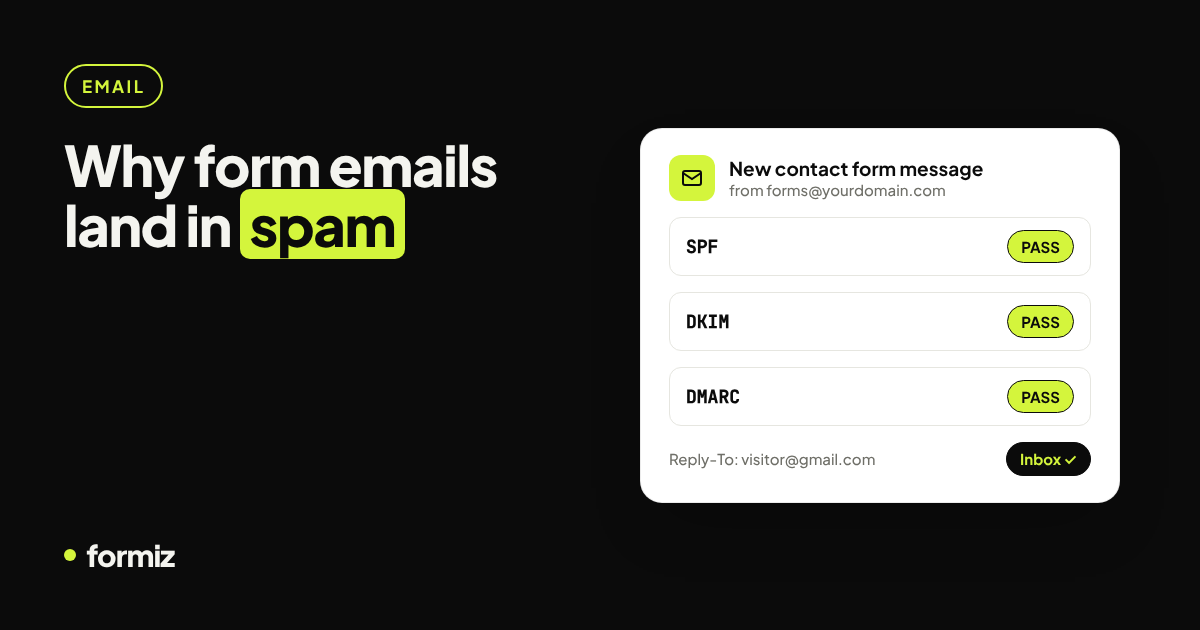
Gmail, Outlook and every other provider check three things before they look at the content:
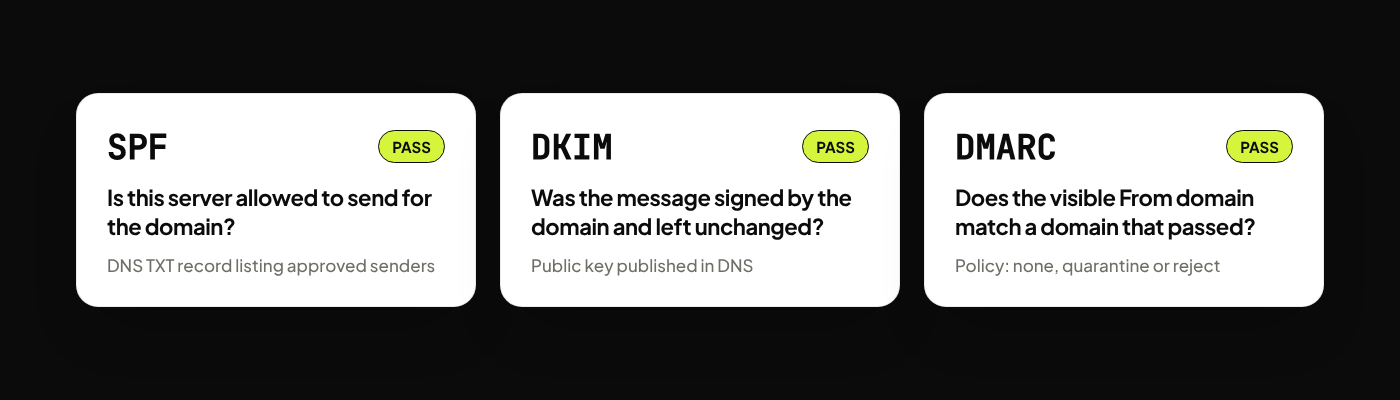
- SPF (Sender Policy Framework): is this server allowed to send mail for the domain in the envelope? It is a DNS TXT record listing approved senders.
- DKIM (DomainKeys Identified Mail): is the message signed with a key published in the domain's DNS, proving it was not altered?
- DMARC: does the domain in the visible From address line up with a domain that passed SPF or DKIM, and what should happen if not?
Since 2024, Gmail and Yahoo require SPF and DKIM for anyone sending in volume, and they treat unauthenticated mail with much more suspicion. Contact form scripts are usually the first casualties.
The three classic mistakes
1. Sending with PHP mail() from shared hosting
mail() hands the message to whatever mail server the host provides. That server is shared with hundreds of other sites, is rarely listed in your domain's SPF record and does not sign with your DKIM key. To Gmail, it looks like a random server claiming to be you.
2. Putting the visitor's address in the From header
It feels natural: the email is "from" the visitor, so set From: visitor@gmail.com. But your server is not allowed to send mail as gmail.com. DMARC fails, and Gmail's own policy tells receivers to reject or quarantine it. Your own inbox, ironically, is the most likely to bin it.
The correct pattern is: From is an address on a domain you control and have authenticated; Reply-To is the visitor's address.
3. Using a free mailbox as the sender
Sending through a personal Gmail account via SMTP works for a while, then hits sending limits, triggers security alerts or breaks when you turn on two-factor authentication.
How to fix it
If you send email yourself
- Use a transactional email provider (Resend, Postmark, Amazon SES, SendGrid and similar).
- Verify your domain with them. They give you DNS records to add.
- Add or update your SPF record to include the provider.
- Publish the DKIM records they give you.
- Add a DMARC record, starting with
v=DMARC1; p=none; rua=mailto:you@yourdomain.comand tightening later. - Send from
forms@yourdomain.comand set Reply-To to the visitor.
Check the result by sending a message to a Gmail address and choosing Show original: you want SPF: PASS, DKIM: PASS and DMARC: PASS.
If you would rather not manage any of this
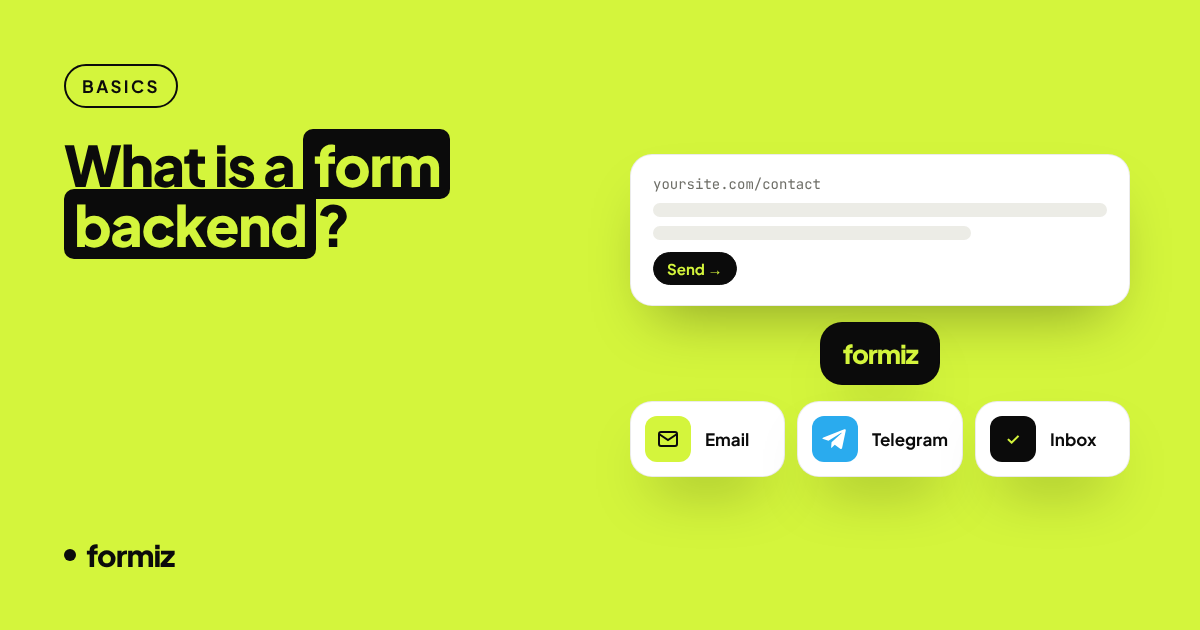
A form backend sends notifications from its own authenticated infrastructure. With Formiz you only enter the address that should receive submissions:
- Notifications are sent from Formiz's verified sending domain, signed and aligned.
- The visitor's email (from the form's
emailfield) is set as Reply-To, so replying still goes straight to them. - Each recipient address is confirmed once, so notifications only go to inboxes that asked for them.
No DNS changes on your side, no SMTP password in your code.
Other things that hurt deliverability
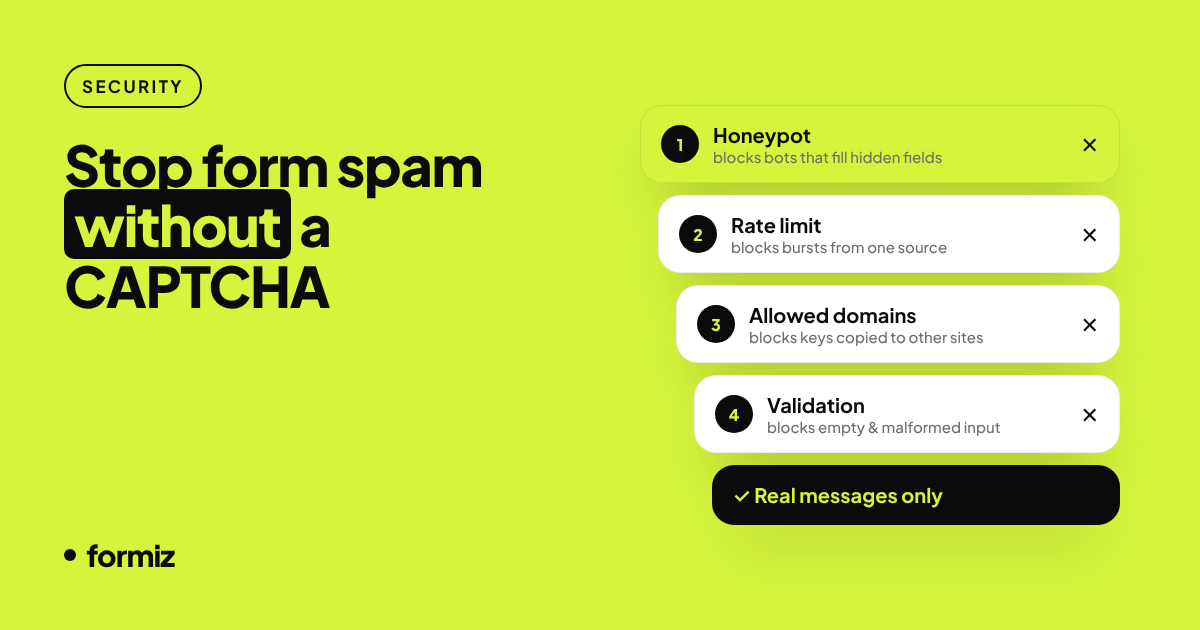
- Spam submissions. If bots fill your form and you forward everything, your notifications start to look like spam because they are. Filter before sending: see stop contact form spam without a CAPTCHA.
- Link-heavy, image-only emails. Keep notifications simple and mostly text.
- Sending to a role address with aggressive filtering. Some company mail gateways quarantine anything automated; whitelist the sender once.
A safety net: do not rely on email alone
Even perfectly authenticated mail can be delayed or filtered. Two cheap safeguards:
- Store every submission somewhere you can see it. Formiz keeps them in a dashboard inbox, so a missed email never means a lost lead.
- Get a second notification channel. A Telegram notification arrives in seconds and never lands in a spam folder.
Get your form working in five minutes
Create a free Formiz key, add it to your form and receive submissions by email and Telegram. No server, no SMTP, no card.