Docusaurus Contact Form & Feedback Widget (Copy-Paste Code)
Add a contact page or a 'Was this page helpful?' feedback form to Docusaurus. React page or MDX component, key in customFields, submissions straight to your inbox.
Documentation sites need forms more often than you think: a contact page for sales questions, a "Was this page helpful?" widget, or a form to request a missing guide. Docusaurus builds static HTML, so there is no server to receive those submissions.
This guide adds a reusable React form to Docusaurus that posts to a form backend, with submissions delivered to email and Telegram.
1. Add the key to customFields
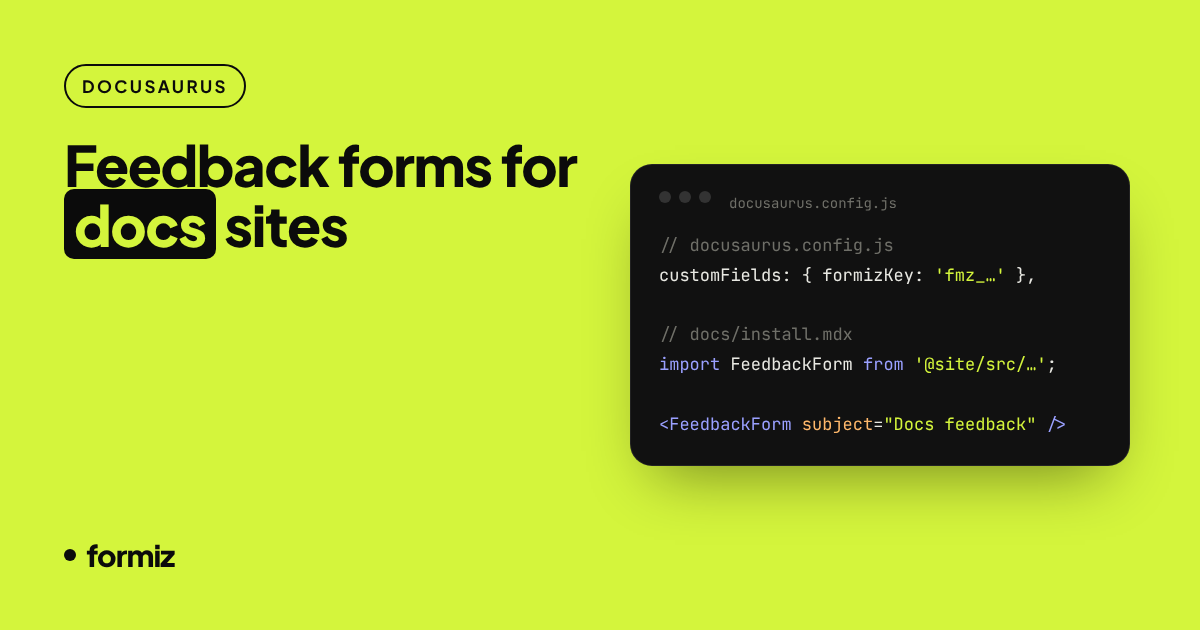
Create a free Formiz account, copy the access key and add your email under Channels → Email. In docusaurus.config.js:
export default {
  // ...
  customFields: {
    formizKey: 'fmz_your_key_here',
  },
};
customFields ends up in the client bundle. That is fine for this key: it can only send submissions to you. Restrict it to your docs domain under Settings → Allowed domains.
2. A reusable component
// src/components/FeedbackForm.jsx
import React, { useState } from 'react';
import useDocusaurusContext from '@docusaurus/useDocusaurusContext';
import { useLocation } from '@docusaurus/router';

export default function FeedbackForm({ subject = 'Docs feedback' }) {
  const { siteConfig } = useDocusaurusContext();
  const { pathname } = useLocation();
  const [status, setStatus] = useState('idle');

  async function onSubmit(e) {
    e.preventDefault();
    setStatus('sending');
    const data = new FormData(e.currentTarget);
    data.append('access_key', siteConfig.customFields.formizKey);
    data.append('subject', subject);
    data.append('page', pathname);
    const res = await fetch('https://api.formiz.app/submit', { method: 'POST', body: data });
    const json = await res.json().catch(() => ({}));
    setStatus(json.success ? 'sent' : 'error');
  }

  if (status === 'sent') return <p className="alert alert--success">Thanks for the feedback!</p>;

  return (
    <form onSubmit={onSubmit} style={{ display: 'grid', gap: '0.5rem', maxWidth: 520 }}>
      <input type="checkbox" name="_honey" style={{ display: 'none' }} tabIndex={-1} autoComplete="off" />
      <label>
        Was this page helpful?
        <select name="helpful" className="margin-left--sm" defaultValue="yes">
          <option value="yes">Yes</option>
          <option value="partly">Partly</option>
          <option value="no">No</option>
        </select>
      </label>
      <textarea name="message" rows={4} placeholder="What could be clearer?" />
      <input name="email" type="email" placeholder="Email (optional, if you'd like a reply)" />
      <button className="button button--primary" disabled={status === 'sending'}>
        {status === 'sending' ? 'Sending…' : 'Send feedback'}
      </button>
      {status === 'error' && <p className="alert alert--danger">Could not send. Please try again.</p>}
    </form>
  );
}
It uses Infima classes (button, alert) so it matches your Docusaurus theme, and it includes the page path so you know which doc the feedback is about.
3. Use it in MDX
Docusaurus pages and docs support MDX, so you can import the component anywhere:
import FeedbackForm from '@site/src/components/FeedbackForm';

## Still stuck?

<FeedbackForm subject="Feedback: Installation guide" />
4. A full contact page
Create src/pages/contact.jsx:
import Layout from '@theme/Layout';
import FeedbackForm from '../components/FeedbackForm';

export default function Contact() {
  return (
    <Layout title="Contact">
      <main className="container margin-vert--xl">
        <h1>Contact us</h1>
        <FeedbackForm subject="Contact from docs site" />
      </main>
    </Layout>
  );
}
Making feedback useful
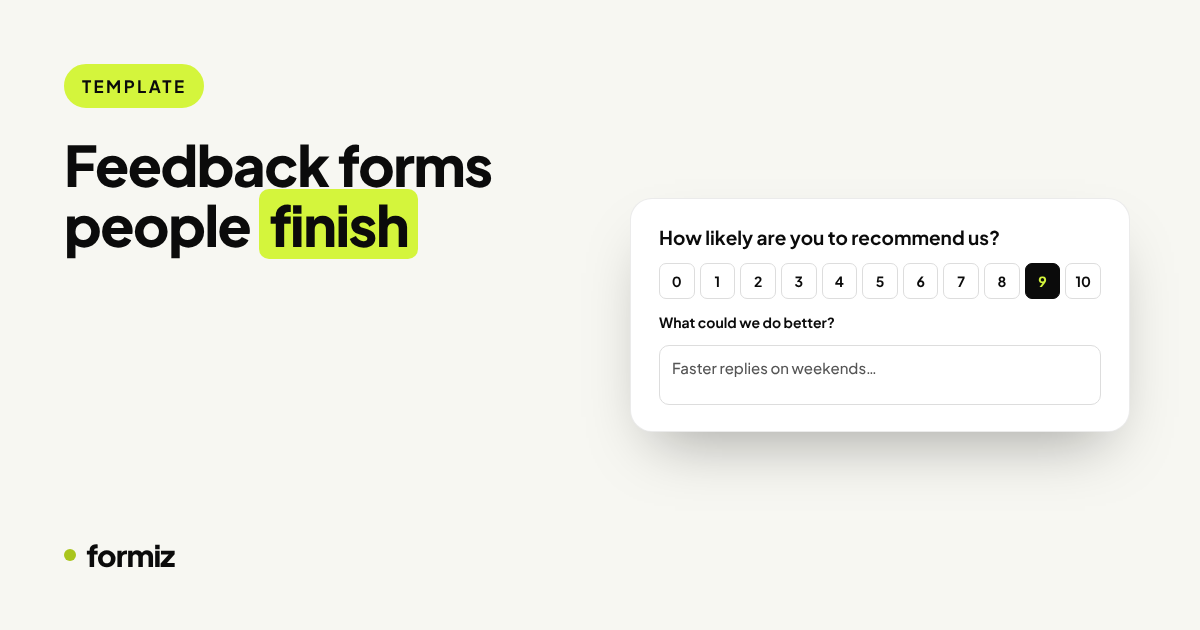
- Each submission lands in your Formiz inbox. Use stages to track it: New → Contacted (replied or fixed) → Won (page improved).
- Connect a Telegram group for your docs team so feedback is seen the same day.
- Once a month, export to CSV and sort by
pageto see which docs need work.
Related: customer feedback form template.
Get your form working in five minutes
Create a free Formiz key, add it to your form and receive submissions by email and Telegram. No server, no SMTP, no card.