What is a form backend? A plain-English guide for web developers
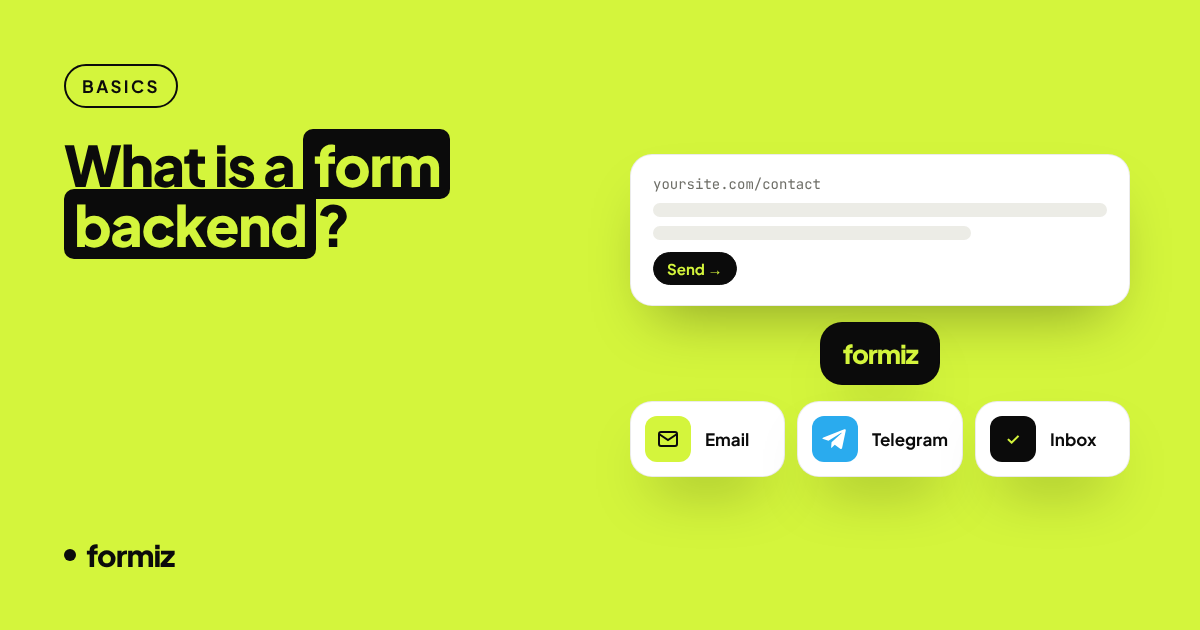
A form backend receives your HTML form submissions, filters spam and delivers them to email or chat, so you never write server code for a contact form. Here is how it works and when to use one.
Every website eventually needs a form: a contact form, a quote request, a newsletter signup, a booking request. Building the form itself takes five minutes. Making sure the message actually reaches someone takes much longer.
That second part is what a form backend does. This guide explains what it is, how it works under the hood, and when it is (and is not) the right tool.
The problem a form backend solves
An HTML form on its own does nothing with the data. When a visitor presses Send, the browser packages the fields and sends them to the URL in the form's action attribute. Something on the other end has to:
- Receive the HTTP request and read the fields.
- Check that it is not spam.
- Store the submission somewhere.
- Notify a human, usually by email.
- Show the visitor a success message or a thank-you page.
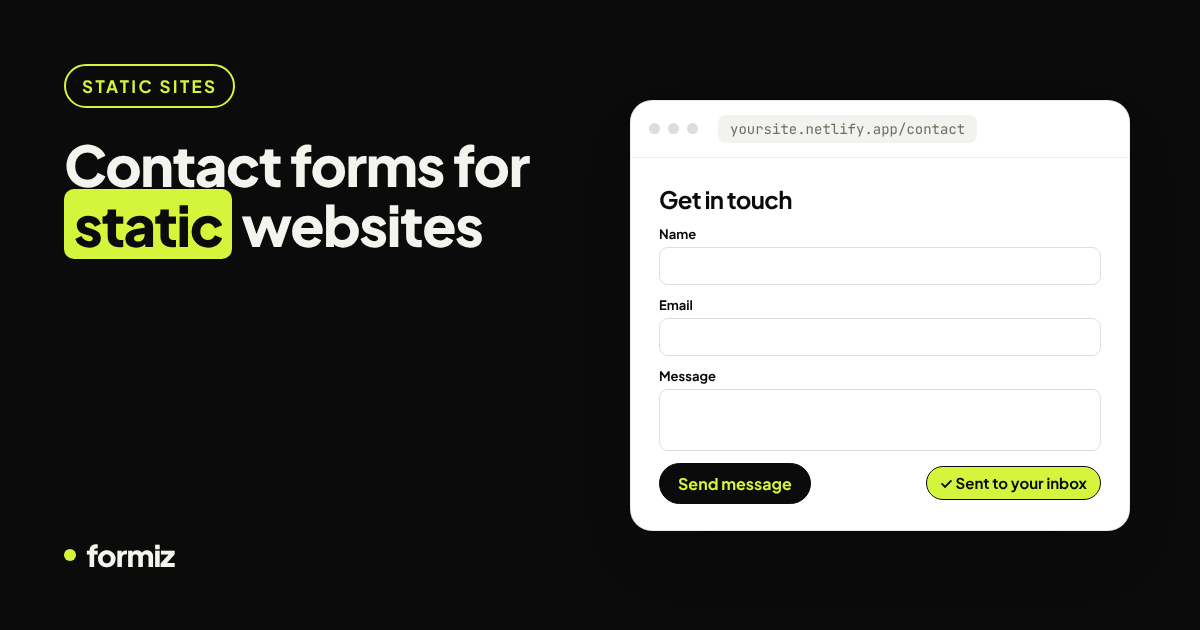
On a traditional PHP host you might write a mail() script for this. But modern sites are often static: built with Next.js, Astro, Hugo or plain HTML and deployed to Vercel, Netlify, Cloudflare Pages or GitHub Pages. There is no mail server, and often no server at all.
How a form backend works
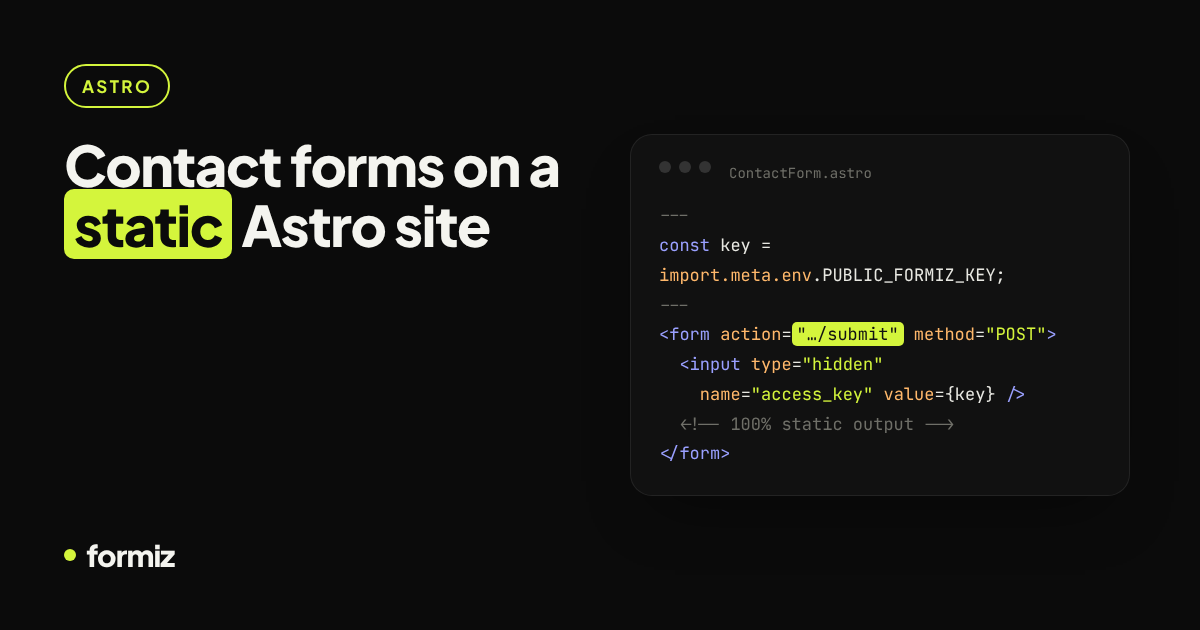
A form backend is a hosted HTTPS endpoint that does those five steps for you. You point your form at it and identify yourself with a key:
<form action="https://api.formiz.app/submit" method="POST">
  <input type="hidden" name="access_key" value="YOUR_ACCESS_KEY">
  <input name="name" required>
  <input name="email" type="email" required>
  <textarea name="message" required></textarea>
  <button type="submit">Send</button>
</form>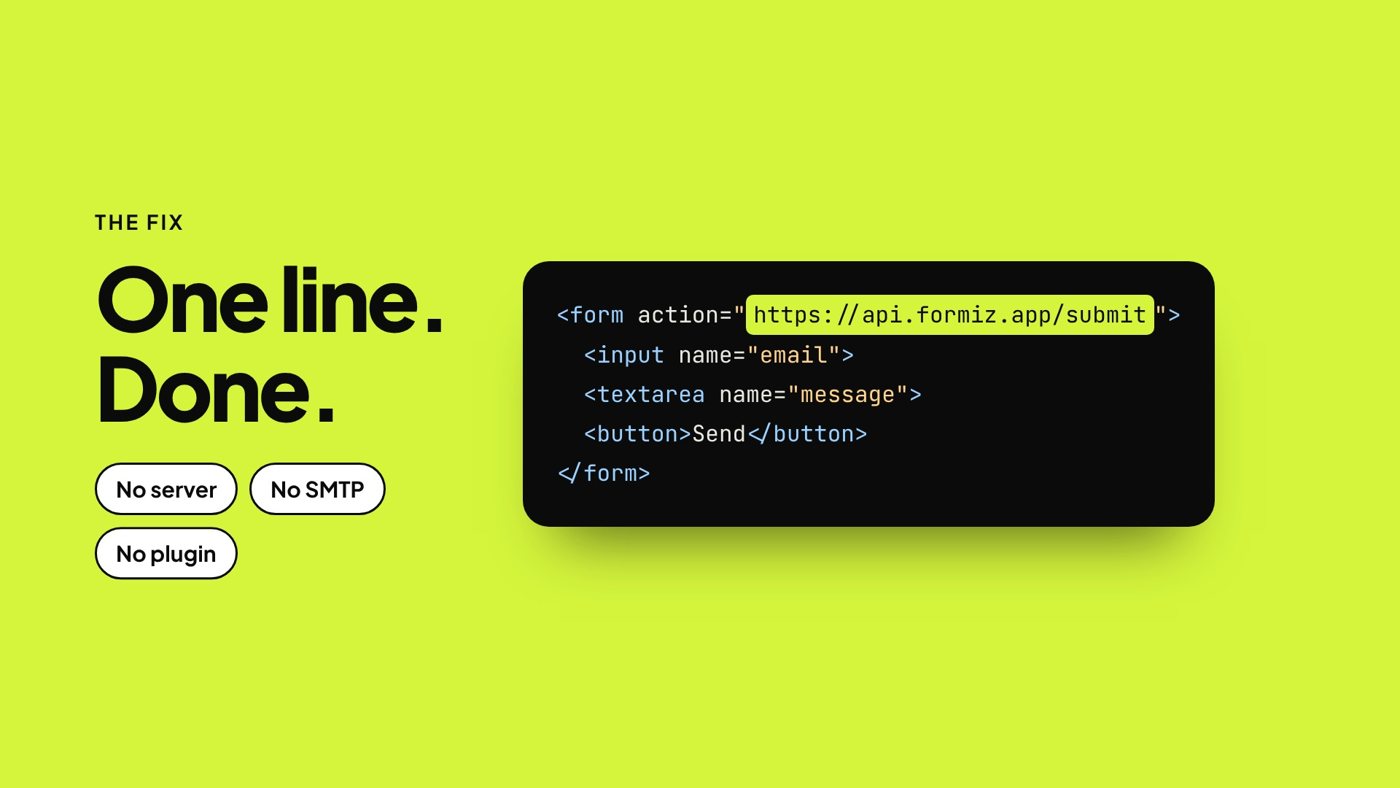
From then on, every submission travels this path:
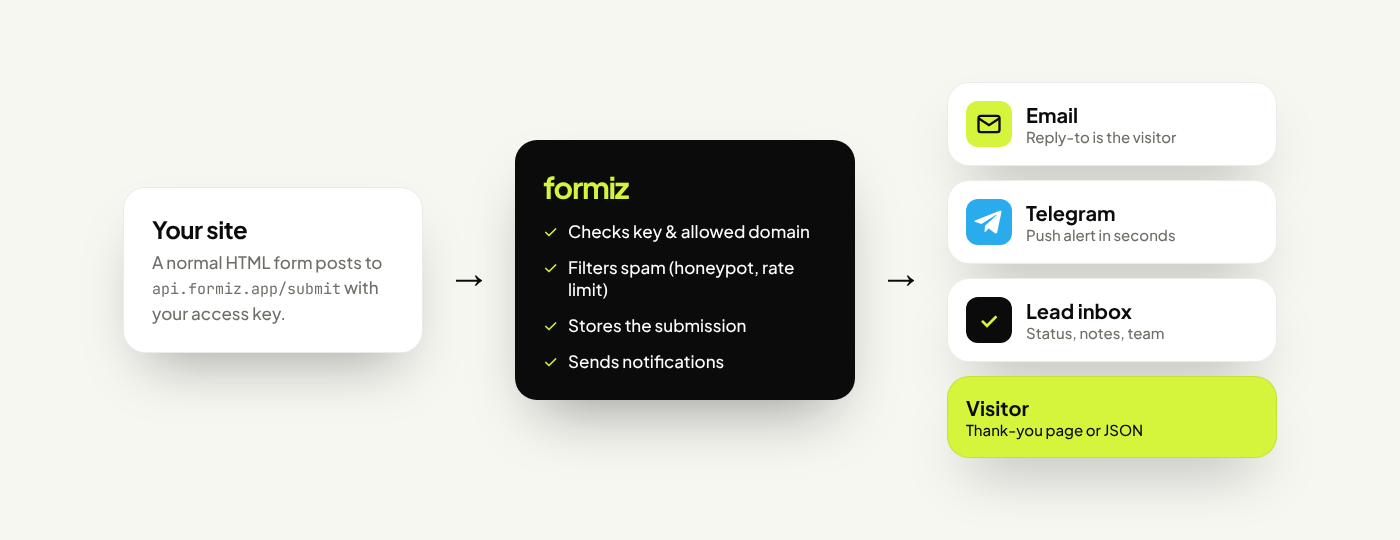
- Your site sends a normal form POST (or a
fetchrequest). - The backend validates the key, checks the domain, runs spam filters and saves the submission.
- Your channels receive a notification: an email, a Telegram message, or both.
- The visitor is redirected to a thank-you page, or gets a JSON response if you used JavaScript.
Why not just write it yourself?
You absolutely can. A serverless function plus an email API such as Resend or Postmark will do the job. The catch is everything around it:
- Email deliverability. You need a verified sending domain with SPF and DKIM records, or your notifications land in spam. See why form emails go to spam.
- Spam. Public forms get hit by bots within days. You will want honeypots, rate limiting and domain checks.
- Storage. Email is not a database. If a notification is lost, so is the lead.
- Maintenance. API keys rotate, providers change pricing, functions time out.
For a product with its own backend, building this in is natural. For portfolios, landing pages, client sites and anything static, a form backend removes a surprising amount of work.
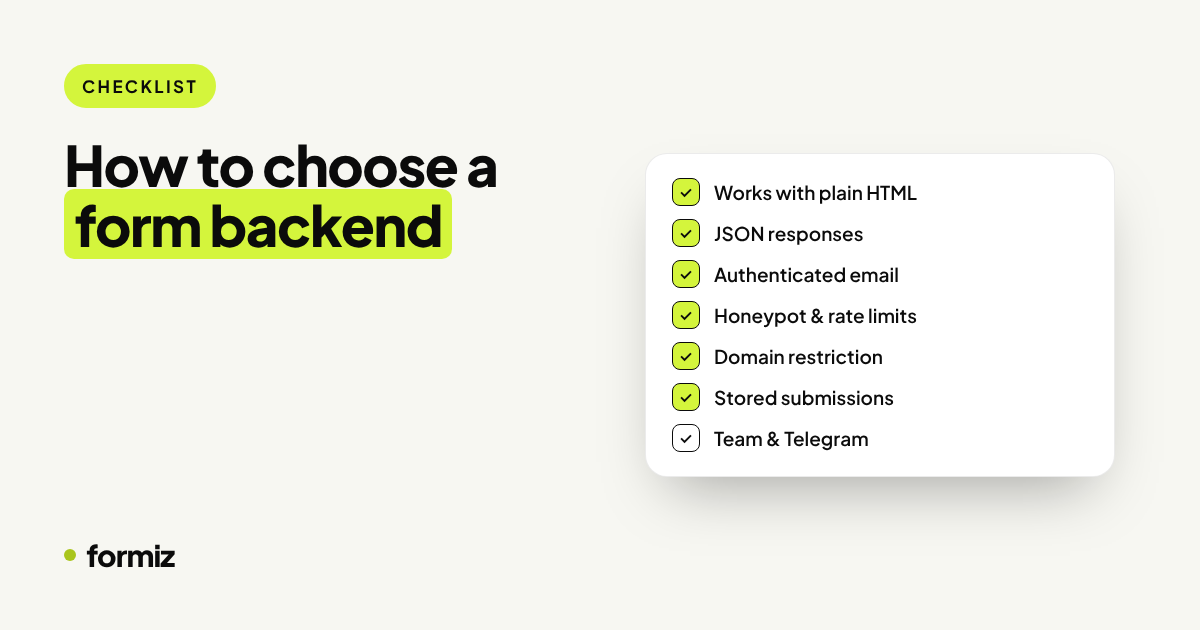
What to look for in a form backend
| Feature | Why it matters |
|---|---|
| Works with plain HTML | No SDK lock-in; switch frameworks freely |
| JSON responses | Show your own success message with fetch |
| Spam protection | Honeypot, rate limits and allowed domains |
| Reply-to set to the visitor | Press reply and you are talking to the lead |
| Chat notifications | Email is slow; Telegram is instant |
| A submission inbox | Search, follow up and never lose a message |
| Fair free tier | Enough to test and run a small site |
We cover this in more depth in how to choose a form backend.
Is it safe to put an access key in HTML?
Yes, as long as the service is designed for it. In Formiz, an access key can only send submissions to your own channels. It cannot read your data or change settings. To stop someone copying the key onto their own site, add your domains under Settings → Allowed domains; requests from other origins are rejected.
When a form backend is not the right choice
- You need the submission inside your own database immediately, inside the same transaction as other app logic.
- You are collecting sensitive data such as payment cards, government IDs or health records. Those need a purpose-built, compliant system.
- The form is part of a logged-in app flow, not a public website.
Getting started
With Formiz, the whole setup is:
- Create a free account and copy your access key.
- Add your email address (and optionally connect Telegram) under Channels.
- Paste the form above into your page and send a test.
Pick the guide for your stack: static HTML, Next.js, React, Astro, WordPress or Webflow.
Get your form working in five minutes
Create a free Formiz key, add it to your form and receive submissions by email and Telegram. No server, no SMTP, no card.