React Router v7 (Remix) contact form: with or without an action
Build a contact form in React Router v7 framework mode (formerly Remix). Compare a server action with posting to a form backend, and get a complete component that works in SPA mode too.
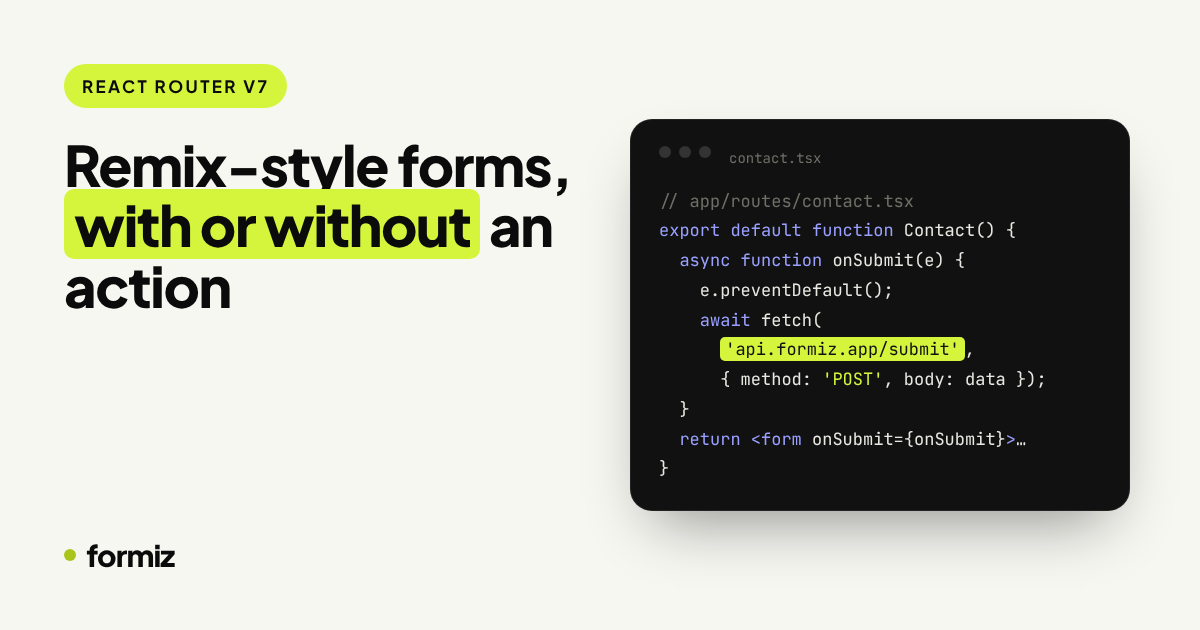
Remix has merged into React Router v7, and its "framework mode" keeps the Remix ideas: route modules, loaders, actions and the <Form> component. For a contact form, the natural Remix answer is an action. But an action needs a server, an email provider and spam handling, and it does not exist at all if you deploy in SPA mode.
Here are both approaches, and when to choose each.
Approach 1: A route action
// app/routes/contact.tsx
import { Form, useActionData } from 'react-router';
import type { Route } from './+types/contact';

export async function action({ request }: Route.ActionArgs) {
  const data = await request.formData();
  // validate, then call your email provider here
  return { ok: true };
}
Good for apps that already run on a server and want submissions in their own database. You also take on a verified sending domain, an email API key, spam filtering and storage.
Approach 2: Post to a form backend
Send the form from the browser to a form backend. No action, no secrets on the server, and it works identically in SPA mode, on a static host or with server rendering.
1. Add your key
Create a free Formiz account, copy the access key, add your email under Channels → Email, then put the key in .env:
VITE_FORMIZ_KEY=fmz_your_key_hereReact Router v7 uses Vite, so VITE_ variables are available in the browser. The key can only send submissions to you; restrict it to your domain under Settings → Allowed domains.
2. The route
// app/routes/contact.tsx
import { useState } from 'react';

export function meta() {
  return [{ title: 'Contact us' }];
}

export default function Contact() {
  const [status, setStatus] = useState<'idle' | 'sending' | 'sent' | 'error'>('idle');
  const [error, setError] = useState('');

  async function onSubmit(event: React.FormEvent<HTMLFormElement>) {
    event.preventDefault();
    const form = event.currentTarget;
    setStatus('sending');
    setError('');

    const data = new FormData(form);
    data.append('access_key', import.meta.env.VITE_FORMIZ_KEY);

    try {
      const res = await fetch('https://api.formiz.app/submit', { method: 'POST', body: data });
      const json = await res.json();
      if (!res.ok || !json.success) throw new Error(json.message || 'Could not send your message');
      form.reset();
      setStatus('sent');
    } catch (err) {
      setError((err as Error).message);
      setStatus('error');
    }
  }

  if (status === 'sent') return <p role="status">Thanks! We will reply soon.</p>;

  return (
    <form onSubmit={onSubmit}>
      <input type="checkbox" name="_honey" style={{ display: 'none' }} tabIndex={-1} autoComplete="off" />
      <label htmlFor="name">Name</label>
      <input id="name" name="name" required />
      <label htmlFor="email">Email</label>
      <input id="email" name="email" type="email" required />
      <label htmlFor="message">Message</label>
      <textarea id="message" name="message" rows={5} required />
      <button disabled={status === 'sending'}>{status === 'sending' ? 'Sending…' : 'Send'}</button>
      {status === 'error' && <p role="alert">{error}</p>}
    </form>
  );
}
Note the plain <form> element, not React Router's <Form>. <Form> submits to a route action; here we are posting to an external endpoint ourselves.
Which to choose?
| Route action | Form backend | |
|---|---|---|
| Needs a server runtime | Yes | No |
| Works in SPA mode / static | No | Yes |
| Email provider and DNS | You | Handled |
| Spam filtering and storage | You | Included |
| Telegram notifications | Build it | Built in |
If your app already has users, a database and server logic, use an action. For marketing pages and content sites built with React Router, a form backend gives you a working form in minutes.
Related: Next.js contact form and React + Vite contact form.
Get your form working in five minutes
Create a free Formiz key, add it to your form and receive submissions by email and Telegram. No server, no SMTP, no card.