How to get website form submissions on Telegram (instant notifications)
Email notifications get buried. Here is how to receive every contact form submission as an instant Telegram message, in a private chat or a team group, without writing a bot yourself.
Speed matters with leads. Studies of sales teams have found for years that contacting an inquiry within minutes, rather than hours, makes a big difference to whether you ever reach that person. Yet most contact forms deliver to an inbox that gets checked a few times a day, and where automated messages sink fast.
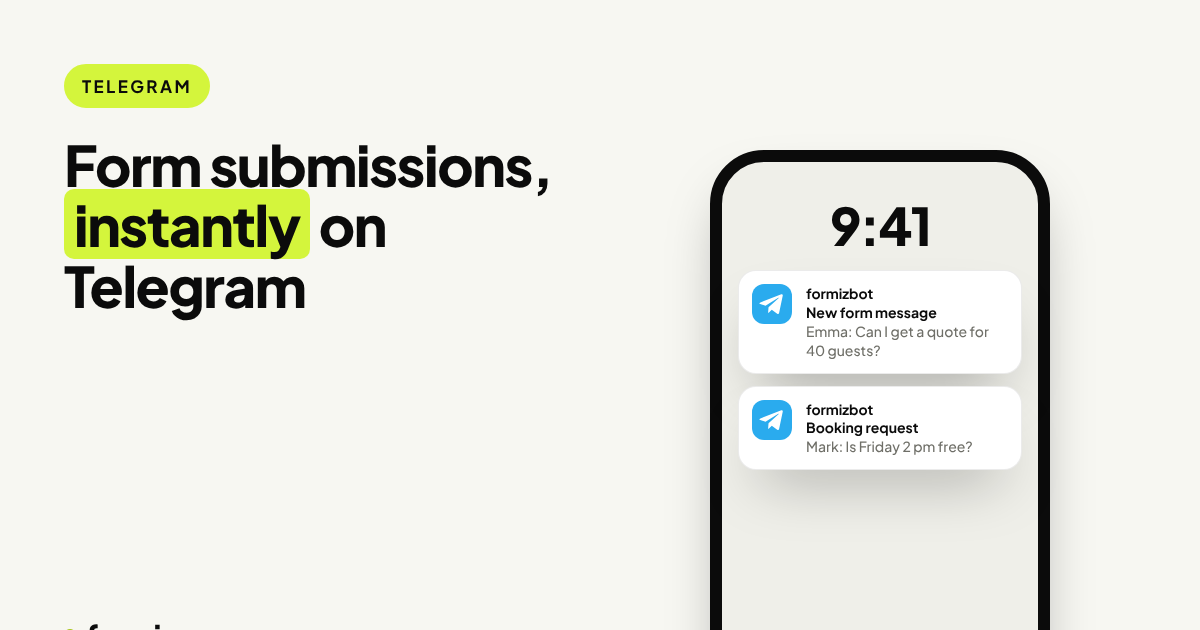
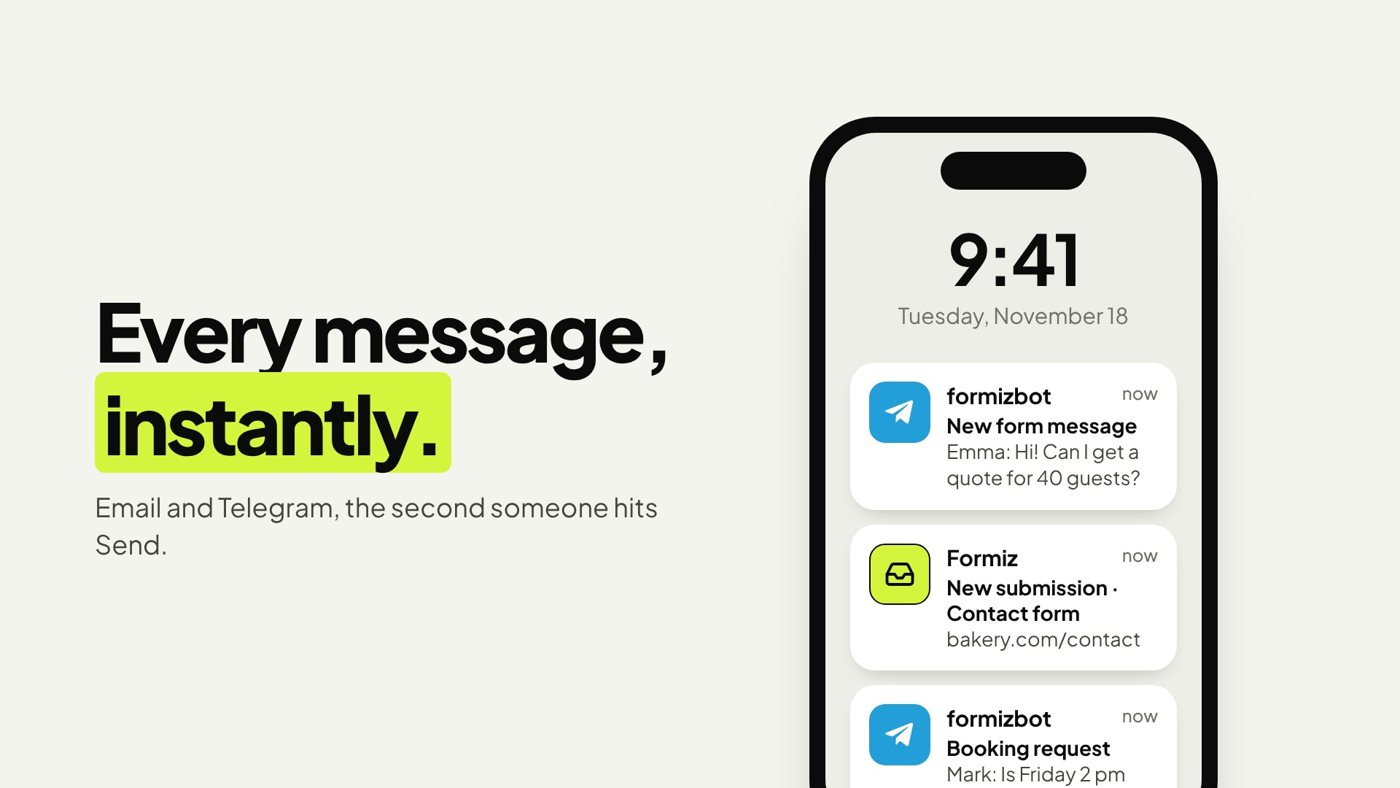
Telegram fixes that. A push notification arrives seconds after someone presses Send, on your phone and your desktop, and it never lands in a spam folder.
Two ways to do it
The DIY way: your own bot
- Create a bot with @BotFather and copy its token.
- Find your chat ID.
- On every form submission, call
https://api.telegram.org/bot<TOKEN>/sendMessagefrom a server.
It works, but you need a server (the token must stay secret, so it cannot live in browser code), you need to format messages and escape user input safely, and you still need spam filtering so bots do not flood your phone.
The no-code way: a form backend with Telegram built in
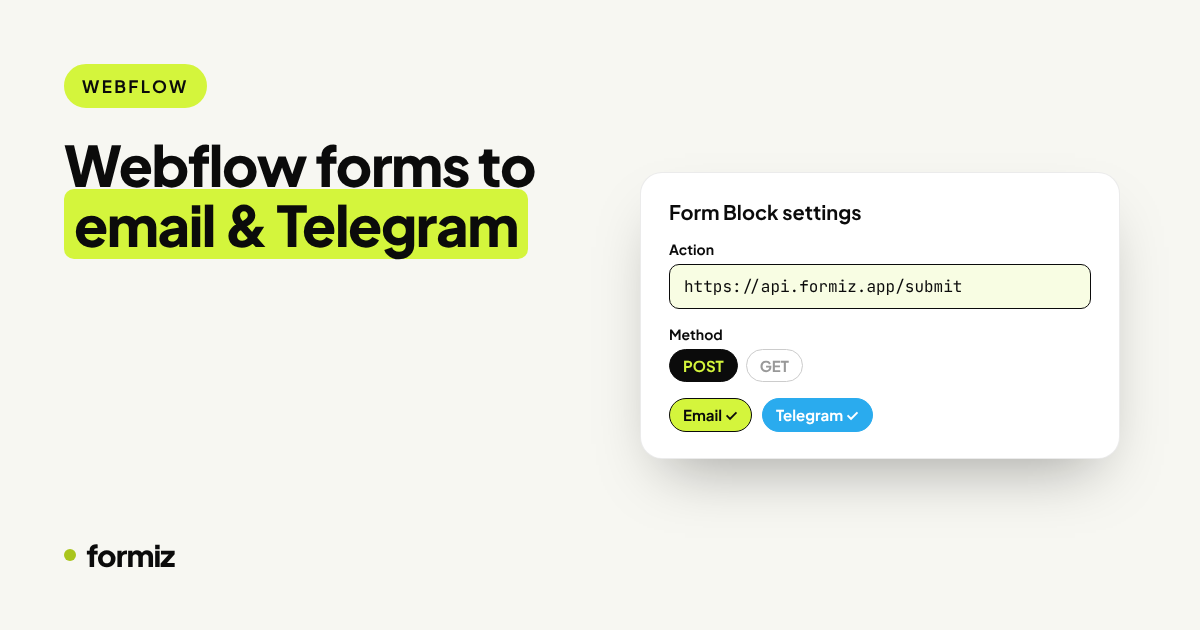
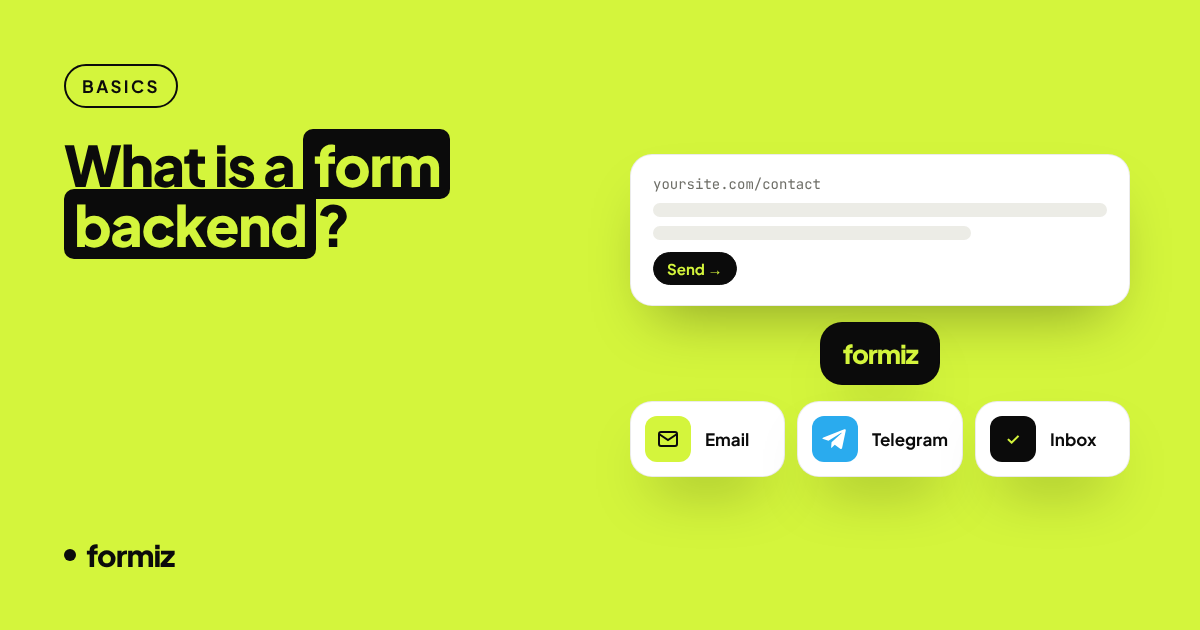
Formiz has a ready-made bot, @formizbot. You connect it once and every submission to your forms is delivered to Telegram, alongside email if you want both. Your website code does not change at all.
Setting it up with Formiz
If you do not have a form yet, start with the static site guide or the version for your framework. Then:
- Open your dashboard and go to Channels → Telegram.
- Click Connect Telegram. Telegram opens a chat with @formizbot.
- Press Start. The bot replies with a short code.
- Enter that code in the dashboard to confirm the link.
That's it. Send a test submission and it arrives as a Telegram message showing the form name, the page it came from and every field the visitor filled in.
Sharing leads with your team
Leads that only one person sees tend to wait for that person. To share them, link @formizbot to a Telegram group instead of a private chat; the dashboard walks you through it. Everyone in the group sees new submissions at the same moment, and you can reply in the thread to say who is taking it.
Common setups:
- A #leads group for sales or the owner and an assistant.
- A separate group per client site, if you are an agency or freelancer. Each Formiz project has its own channels, so client A's leads never show up in client B's group.
Keeping it quiet
- Spam never reaches Telegram. Honeypot hits and rate-limited bursts are filtered before any notification is sent. More in stopping spam without a CAPTCHA.
- Turn it off any time from the same dashboard page, or simply block the bot.
- Telegram and email together. Use Telegram for speed and email as the archive and for replying, since each email's reply-to is the visitor.
After the notification
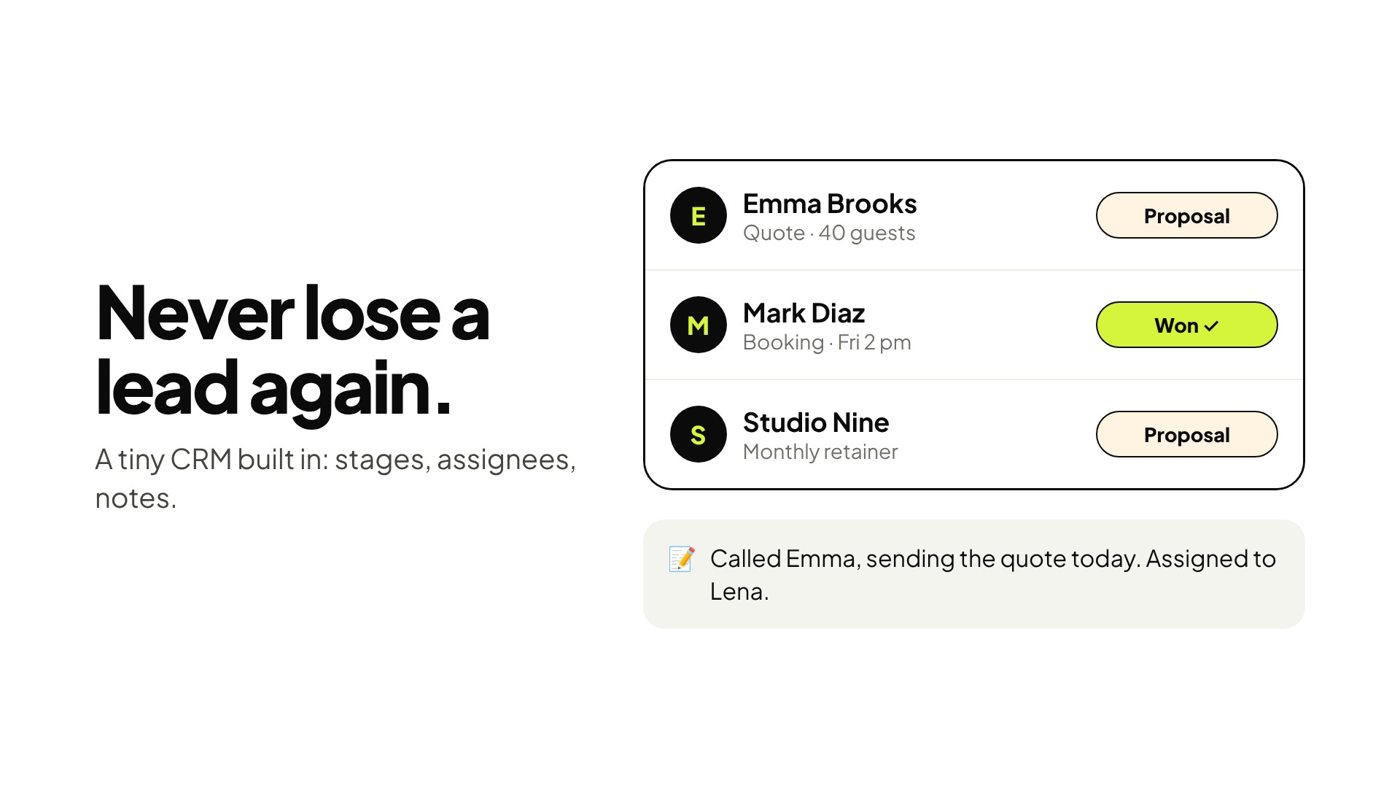
A notification is the start of the conversation, not the end. Every submission is also stored in your Formiz inbox, where you can move it from New to Contacted, Proposal and Won, add notes and assign it to a teammate.
And if you use Claude, you can even ask it to summarise this week's leads. See managing form submissions with Claude.
Get your form working in five minutes
Create a free Formiz key, add it to your form and receive submissions by email and Telegram. No server, no SMTP, no card.