How to build a React contact form that sends email (Vite, no backend)
A complete React contact form for Vite or Create React App projects that delivers submissions by email, with loading, success and error states, accessible labels and spam protection.
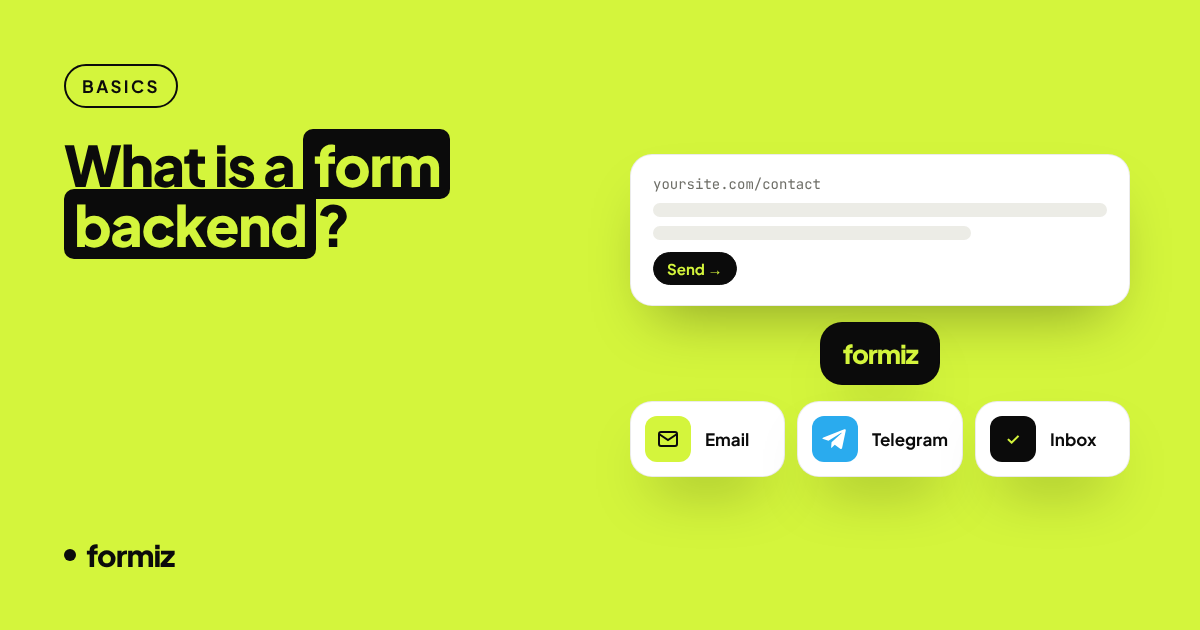
Single-page React apps built with Vite are usually deployed as static files. That makes them fast and cheap to host, but it means there is no server to send an email when someone fills in your contact form.
This guide builds a production-ready React contact form that posts to a form backend. You get email (and optionally Telegram) notifications without writing a single line of server code.
What we are building
- Name, email and message fields with proper labels
- A sending state that disables the button
- Success and error messages announced to screen readers
- A honeypot field to filter bots
- No dependencies beyond React
1. Get an access key
Sign up for Formiz, copy your access key from the dashboard and add your email under Channels → Email.
Vite exposes environment variables that start with VITE_. Create .env:
VITE_FORMIZ_KEY=fmz_your_key_hereThe key is safe in the browser bundle: it can only send submissions to you. Add your domain under Settings → Allowed domains to stop anyone reusing it.
2. The component
// src/ContactForm.jsx
import { useState } from 'react';

export default function ContactForm() {
  const [status, setStatus] = useState('idle');
  const [error, setError] = useState('');

  async function handleSubmit(event) {
    event.preventDefault();
    const form = event.currentTarget;
    setStatus('sending');
    setError('');

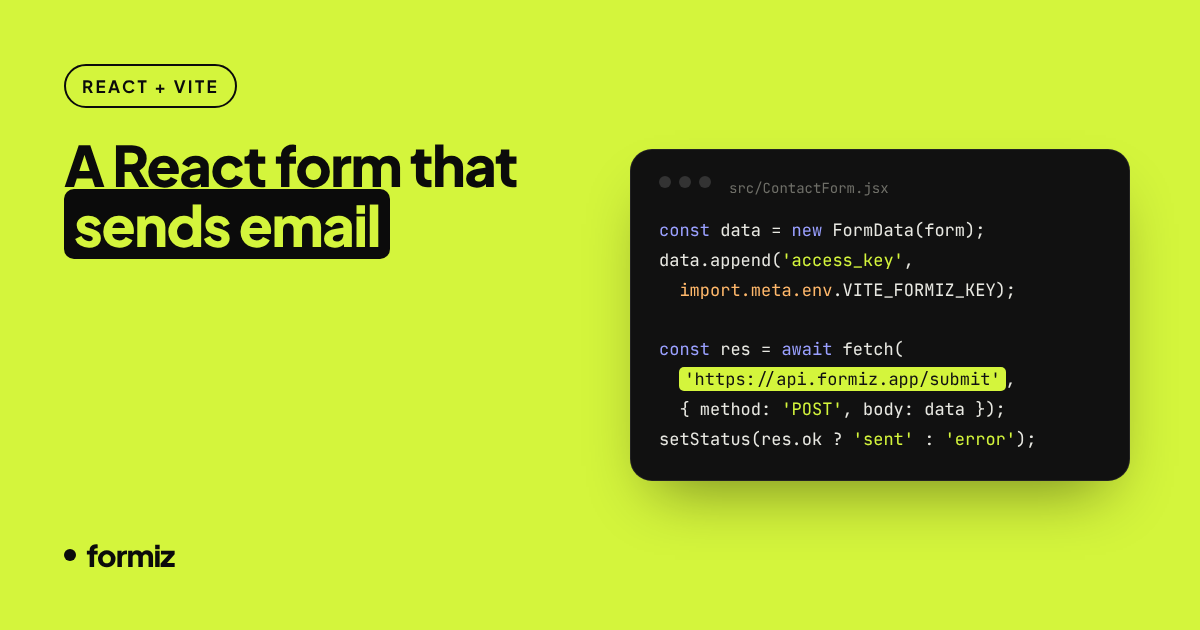
    const data = new FormData(form);
    data.append('access_key', import.meta.env.VITE_FORMIZ_KEY);

    try {
      const res = await fetch('https://api.formiz.app/submit', { method: 'POST', body: data });
      const json = await res.json();
      if (!res.ok || !json.success) throw new Error(json.message || 'Could not send your message');
      form.reset();
      setStatus('sent');
    } catch (err) {
      setError(err.message);
      setStatus('error');
    }
  }

  if (status === 'sent') {
    return <p role="status">Thanks! We will get back to you shortly.</p>;
  }

  return (
    <form onSubmit={handleSubmit} noValidate={false}>
      <input type="checkbox" name="_honey" style={{ display: 'none' }} tabIndex={-1} autoComplete="off" />

      <label htmlFor="cf-name">Name</label>
      <input id="cf-name" name="name" autoComplete="name" required />

      <label htmlFor="cf-email">Email</label>
      <input id="cf-email" name="email" type="email" autoComplete="email" required />

      <label htmlFor="cf-message">Message</label>
      <textarea id="cf-message" name="message" rows={5} required />

      <button type="submit" disabled={status === 'sending'}>
        {status === 'sending' ? 'Sending…' : 'Send'}
      </button>

      {status === 'error' && <p role="alert">{error}</p>}
    </form>
  );
}
Drop <ContactForm /> into any page or route.
3. Why FormData instead of JSON?
new FormData(form) collects every named input automatically, including ones you add later. No state per field, no onChange handlers. It also means you can add fields like phone or a <select name="topic"> by editing only the JSX: everything with a name is delivered to your inbox.
If you prefer controlled inputs (for example with React Hook Form), send JSON instead:
await fetch('https://api.formiz.app/submit', {
  method: 'POST',
  headers: { 'Content-Type': 'application/json' },
  body: JSON.stringify({ access_key: import.meta.env.VITE_FORMIZ_KEY, ...values }),
});
4. Test it
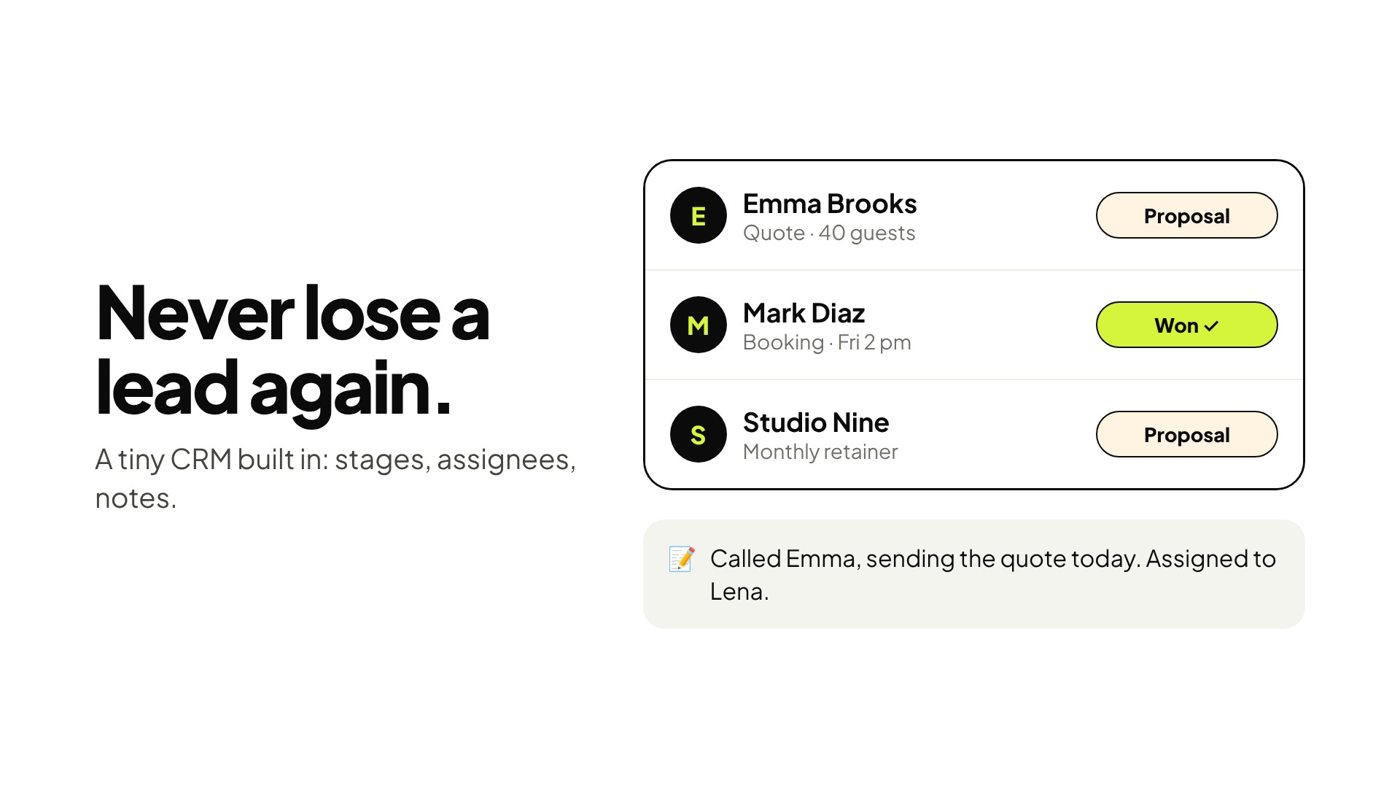
Run npm run dev, submit the form and check your inbox. The submission is also stored in your Formiz dashboard, where you can mark it as contacted, add notes or assign it to a teammate.
Common questions
Does it work with React Router or TanStack Router? Yes. The component does not depend on routing.
Can I customise the email subject? Add <input type="hidden" name="subject" value="New enquiry" />.
What about Next.js? Use the Next.js contact form guide, which adds the 'use client' directive and App Router specifics.
How do I stop spam? The honeypot and built-in rate limits handle most bots. More layers in stop contact form spam without a CAPTCHA.
Get your form working in five minutes
Create a free Formiz key, add it to your form and receive submissions by email and Telegram. No server, no SMTP, no card.