Track Form Submissions in Google Analytics 4 (GA4): 3 Reliable Ways
Track contact form submits in GA4 as events and conversions: thank-you page, gtag event or Tag Manager. Plus which contact form analytics are worth measuring.
Knowing how many people contact you, and from which pages and campaigns, is basic marketing hygiene. Yet many sites track form submissions badly: counting clicks on the button (including failed attempts), or missing AJAX forms altogether.
Here are three reliable ways to track a form in GA4, from simplest to most flexible.
Why GA4's automatic tracking is not enough
GA4's enhanced measurement can send form_start and form_submit events automatically. In practice:
form_submitfires when the browser submits a form, even if the submission fails on the server.- Forms sent with
fetch(no page navigation) are often not detected. - You cannot easily tell forms apart.
For conversions you want an event that fires only after a successful submission.
Method 1: Thank-you page (no code)
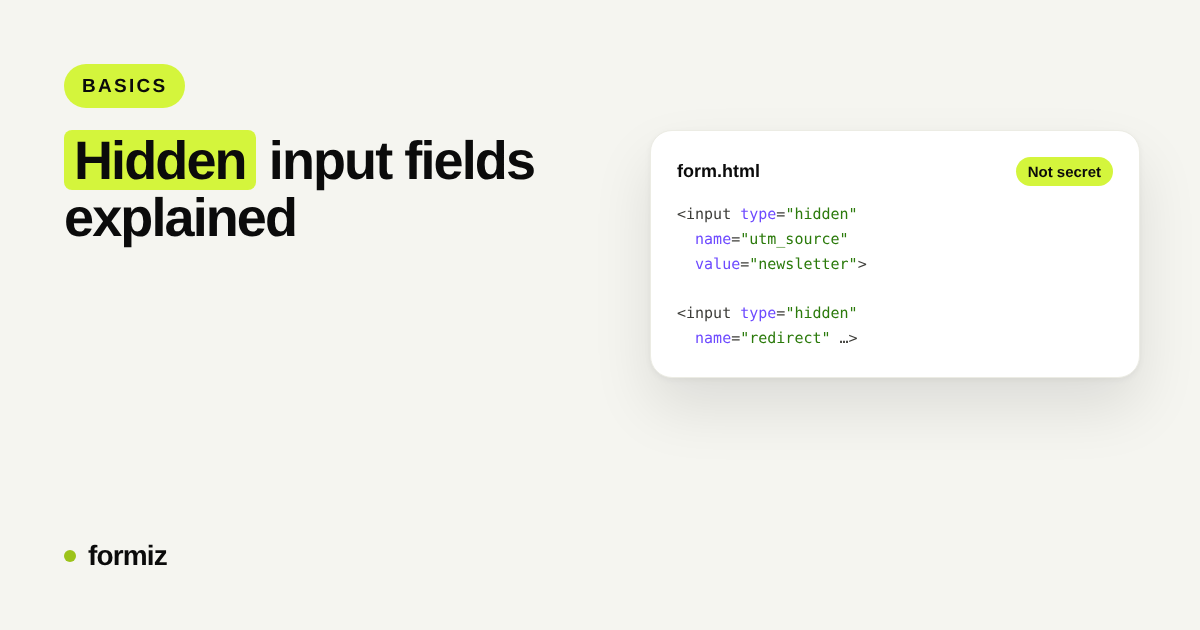
Send visitors to a dedicated page after a successful submission. With Formiz, add a hidden field:
<input type="hidden" name="redirect" value="https://example.com/thanks/contact/">The redirect only happens after the submission is accepted. Then in GA4:
- Admin → Events → Create event: name it
contact_form_success, with the conditionevent_name equals page_viewandpage_location contains /thanks/contact/. - Admin → Key events: mark
contact_form_successas a key event.
Use different thank-you URLs per form (/thanks/quote/, /thanks/contact/) to tell them apart. Add noindex to these pages so they do not show up in search.
Method 2: A gtag event on success (AJAX forms)
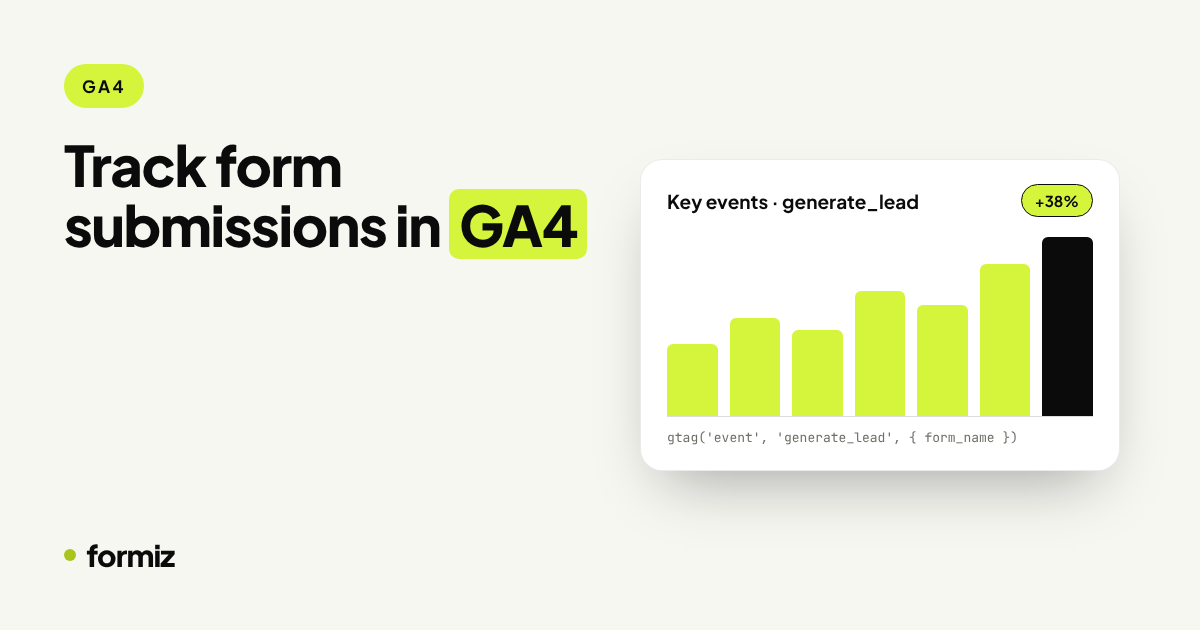
If the form stays on the page, fire an event in your success handler. GA4 has a recommended event called generate_lead:
const res = await fetch(form.action, { method: 'POST', body: new FormData(form) });
const data = await res.json();

if (data.success) {
  window.gtag?.('event', 'generate_lead', {
    form_name: 'contact',
    page_location: location.href,
  });
  // show success message
}
Then mark generate_lead as a key event in Admin → Key events. To report form_name, register it as a custom dimension (event scope) under Admin → Custom definitions.
Method 3: Google Tag Manager with dataLayer
If your site uses GTM, push to the data layer instead of calling gtag directly:
if (data.success) {
  window.dataLayer = window.dataLayer || [];
  window.dataLayer.push({ event: 'form_success', form_name: 'contact' });
}
In GTM:
- Trigger: Custom Event, event name
form_success. - Variable: Data Layer Variable
form_name. - Tag: GA4 Event, event name
generate_lead, parameterform_name={{form_name}}, fired by the trigger above.
The same trigger can fire your Google Ads or Meta conversion tags.
Contact form analytics worth measuring
Once submits are tracked as an event, a few numbers tell you whether the form is doing its job:
- Form conversion rate:
form_submitevents divided by views of the page with the form. Under 1% on a contact page usually means the form is hidden, too long or asks for too much. - Submissions by source: add the session source or UTM campaign as a dimension in GA4. It shows which channel brings enquiries, not just visits. To keep that information with each lead, see capturing UTM parameters in forms.
- Submissions by page: if the same form sits on several pages, send the page path as an event parameter to see which page converts.
- Errors and retries: fire a separate
form_errorevent when the request fails. A spike means something broke, not that visitors lost interest. - Lead quality: GA4 counts submissions, not customers. Compare the count with what actually happened to each lead (contacted, proposal, won) in your inbox or CRM.
Which method should you use?
| Situation | Method |
|---|---|
| Plain HTML form, no developer | Thank-you page |
| Form with inline success message | gtag event |
| Several marketing tags (Ads, Meta, LinkedIn) | Tag Manager |
Connect analytics with the actual leads
Analytics tells you how many and from where; it does not tell you which leads became customers. Two easy wins:
- Capture UTM parameters into hidden fields so each submission says which campaign it came from. See capture UTM parameters in forms.
- Track outcomes in your inbox. In Formiz, move each submission to Won or Lost. Export to CSV at the end of the month and compare with your campaign data.
Privacy note
In the EU and UK, analytics usually requires cookie consent. Make sure your tags respect your consent banner (Google's Consent Mode helps), and never send personal data such as names or email addresses to GA4; Google's terms prohibit it.
GA4 form tracking FAQ
Does GA4 track form submissions automatically? Partly. Enhanced measurement has a "form interactions" option, but it often misses forms sent with JavaScript and can count attempts that failed. A thank-you page or an explicit event is more reliable.
What should I name the event? Use generate_lead (one of Google's recommended events) or a clear custom name like form_submit, then mark it as a key event (conversion) in GA4.
Should I fire the event on click or on success? On success. Firing on the button click counts validation failures and network errors as leads.
Can I track form submissions without Google Tag Manager? Yes. Methods 1 and 2 above need no Tag Manager at all.
Get your form working in five minutes
Create a free Formiz key, add it to your form and receive submissions by email and Telegram. No server, no SMTP, no card.