Contact Form Analytics: 7 Metrics That Show If Your Form Works
Which contact form analytics actually matter? Conversion rate, abandonment, source, page, response time and lead quality, how to measure each, and what a good number looks like.
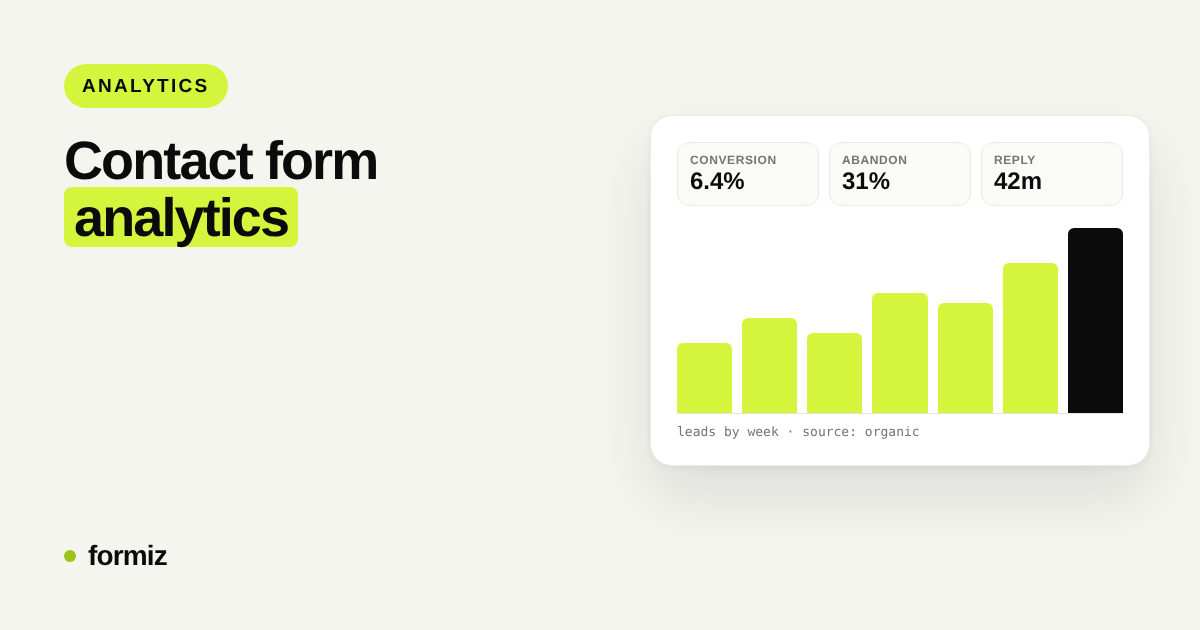
A contact form either brings you work or it quietly loses it. Most site owners only know the first number, how many messages arrived, and nothing about the visitors who almost sent one.
These seven metrics give you the full picture. You can measure most of them with Google Analytics 4 and your form backend, without extra tools.
1. Form conversion rate
What it is: submissions divided by visits to the page with the form.
How to measure: send a generate_lead (or form_submit) event to GA4 when a submission succeeds, then compare it with page views of that page. The setup is in tracking form submissions in GA4.
What is normal: for a dedicated contact page, 2 to 10% is common. Under 1% usually means the form is hard to find, too long, or asks for something people are not ready to give (like a phone number).
2. Start rate and abandonment
What it is: how many visitors begin filling in the form, and how many of those never submit.
How to measure: fire a form_start event on the first focus or input in the form, once per page view:
const form = document.querySelector('form');
let started = false;
form.addEventListener('focusin', () => {
  if (started) return;
  started = true;
  gtag('event', 'form_start', { form_name: 'contact' });
});
Abandonment = 1 − (submissions ÷ starts). Above 50% suggests a field is causing trouble. Common culprits are phone numbers, budgets, required company names and strict validation. See contact form best practices.
3. Submissions by source
What it is: which channel (search, ads, social, referral, a newsletter) brings people who actually get in touch.
How to measure: in GA4, break the lead event down by session source / medium. To keep the source with each lead in your inbox, add UTM parameters to hidden fields, as in capturing UTM parameters in forms.
This is often the most valuable number on the list: a channel with fewer visits can easily bring more enquiries.
4. Submissions by page
If the same form appears on several pages (pricing, services, blog posts), find out which ones convert. Every Formiz submission records the page it came from, so you can see it in the inbox and in webhooks. In GA4, add the page path as an event parameter.
5. Error rate
What it is: how often a submission fails (network error, validation problem, blocked domain).
How to measure: fire a form_error event in your catch block or when the response says success: false. A sudden spike usually means something broke, such as a changed domain or a removed hidden field, not that visitors lost interest. If you see one, run through why a contact form is not working.
6. Response time
What it is: time from submission to your first reply.
Speed matters more than most people expect: an enquiry answered within the hour is far more likely to turn into a conversation than one answered tomorrow. Instant Telegram notifications and an auto-reply that sets expectations both help.
How to measure: in the Formiz inbox, moving a lead to Contacted records when it happened, so you can compare that with when the message arrived.
7. Lead quality and outcome
Analytics tools count submissions, not customers. The last metric lives in your follow-up: how many leads reached Proposal and Won. Twenty well-qualified enquiries beat a hundred vague ones.
Track the stage of each lead in your lead inbox, then compare outcomes by source and page. That tells you where to spend your marketing time.
A simple monthly review
| Metric | Where to look | Act when |
|---|---|---|
| Conversion rate | GA4 key events ÷ page views | Below 1% on a contact page |
| Abandonment | form_start vs submissions | Above 50% |
| Top sources | GA4 or UTM fields in the inbox | A channel brings visits but no leads |
| Top pages | Page of each submission | A key page has no submissions |
| Errors | form_error events | Any sudden spike |
| Response time | Inbox stage changes | Median above one business day |
| Won leads | Inbox stages | Fewer than expected from a channel |
Measure for a month before changing anything, change one thing at a time, and compare the next month. Small fixes, such as removing one field or moving the form higher, often have the biggest effect.
Get your form working in five minutes
Create a free Formiz key, add it to your form and receive submissions by email and Telegram. No server, no SMTP, no card.