Hidden Input Fields in HTML Forms: 8 Practical Uses (and What Not to Hide)
What input type="hidden" does, eight practical uses such as form names, UTM tracking, redirects and honeypots, how to set values with JavaScript, and why hidden never means secret.
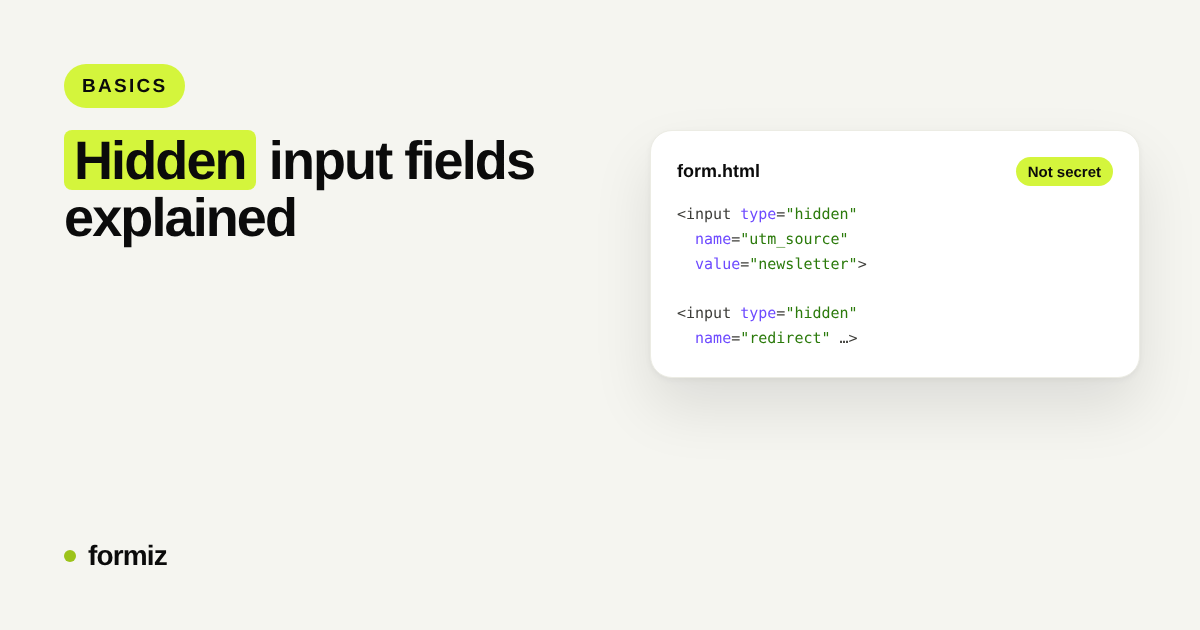
<input type="hidden"> is a field the visitor never sees but that is sent with the form like any other. It is the simplest way to attach context to a submission: which form it came from, which campaign brought the visitor, where to redirect them afterwards.
<input type="hidden" name="form_name" value="Pricing page">Hidden does not mean secret
Anything in a hidden field is visible in the page source and can be changed by anyone with browser dev tools. Never put passwords, private API keys, prices you will charge, or anything you trust without checking. Public form keys are fine, because they are designed to be public (why).
8 practical uses
1. Identify the form
If several forms send to the same place, label them:
<input type="hidden" name="form_name" value="Footer newsletter">2. Set the notification subject
<input type="hidden" name="subject" value="New quote request">A clear subject makes notifications easy to scan and filter. See quote request forms.
3. Redirect to a thank-you page
<input type="hidden" name="redirect" value="https://example.com/thanks">Details in thank-you pages and redirects.
4. Capture UTM parameters
Fill hidden fields from the URL so every lead carries its campaign:
<input type="hidden" name="utm_source">
<input type="hidden" name="utm_campaign">
<script>
  const p = new URLSearchParams(location.search);
  for (const k of ['utm_source', 'utm_campaign']) {
    const el = document.querySelector(`[name=${k}]`);
    if (el && p.get(k)) el.value = p.get(k);
  }
</script>
The full version, which also remembers the values across pages, is in capturing UTM parameters in forms.
5. Record the page or product
<input type="hidden" name="product" value="Oak dining table">Useful when the same enquiry form is reused on many product or listing pages, as in real estate inquiry forms.
6. Record the referring page
<input type="hidden" name="referrer">
<script>document.querySelector('[name=referrer]').value = document.referrer;</script>
7. Hold values from earlier steps
In a multi-step form, hidden fields can carry answers from earlier steps or the selected plan from a pricing page.
8. Configure the form backend
Form backends use hidden fields for settings, such as the access key:
<input type="hidden" name="access_key" value="YOUR_ACCESS_KEY">A related trick: the honeypot
A honeypot is not type="hidden". It is a normal field hidden with CSS. Humans never fill it, but simple bots do, so filled-in submissions can be discarded:
<input type="checkbox" name="_honey" style="display:none" tabindex="-1" autocomplete="off">It is one of the layers in stopping spam without a CAPTCHA.
Common mistakes
- Missing
name: a hidden input without a name is not sent. - Setting values after submit: fill hidden fields on page load or on
input, not in the submit handler of a plain HTML form. - Trusting the values: treat them as hints. A visitor can change
productorprice. - Personal data in hidden fields: do not prefill email addresses or names from URLs that may be logged or shared.
Get your form working in five minutes
Create a free Formiz key, add it to your form and receive submissions by email and Telegram. No server, no SMTP, no card.