How to build an Angular contact form that sends email (no backend)
A standalone Angular component with reactive forms that posts to a form backend and emails you each submission. Includes validation, loading state and error handling.
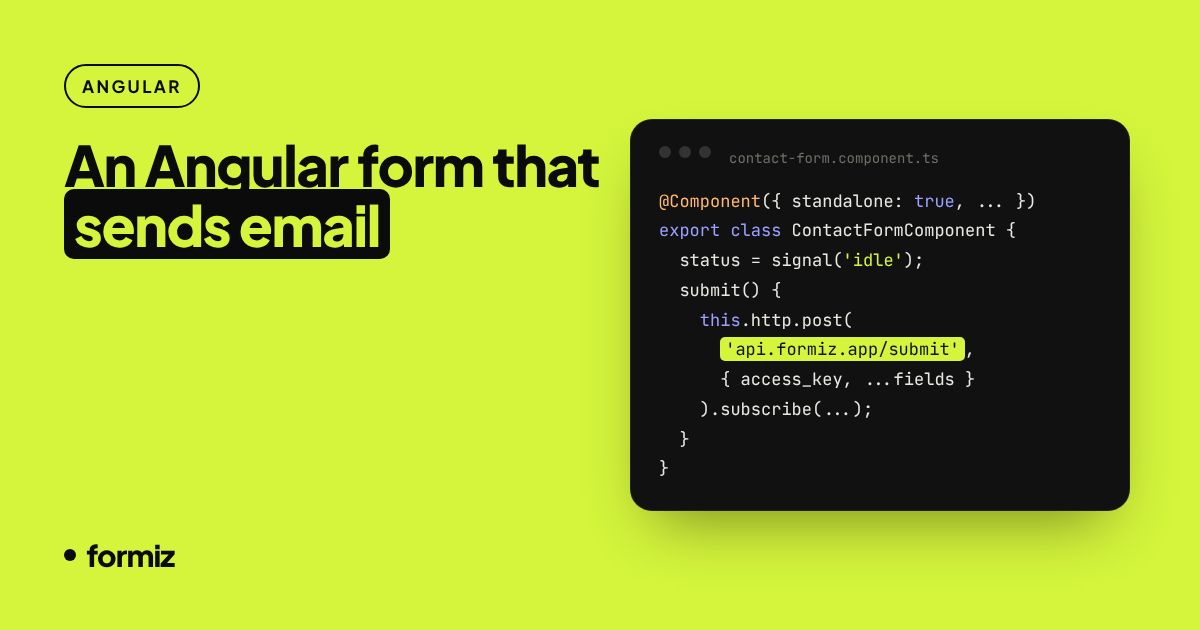
Angular apps are often deployed as static bundles to a CDN or static host. When you need a contact form, the usual options are to build a backend endpoint or to call an email API from a server you do not have.
This guide uses a form backend instead: the Angular component posts the form, and every submission arrives in your inbox. It uses a standalone component, reactive forms and HttpClient.
1. Get an access key
Create a free Formiz account, copy your access key and add your email under Channels → Email. Add your domain under Settings → Allowed domains.
Put the key in your environment file:
// src/environments/environment.ts
export const environment = {
  production: false,
  formizKey: 'fmz_your_key_here',
};
The key ends up in your JavaScript bundle. That is fine: it can only send submissions to your own channels, and the allowed-domains setting stops it working on other sites.
2. Provide HttpClient
In app.config.ts:
import { ApplicationConfig } from '@angular/core';
import { provideHttpClient, withFetch } from '@angular/common/http';

export const appConfig: ApplicationConfig = {
  providers: [provideHttpClient(withFetch())],
};
3. The component
// src/app/contact-form/contact-form.component.ts
import { Component, inject, signal } from '@angular/core';
import { HttpClient } from '@angular/common/http';
import { ReactiveFormsModule, FormBuilder, Validators } from '@angular/forms';
import { environment } from '../../environments/environment';

@Component({
  selector: 'app-contact-form',
  standalone: true,
  imports: [ReactiveFormsModule],
  template: `
    @if (status() === 'sent') {
      <p role="status">Thanks! Your message has been sent.</p>
    } @else {
      <form [formGroup]="form" (ngSubmit)="submit()">
        <label for="name">Name</label>
        <input id="name" formControlName="name" autocomplete="name" />

        <label for="email">Email</label>
        <input id="email" type="email" formControlName="email" autocomplete="email" />

        <label for="message">Message</label>
        <textarea id="message" rows="5" formControlName="message"></textarea>

        <input type="checkbox" formControlName="_honey" style="display:none" tabindex="-1" />

        <button type="submit" [disabled]="form.invalid || status() === 'sending'">
          {{ status() === 'sending' ? 'Sending…' : 'Send' }}
        </button>
        @if (status() === 'error') { <p role="alert">{{ error() }}</p> }
      </form>
    }
  `,
})
export class ContactFormComponent {
  private http = inject(HttpClient);
  private fb = inject(FormBuilder);

  status = signal<'idle' | 'sending' | 'sent' | 'error'>('idle');
  error = signal('');

  form = this.fb.nonNullable.group({
    name: ['', Validators.required],
    email: ['', [Validators.required, Validators.email]],
    message: ['', [Validators.required, Validators.maxLength(5000)]],
    _honey: [''],
  });

  submit() {
    if (this.form.invalid) return;
    this.status.set('sending');

    const { _honey, ...fields } = this.form.getRawValue();
    const body = {
      access_key: environment.formizKey,
      subject: 'New message from the Angular app',
      ...fields,
      ...(_honey ? { _honey } : {}),
    };

    this.http.post<{ success: boolean; message?: string }>('https://api.formiz.app/submit', body).subscribe({
      next: (res) => {
        if (!res.success) {
          this.error.set(res.message || 'Something went wrong. Please try again.');
          this.status.set('error');
          return;
        }
        this.form.reset();
        this.status.set('sent');
      },
      error: (err) => {
        this.error.set(err?.error?.message || 'Something went wrong. Please try again.');
        this.status.set('error');
      },
    });
  }
}
HttpClient serialises the object as JSON and sets Content-Type: application/json, which the endpoint accepts. Errors such as a missing field come back as JSON with a message, which is shown under the button.
4. Use it
<app-contact-form />Add ContactFormComponent to the imports of the page component that renders it.
Notes
- The honeypot: bots that tick the hidden checkbox are silently discarded. Humans never see it.
- Field names matter: they become the labels in your notification email.
emailis also used as the reply-to address. - Server-side rendering: with Angular SSR the component renders on the server and the submission still happens in the browser, so nothing changes.
Related
Get your form working in five minutes
Create a free Formiz key, add it to your form and receive submissions by email and Telegram. No server, no SMTP, no card.