htmx Contact Form: Submit Without Page Reload, No Custom JavaScript
Build a contact form with htmx that submits in place and shows a success message without reloading. Includes the two settings htmx 2 needs for cross-origin form backends.
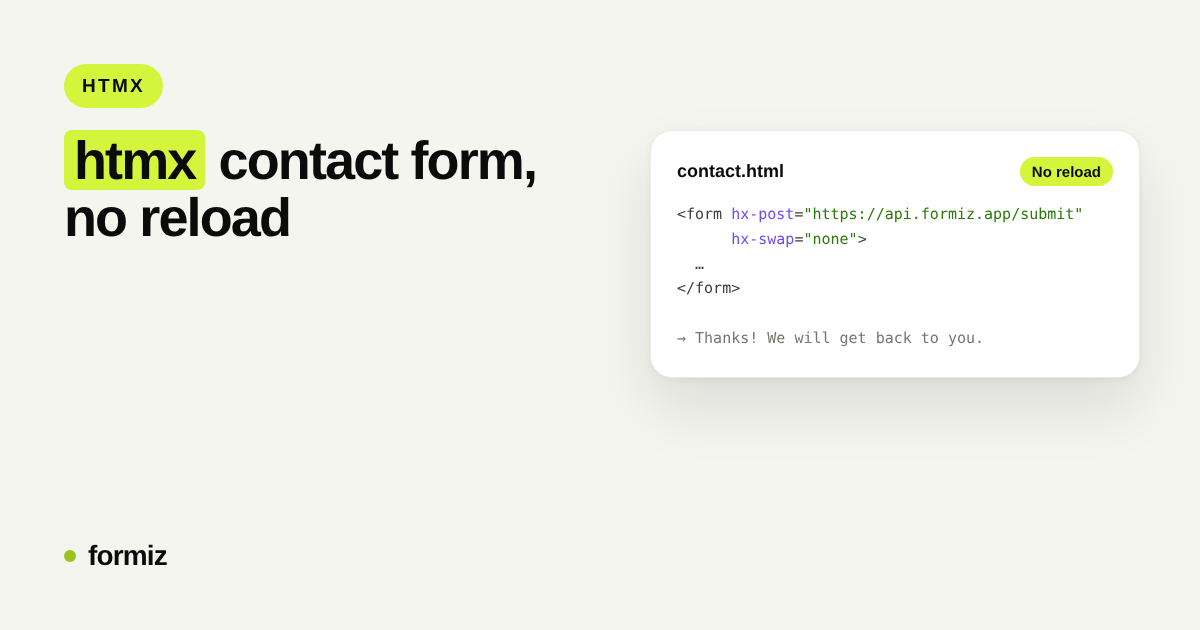
htmx lets HTML elements make requests and swap the response into the page, without writing JavaScript. A contact form is a natural fit: submit it in place, then replace the form with a thank-you message.
The usual htmx pattern expects your server to return an HTML fragment. On a static site you do not have one. Here are two ways to combine htmx with a form backend that returns JSON.
1. Load htmx
<script src="https://unpkg.com/htmx.org@2" defer></script>2. Allow the cross-origin request
htmx 2 only sends requests to your own domain by default, and it adds HX-* headers that cross-origin endpoints usually do not accept. Two lines fix both for this form:
<script>
  htmx.config.selfRequestsOnly = false;
  document.addEventListener('htmx:configRequest', (e) => {
    for (const h of Object.keys(e.detail.headers)) if (h.startsWith('HX-')) delete e.detail.headers[h];
  });
</script>
The second part removes the htmx-specific request headers so the browser can send a simple cross-origin POST. If other htmx requests on your site talk to your own server and rely on those headers, scope the listener to the form element instead of document.
3. The form, with a JSON-aware success message
htmx sends the form as application/x-www-form-urlencoded and receives the backend's JSON response. Instead of swapping that JSON into the page, use the htmx:afterRequest event to show your own message:
<form id="cf" action="https://api.formiz.app/submit" method="POST"
      hx-post="https://api.formiz.app/submit" hx-swap="none">
  <input type="hidden" name="access_key" value="YOUR_ACCESS_KEY">
  <input type="checkbox" name="_honey" style="display:none" tabindex="-1" autocomplete="off">

  <input name="name" placeholder="Name" required>
  <input name="email" type="email" placeholder="Email" required>
  <textarea name="message" placeholder="Message" required></textarea>

  <button type="submit">
    Send <span class="htmx-indicator">…</span>
  </button>
  <p id="cf-status" role="status"></p>
</form>

<script>
  document.getElementById('cf').addEventListener('htmx:afterRequest', (e) => {
    const status = document.getElementById('cf-status');
    let ok = false;
    try { ok = JSON.parse(e.detail.xhr.responseText).success; } catch {}
    if (ok) e.target.outerHTML = '<p class="thanks">Thanks! We will get back to you soon.</p>';
    else status.textContent = 'Something went wrong. Please try again.';
  });
</script>hx-swap="none"stops htmx from inserting the raw JSON into the page.- The
htmx-indicatorclass shows "…" while the request is in flight. - Browser validation (
required,type="email") still runs before htmx sends anything.
Requests made from JavaScript always get a JSON answer from Formiz ({ "success": true }), so the response is easy to check.
Because the form also has a normal action and method, it still works as a plain form post if JavaScript fails to load. Add a hidden redirect field if you want those visitors to land on your own thank-you page.
Styling the states
.htmx-indicator { opacity: 0; transition: opacity .2s; }
.htmx-request .htmx-indicator { opacity: 1; }
.htmx-request button { pointer-events: none; opacity: .7; }
.thanks { padding: 16px; border-radius: 10px; background: #f4fbd9; }
Disabling the button during the request also prevents double submissions (more on that).
Where the messages go
Each submission is filtered for spam, saved in your inbox and sent to your email. You can add Telegram, Slack or Discord, or a webhook for automations.
Using Alpine.js instead? See the Alpine.js contact form.
Get your form working in five minutes
Create a free Formiz key, add it to your form and receive submissions by email and Telegram. No server, no SMTP, no card.