Alpine.js Contact Form With Loading, Success and Error States
A small Alpine.js contact form that submits with fetch, shows loading, success and error states, and sends messages to your inbox without any backend code.
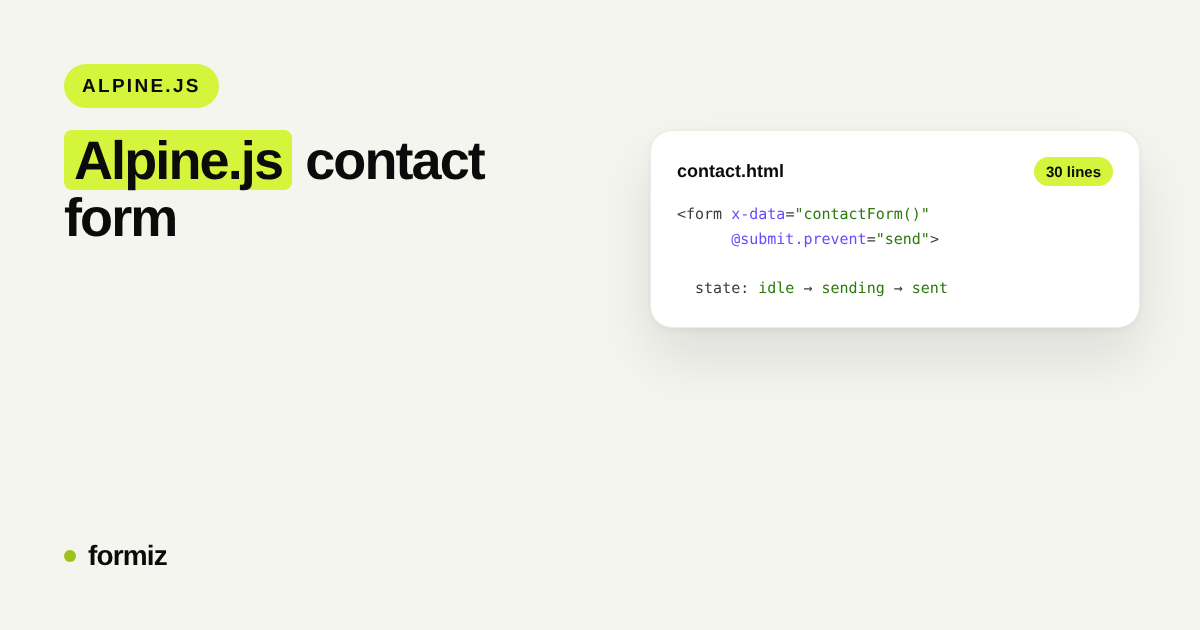
Alpine.js is perfect for sprinkling interactivity onto static pages, and a contact form is a typical use: you want a loading state, a friendly success message and clear errors, without pulling in a full framework.
This guide builds that form in about 30 lines, sending to a form backend so you do not need a server.
1. Add Alpine
<script defer src="https://cdn.jsdelivr.net/npm/alpinejs@3/dist/cdn.min.js"></script>2. The form
<form
  x-data="contactForm()"
  @submit.prevent="send"
  action="https://api.formiz.app/submit"
  method="POST"
  class="cf"
>
  <input type="hidden" name="access_key" value="YOUR_ACCESS_KEY">
  <input type="checkbox" name="_honey" style="display:none" tabindex="-1" autocomplete="off">

  <template x-if="state !== 'sent'">
    <div class="cf-fields">
      <input name="name" placeholder="Name" required>
      <input name="email" type="email" placeholder="Email" required>
      <textarea name="message" rows="5" placeholder="Message" required></textarea>
      <button type="submit" :disabled="state === 'sending'"
        x-text="state === 'sending' ? 'Sending…' : 'Send message'"></button>
      <p class="cf-error" x-show="state === 'error'" x-text="error" role="alert"></p>
    </div>
  </template>

  <p class="cf-done" x-show="state === 'sent'" role="status">
    Thanks! Your message is on its way.
  </p>
</form>

<script>
  function contactForm() {
    return {
      state: 'idle',
      error: '',
      async send(e) {
        this.state = 'sending';
        try {
          const res = await fetch(e.target.action, { method: 'POST', body: new FormData(e.target) });
          const data = await res.json();
          if (data.success) this.state = 'sent';
          else { this.state = 'error'; this.error = data.message || 'Something went wrong.'; }
        } catch {
          this.state = 'error';
          this.error = 'Network error. Please try again.';
        }
      },
    };
  }
</script>
Note that FormData(e.target) reads the inputs while they are still in the page. Because the fields live inside <template x-if>, they are removed only after the state becomes sent.
3. Styles
.cf-fields { display: grid; gap: 10px; max-width: 520px; }
.cf input, .cf textarea { padding: 12px 14px; border: 1px solid #d6d6ce; border-radius: 10px; font: inherit; }
.cf button { padding: 13px; border: 0; border-radius: 10px; background: #111; color: #fff; font-weight: 700; }
.cf button[disabled] { opacity: .6; }
.cf-error { color: #b42318; margin: 0; }
.cf-done { padding: 16px; border-radius: 10px; background: #f4fbd9; }
Why it is robust
- It still works without JavaScript. The form has a real
actionandmethod, so if Alpine fails to load, the browser posts it normally. - Validation is free.
requiredandtype="email"are checked by the browser beforesendruns (HTML form validation). - No double submits. The button is disabled while sending.
Next steps
- Add an auto-reply so visitors get a confirmation email.
- Get submissions on your phone with Telegram.
- Prefer htmx? See the htmx contact form.
Get your form working in five minutes
Create a free Formiz key, add it to your form and receive submissions by email and Telegram. No server, no SMTP, no card.