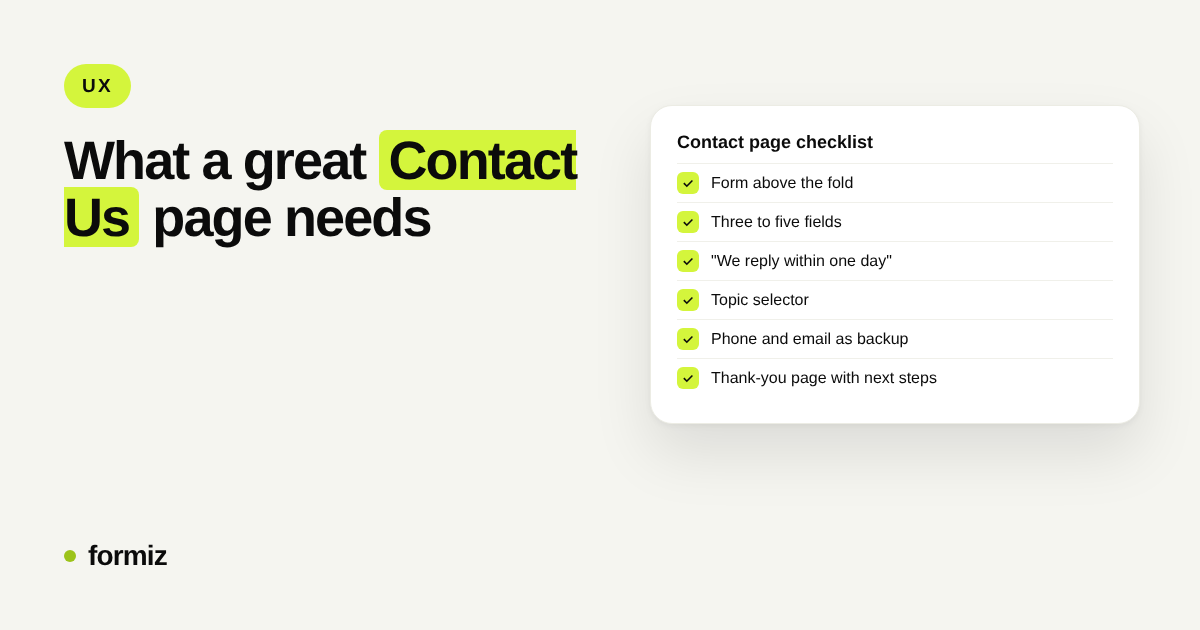
Contact form best practices: 12 ways to get more (and better) messages
Small changes to your contact form can noticeably change how many people complete it. Twelve practical, evidence-informed best practices for fields, copy, layout, trust and follow-up.
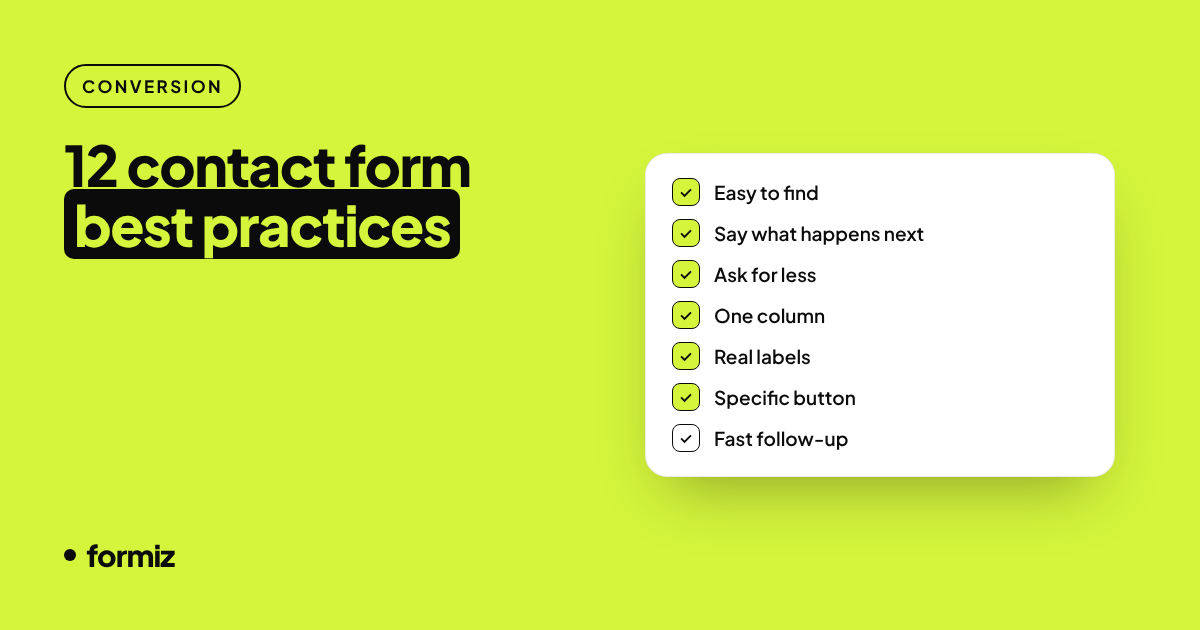
Your contact form is where a curious visitor becomes a lead. Every unnecessary field, vague label or broken notification costs you messages, and you never find out about them.
Here are twelve best practices, grouped by what happens before, during and after someone presses Send.
Before: deciding to fill it in
1. Make it easy to find
Link "Contact" in the main navigation, not only in the footer. On service pages, put a short form (or a clear button to it) right after the pricing or "how it works" section, where intent is highest.
2. Say what happens next
One line above the form removes uncertainty: "Tell us about your project. We reply within one business day." Visitors are far more willing to write when they know a human will answer, and when.
3. Offer alternatives
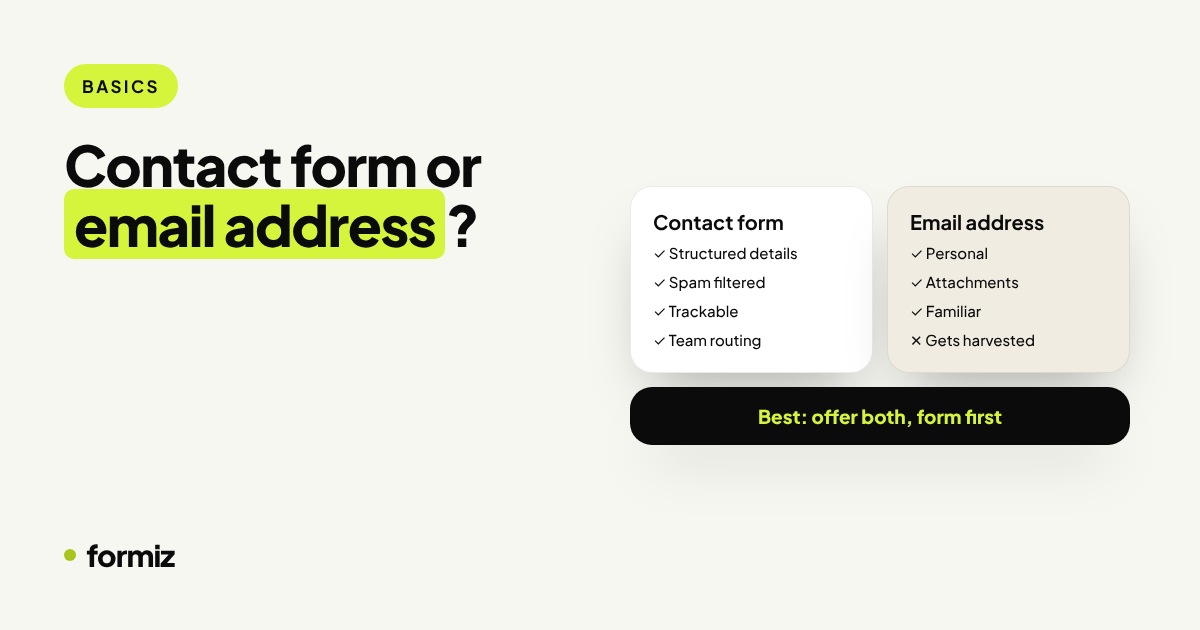
Some people prefer email, phone or a booking link. Showing them next to the form builds trust, even for people who still use the form.
During: filling it in
4. Ask for less
Each extra field is another reason to leave. For a general contact form, name, email and message is usually enough. Ask for phone, company or budget only if you will genuinely use them, and mark optional fields as optional.
5. Use a single column
Single-column forms are faster to scan and complete than multi-column layouts, especially on mobile. Keep labels above fields.
6. Use real labels and helpful hints
Visible labels beat placeholders. Add short hints where people hesitate: "Rough budget is fine", "We won't share your number". See accessible contact forms.
7. Use the right input types
type="email", type="tel" and autocomplete attributes bring up the right mobile keyboard and let browsers autofill. Less typing means more completions.
8. Validate kindly
Do not show errors before someone has typed. When something is wrong, say how to fix it, next to the field. The HTML5 validation guide shows how with very little code.
9. Write a specific button
"Send message" or "Get my quote" beats "Submit". The button should describe what the visitor gets.
10. Skip the CAPTCHA if you can
Image puzzles frustrate real people. Invisible protection (honeypot fields, rate limits, domain restriction) stops most bots without anyone noticing. Details: stop contact form spam without a CAPTCHA.
After: making sure it counts
11. Confirm clearly
Show an obvious success message or thank-you page, say when you will reply and where the reply will come from. A visitor who is unsure whether it worked will send twice, or give up. Options are compared in thank-you pages and redirects.
12. Get notified fast and actually follow up
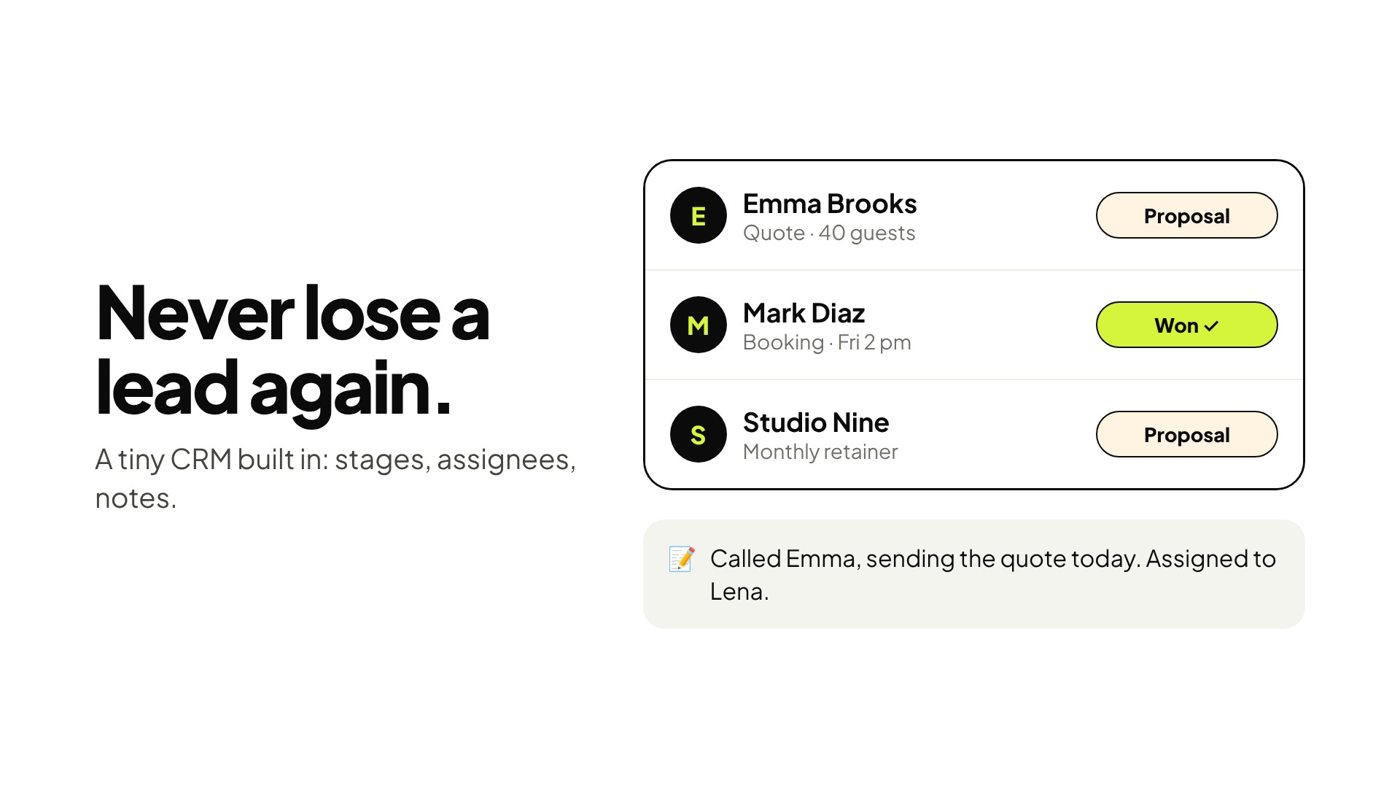
The best form in the world is useless if messages sit in a spam folder. Make sure notifications are delivered reliably (why form emails go to spam), get a second channel such as Telegram, and track what happened to each lead. More in how to follow up on website leads.
A good default contact form
<form action="https://api.formiz.app/submit" method="POST">
  <input type="hidden" name="access_key" value="YOUR_ACCESS_KEY">
  <input type="checkbox" name="_honey" style="display:none" tabindex="-1" autocomplete="off">

  <p>Tell us what you need. We reply within one business day.</p>

  <label for="name">Name</label>
  <input id="name" name="name" autocomplete="name" required>

  <label for="email">Email</label>
  <input id="email" name="email" type="email" autocomplete="email" required>

  <label for="message">How can we help?</label>
  <textarea id="message" name="message" rows="5" required></textarea>

  <button type="submit">Send message</button>
</form>
Replace YOUR_ACCESS_KEY with a free key from Formiz and every message arrives by email (and Telegram if you like), filtered for spam and stored in an inbox.
Measure, then change one thing at a time
Track how many people view the contact page and how many submit. Change one thing (fewer fields, a clearer button, a reply-time promise), wait for enough traffic, and compare. Small, steady improvements add up.
Get your form working in five minutes
Create a free Formiz key, add it to your form and receive submissions by email and Telegram. No server, no SMTP, no card.