Booking request form for small businesses (salons, restaurants, studios)
Not every business needs a full booking system. A simple booking request form with date, time and party size, sent instantly to your phone, often does the job better. Template and setup guide.
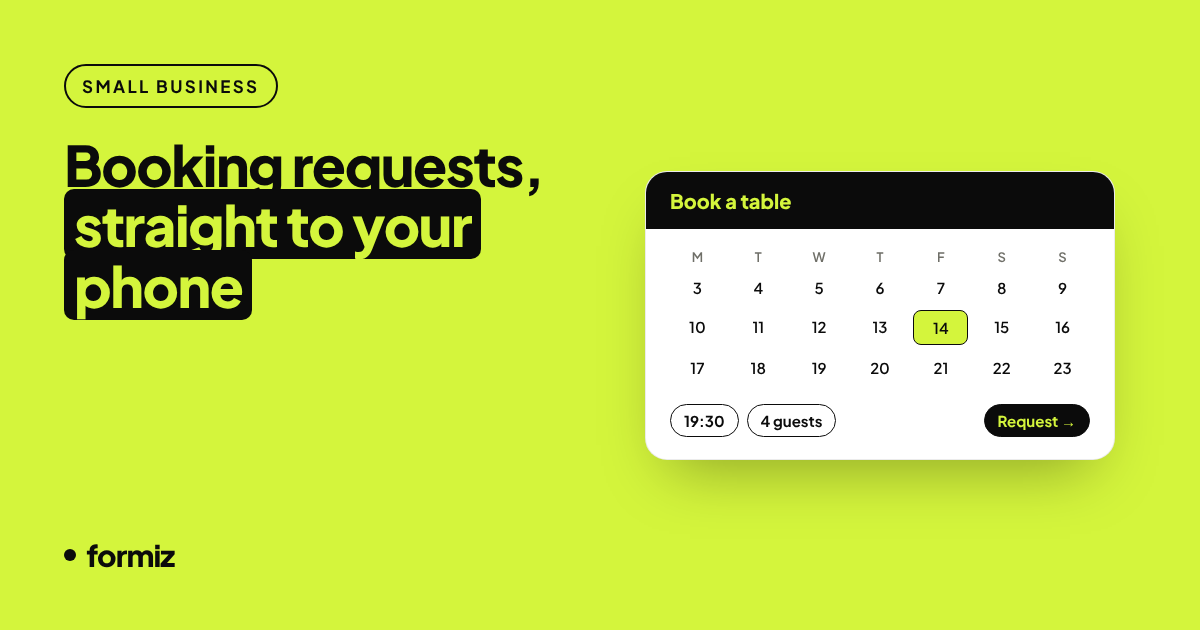
Full booking systems are great when you have fixed slots, staff calendars and online payments. Many small businesses do not: a family restaurant that takes a handful of group bookings, a salon that juggles walk-ins, a photographer who books shoots around the weather.
For them, a booking request form is often the better fit. The customer suggests a date and time, you get a notification instantly, and you confirm by email, message or phone.
Booking request vs booking system
| Booking request form | Full booking system | |
|---|---|---|
| Customer picks | Preferred date/time | A guaranteed free slot |
| You confirm | Yes, manually | No, automatic |
| Setup | Minutes | Calendars, services, staff, rules |
| Monthly cost | Low or free | Often per staff member |
| Best for | Flexible schedules, groups, custom work | High-volume fixed appointments |
The fields to ask for
Keep it to what you need to say yes or suggest an alternative:
- Name
- Phone (for quick confirmation) and/or email
- Preferred date
- Preferred time (a dropdown of time windows is easier than free text)
- Number of people or service required
- Notes (allergies, occasion, special requests)
Template
<form action="https://api.formiz.app/submit" method="POST">
  <input type="hidden" name="access_key" value="YOUR_ACCESS_KEY">
  <input type="hidden" name="subject" value="New booking request">
  <input type="checkbox" name="_honey" style="display:none" tabindex="-1" autocomplete="off">

  <label for="b-name">Name</label>
  <input id="b-name" name="name" autocomplete="name" required>

  <label for="b-phone">Phone</label>
  <input id="b-phone" name="phone" type="tel" autocomplete="tel" required>

  <label for="b-email">Email <small>(optional)</small></label>
  <input id="b-email" name="email" type="email" autocomplete="email">

  <label for="b-date">Preferred date</label>
  <input id="b-date" name="date" type="date" required>

  <label for="b-time">Preferred time</label>
  <select id="b-time" name="time" required>
    <option value="">Choose…</option>
    <option>12:00 – 14:00</option>
    <option>18:00 – 19:30</option>
    <option>19:30 – 21:00</option>
  </select>

  <label for="b-guests">Number of guests</label>
  <input id="b-guests" name="guests" type="number" min="1" max="40" value="2" required>

  <label for="b-notes">Anything we should know?</label>
  <textarea id="b-notes" name="notes" rows="3" placeholder="Allergies, occasion, high chair…"></textarea>

  <button type="submit">Request booking</button>
  <p><small>This is a request. We'll confirm by phone or message shortly.</small></p>
</form>
Stop people choosing past dates by setting the minimum date with one line of JavaScript:
<script>
  document.getElementById('b-date').min = new Date().toISOString().slice(0, 10);
</script>
Make the request reach you instantly
Booking requests are time-sensitive, and nobody refreshes an inbox during service. With Formiz you can connect Telegram and every request arrives as a push notification, on your phone or in a staff group chat where whoever is free can confirm it. See form submissions to Telegram.
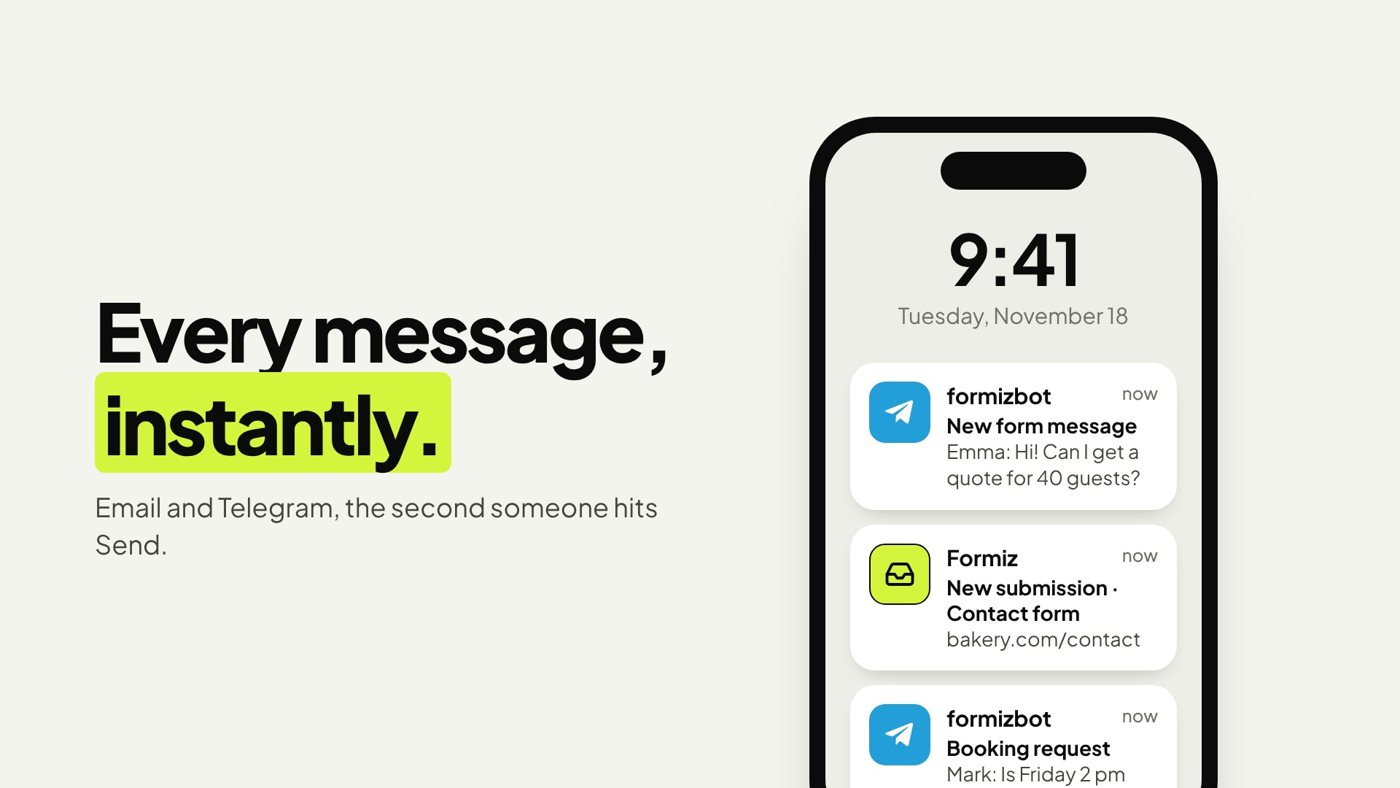
Email notifications arrive too, and if the customer gave an email, it is set as the reply-to.
Confirming and tracking
Use the Formiz inbox as a lightweight booking log:
- New — just arrived
- Contacted — you called or messaged to confirm details
- Won — confirmed
- Lost — declined, cancelled or no answer
Add a note with the confirmed time or table. At the end of the month, export to CSV to see how many requests you received and confirmed.
No website? No problem
Build the same form in the Formiz form builder, publish it and put the link in your Instagram bio, Google Business Profile and WhatsApp Business away message. Step-by-step: forms without a website.
Clear expectations reduce no-shows
On the success message or thank-you page, repeat that this is a request, say how and when you will confirm, and give a phone number for urgent changes. Customers who know what happens next are less likely to send duplicate requests.
Get your form working in five minutes
Create a free Formiz key, add it to your form and receive submissions by email and Telegram. No server, no SMTP, no card.