No website? How to create a shareable contact or quote form with a link
You do not need a website to collect enquiries. Build a form, publish it as a hosted link and share it on Instagram, WhatsApp, Google Business or email signatures, with submissions sent to email and Telegram.
Plenty of businesses run without a website: a photographer on Instagram, a caterer on WhatsApp, a tutor on word of mouth. They still need a tidy way to collect enquiries, instead of piecing details together from scattered DMs.
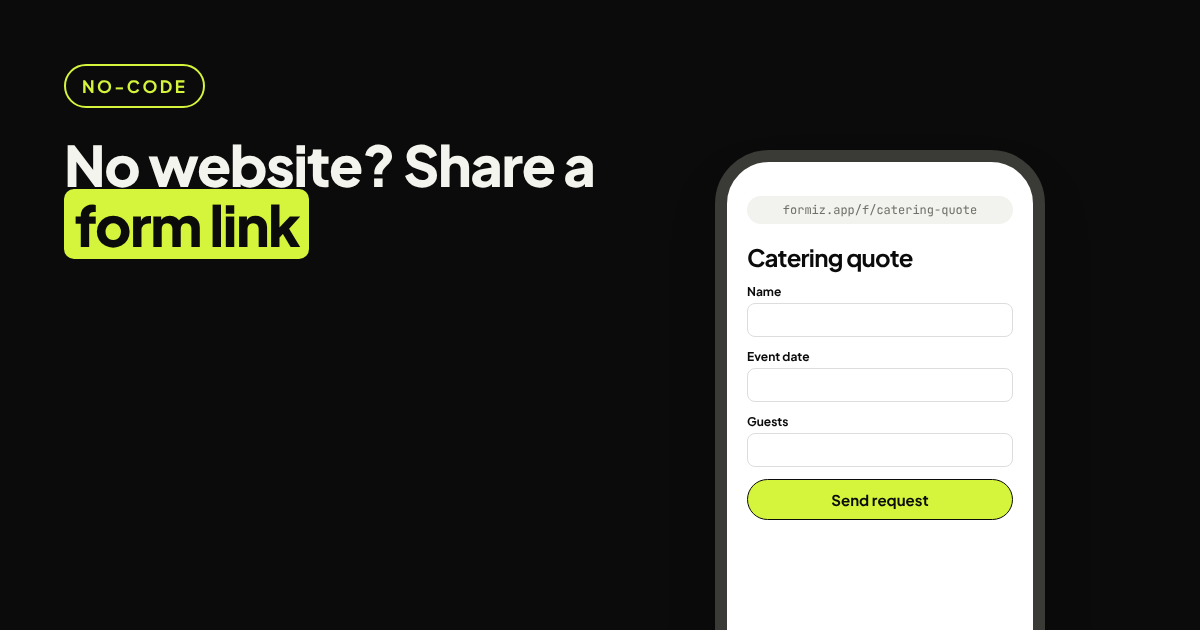
A hosted form solves this. You build a form, publish it, and get a link you can share anywhere. Every response arrives by email or Telegram and is stored in one place.
Why a form beats DMs
- Complete information. Ask for the date, budget, number of guests or service upfront, instead of three rounds of questions.
- Nothing gets lost. Messages land in one inbox, not across Instagram, WhatsApp, email and SMS.
- Faster replies. You get a notification the moment someone submits, with everything you need to quote.
- Looks professional. A clean form with your colours makes a better first impression than "DM for prices".
Building a hosted form with Formiz
Create a free account, then open Forms in the dashboard.
1. Add your fields
Pick from text, email, phone, long text, number, date, URL, dropdown, radio buttons and checkboxes. Give each a clear label and mark the essential ones as required. Keep it short: four to six fields is plenty for most enquiries.
A typical quote form for an event caterer:
- Name
- Phone
- Event date (date)
- Number of guests (number)
- Type of event (dropdown: wedding, corporate, birthday, other)
- Anything else we should know? (long text)
2. Choose a look
Start from one of the ready-made themes (Formiz, Minimal, Dark or Soft), then adjust the accent colour, font, corner radius and field style (outline, filled or underline). The live preview shows exactly what visitors will see.
3. Set what happens after submitting
- Subject line for your notifications, such as "New catering enquiry".
- Success message shown after sending, such as "Thanks! We'll reply with a quote within 24 hours."
- Or a redirect to another page, such as your Instagram profile or a price list.
4. Publish and copy the link
Press Publish. You get a hosted link on formiz.app that works on any device. The form only accepts submissions while it is published, so you can pause it at any time.
5. Connect notifications
Under Channels, add your email address and connect Telegram to get a push notification for every new enquiry.
Where to share your form link
| Place | How |
|---|---|
| Link in bio, story link sticker, highlight called "Book" | |
| WhatsApp Business | Quick reply or away message with the link |
| Google Business Profile | Add it as your booking or website link |
| Email signature | "Request a quote →" |
| Facebook page | Add as the button URL |
| Printed material | Turn the link into a QR code on flyers and business cards |
| Linktree-style pages | Add it as the top link |
When you do get a website
The same form can be embedded later. Formiz gives you HTML code for every published form, so you can paste it into WordPress, Webflow or any page builder and keep the same notifications and inbox. Or connect a hand-coded form with a single hidden field, as in the static site guide.
Managing the enquiries
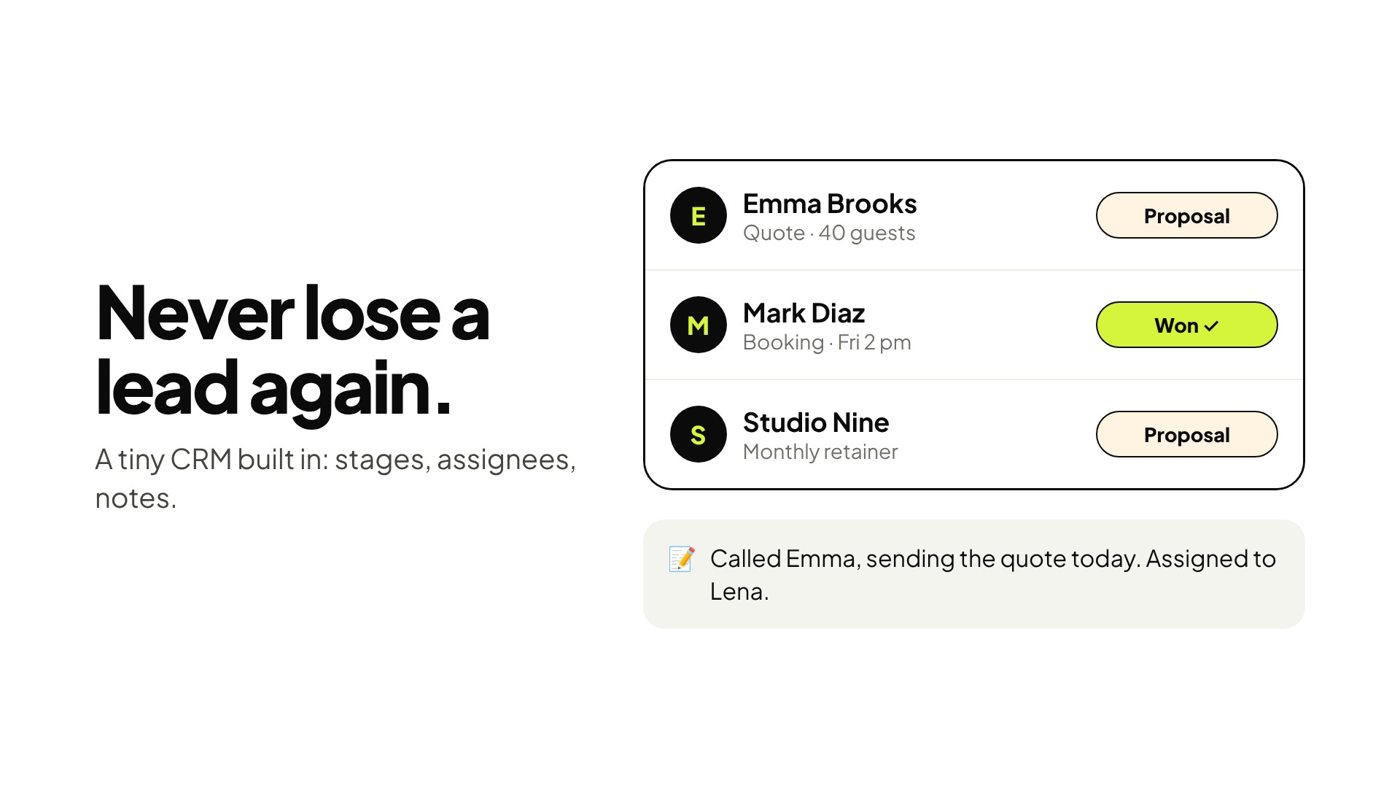
Every response is stored in your inbox, where you can:
- Move it through stages: New, Contacted, Proposal, Won or Lost
- Add notes ("sent quote, follow up Friday")
- Assign it to a teammate (on plans with team members)
- Search and export to CSV
For more on turning enquiries into bookings, read how to follow up on website leads.
Get your form working in five minutes
Create a free Formiz key, add it to your form and receive submissions by email and Telegram. No server, no SMTP, no card.