Contact form or email address on your website? Pros, cons and the best of both
Should your website show an email address, a contact form, or both? A practical comparison covering conversions, spam, tracking, accessibility and trust, with a recommended setup.
It is one of the first decisions on any contact page: list an email address, embed a form, or both? Each has real advantages, and the best choice depends on who your visitors are.
The case for a contact form
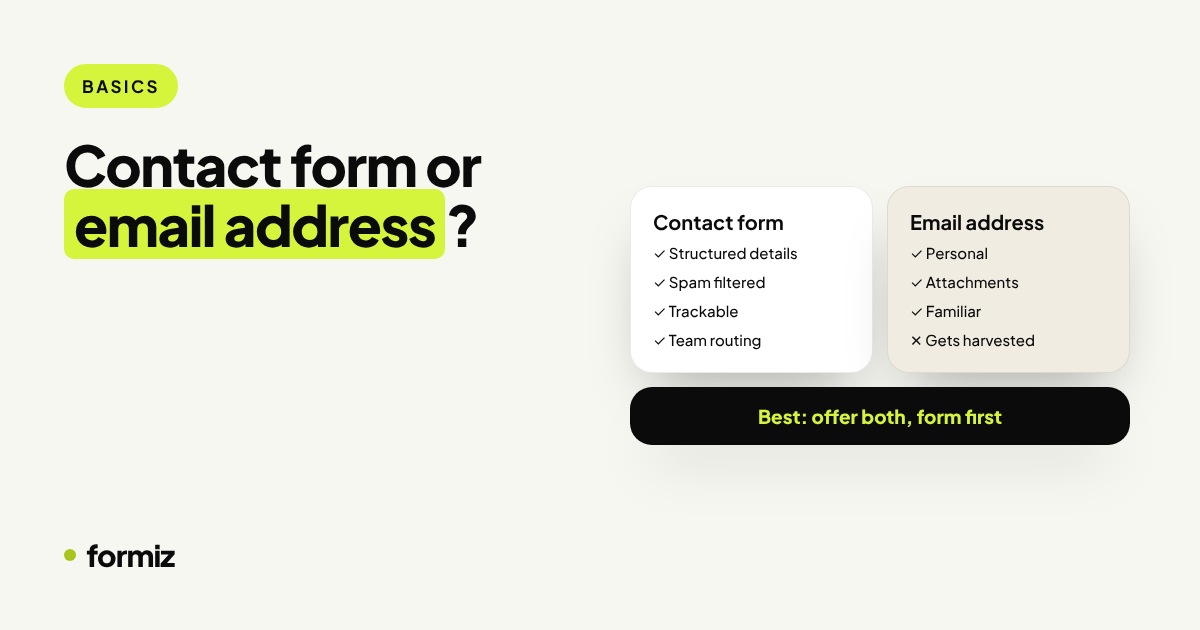
- Structured information. You can ask for the details you need (service, budget, date) instead of getting "Hi, how much?".
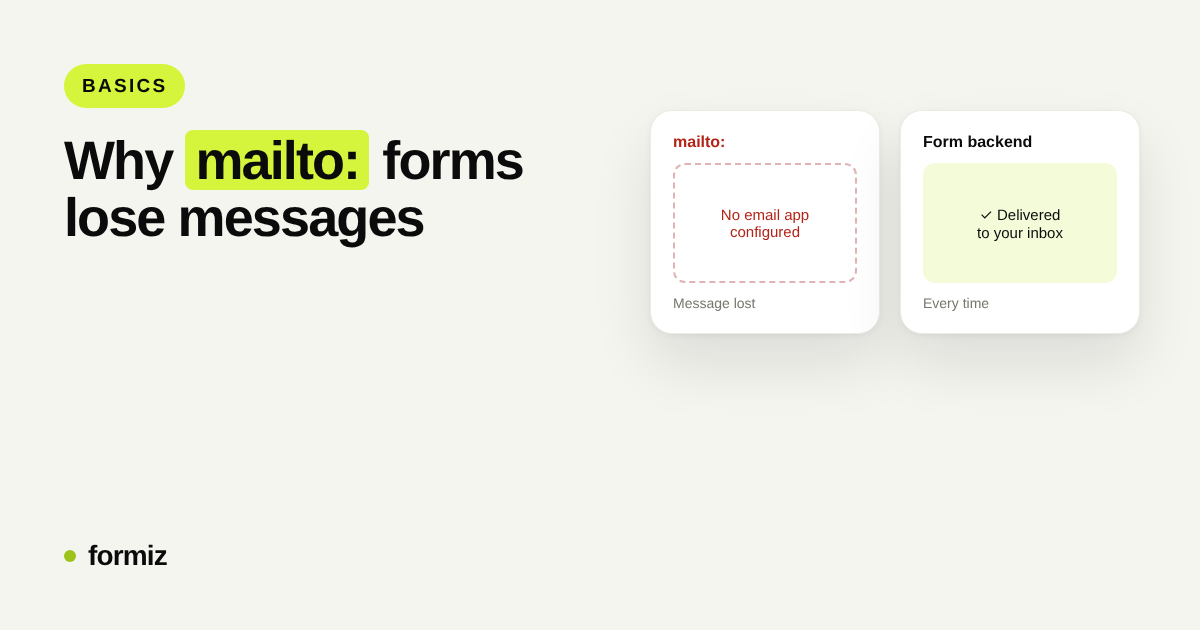
- Works for everyone. Not every visitor has a mail app set up on the device they are using; a
mailto:link can do nothing at all. - Less spam to your address. An email address published in HTML gets harvested by bots (how to protect it).
- Trackable. You can measure submissions as conversions (GA4 guide).
- Routable. Submissions can go to several people, a Telegram group or an inbox with stages, instead of one mailbox.
- Stored. A good form backend keeps every message even if an email notification gets lost.
The case for an email address
- Familiar and personal. Some people, especially B2B buyers, prefer writing from their own mail client with their own signature and attachments.
- Attachments. Briefs, PDFs and screenshots are easy to attach in email.
- Trust. A visible address (ideally on your own domain) signals that a real business is behind the site.
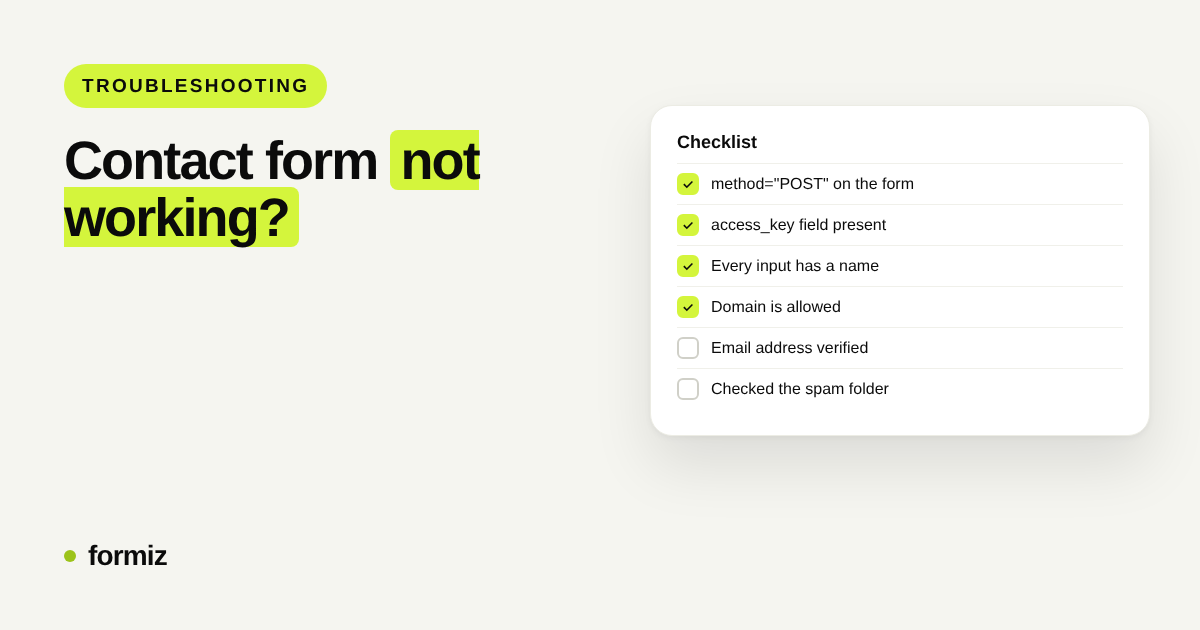
- No form to break. If a form is misconfigured, messages vanish silently; email at least fails loudly.
Head to head
| Contact form | Email address | |
|---|---|---|
| Effort for visitor | Low | Medium (switch apps) |
| Structured details | Yes | No |
| Attachments | Usually not | Yes |
| Spam to your inbox | Filtered | High once harvested |
| Conversion tracking | Easy | Hard |
| Team routing | Easy | Forwarding rules |
| Feels personal | Medium | High |
The best of both (recommended)
For most businesses, offer both, with the form as the primary action:
- Form first, short and clear, with a reply-time promise.
- Email address below it ("Prefer email? Write to hello@yourdomain.com"), protected from basic harvesting.
- Phone or booking link if those are how you actually close deals.
This captures the visitors who want speed and the ones who want control, and it builds trust with both.
Make the form as good as email
The usual complaints about forms are that they feel like a black hole and that replies come from a no-reply address. Fix both:
- Show a confirmation that says when you will reply.
- Use a form backend that sets the visitor's email as the reply-to, so your reply comes from your normal address and lands in a real conversation. Formiz does this by default.
- Make sure notifications reach you quickly and reliably: authenticated email plus a second channel such as Telegram.
What about chat widgets?
Live chat is great when someone can answer in real time. If nobody is online, it turns into a worse contact form. A clear form with fast notifications often beats a chat bubble that says "We'll get back to you".
Bottom line
A contact form should be your main path because it converts and organises better. An email address next to it gives the rest of your visitors the option they prefer. Start with the contact form best practices and you have both covered.
Get your form working in five minutes
Create a free Formiz key, add it to your form and receive submissions by email and Telegram. No server, no SMTP, no card.