How to follow up on website leads (a simple system that actually gets used)
Most lost leads are not rejected, they are forgotten. A lightweight follow-up system for small businesses and freelancers: fast first replies, clear stages, notes and a weekly review.
Ask any small business owner how many website enquiries they lost last year and they will not know, because lost leads are invisible. Rarely does someone say "no". More often, a message arrives on a busy afternoon, gets read on a phone, and is never answered.
You do not need a heavyweight CRM to fix this. You need three things: a fast first reply, a place where every lead has a status, and a habit of reviewing it.
1. Reply fast: the first hour matters
People who send an enquiry are often contacting two or three businesses at once. The first to reply with something helpful has a real advantage.
Make speed the default:
- Instant notifications on the device you actually look at. Email is fine at a desk; on the go, a Telegram notification is hard to miss.
- Reply straight from the notification. In Formiz, the visitor's email is the reply-to address, so hitting Reply writes to them.
- Saved replies for common requests (pricing, availability, next steps).
Even "Thanks, got it! I'll send a quote by tomorrow noon" buys you time and shows you are on it.
2. Give every lead a stage
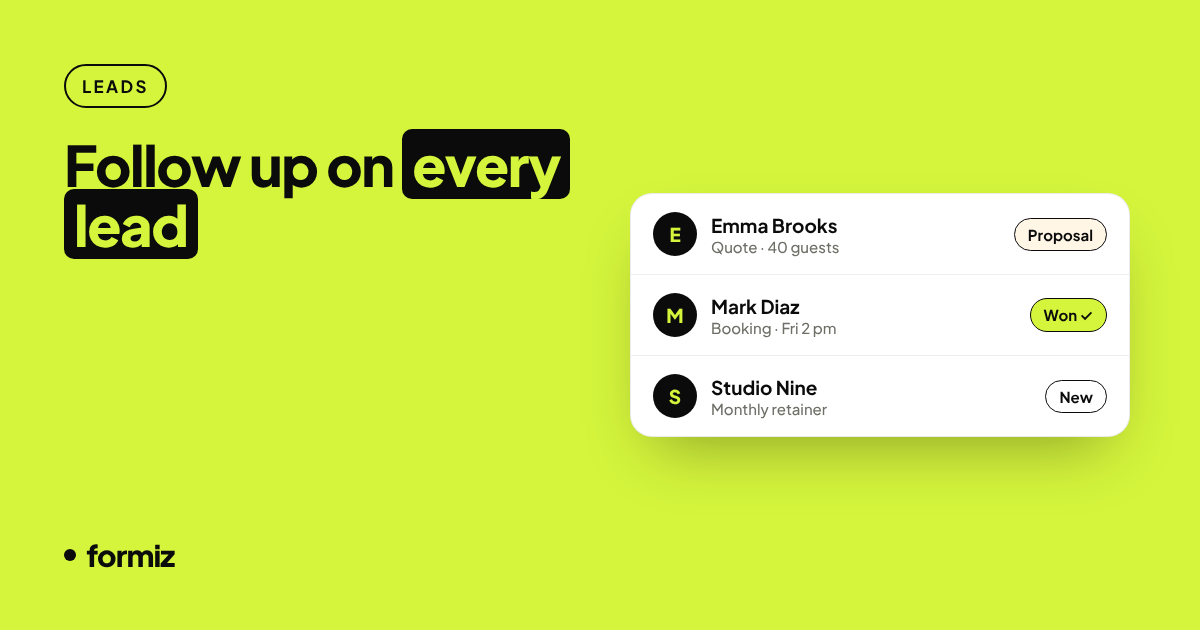
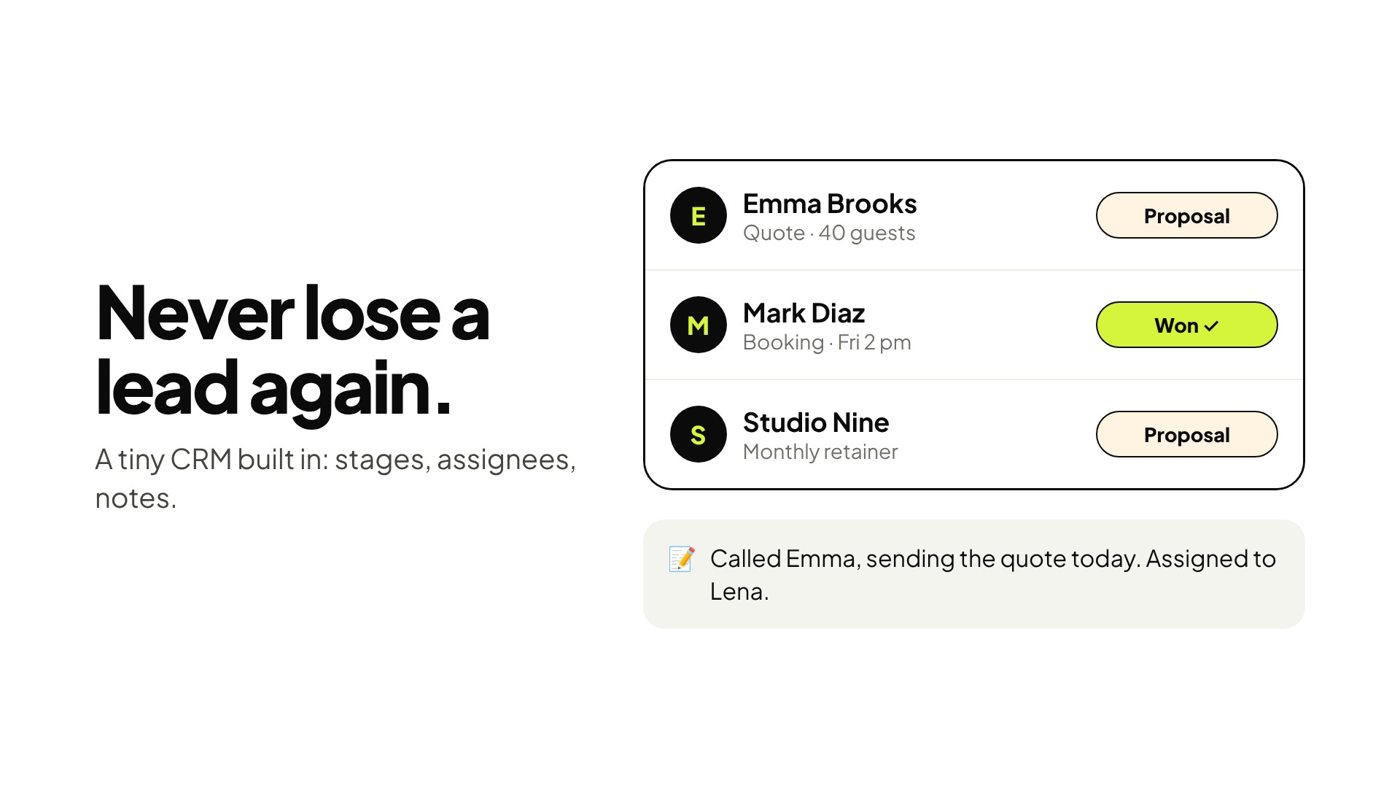
A lead without a status is a lead you will forget. Five stages are enough for most small businesses:
| Stage | Meaning |
|---|---|
| New | Arrived, not answered yet |
| Contacted | You replied or called |
| Proposal | Quote or offer sent |
| Won | Became a customer |
| Lost | Declined, no budget, no answer after follow-ups |
The Formiz inbox uses exactly these stages, so every form submission starts as New and you move it along as things happen.
3. Write a one-line note after every touch
"Called, wants it before March, sending quote Thu." Notes are what make follow-up possible a week later, and what let a teammate take over without asking you.
4. Follow up more than once
Most people who do not reply to a quote are not saying no; they are busy. A simple rhythm:
- Day 0: first reply or quote.
- Day 3: short check-in: "Any questions about the quote?"
- Day 10: useful nudge: a relevant example, a small option, or availability news.
- Day 21: polite close: "I'll assume the timing isn't right. Happy to help later." Then mark it Lost.
The last message often gets the most replies.
5. Share the load
If more than one person handles enquiries, assign each lead to someone. "Everyone saw it" usually means nobody answered it. In Formiz you can assign a submission to a teammate and share notifications in a Telegram group.
6. Review weekly (15 minutes)
Every Monday:
- Anything still in New? Reply now.
- Anything in Contacted or Proposal with no note for a week? Follow up.
- Count last week's Won and Lost. Any pattern in the lost ones (price, timing, wrong service)?
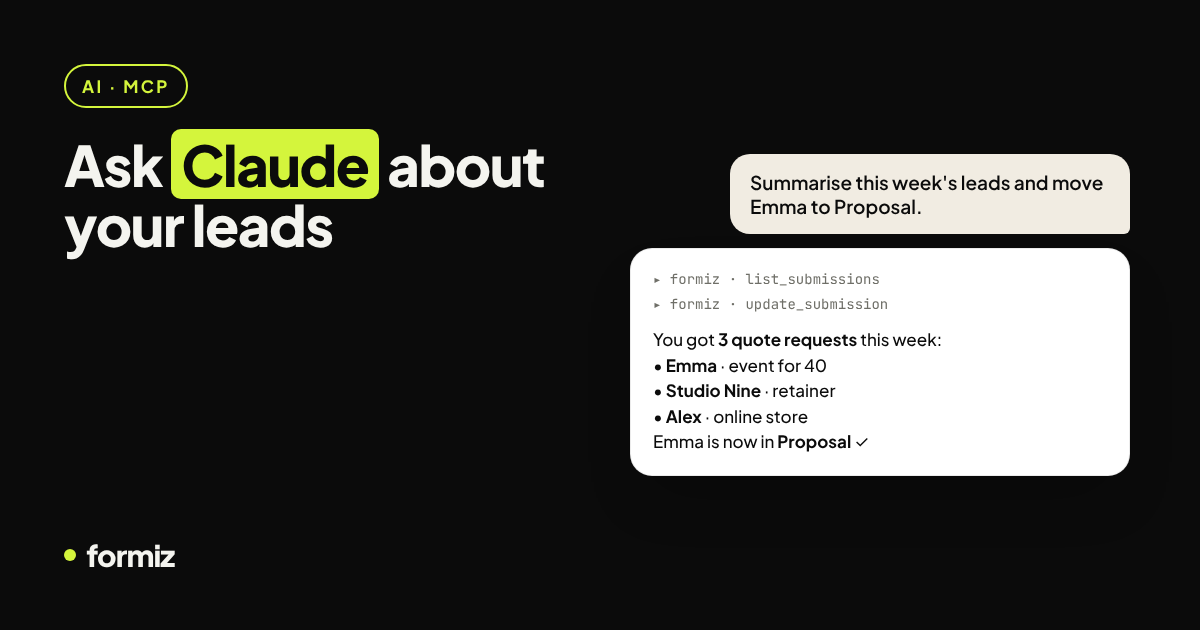
If you use Claude, the Formiz MCP connector can do the counting: "Which leads are still in Proposal with no update since last Monday?"
7. Learn from the numbers
After a couple of months you will know:
- How many enquiries a month your site brings in
- What share you win
- Which services or forms produce the best customers
Export to CSV for a quick spreadsheet, and use what you learn to improve your contact form and your pages.
The whole system on one page
- Instant notifications (email + Telegram)
- Reply within the hour, from the notification
- Every lead gets a stage and a note
- Follow up on days 3, 10 and 21
- Assign leads when there is a team
- Fifteen-minute review every Monday
Simple enough to actually use, which is the whole point.
Get your form working in five minutes
Create a free Formiz key, add it to your form and receive submissions by email and Telegram. No server, no SMTP, no card.