Manage form submissions with Claude: an MCP connector for your leads
Connect your website's form submissions to Claude with MCP and ask questions in plain English, like "who asked for a quote this week?", or update lead status without opening a dashboard.
Your contact form collects a steady stream of messages: quote requests, booking questions, partnership offers, the occasional complaint. Reading and triaging them is routine work, which makes it a good fit for an AI assistant.
Formiz includes an MCP server so you can connect your form submissions to Claude and work with them in plain English.
What is MCP?
The Model Context Protocol (MCP) is an open standard for connecting AI assistants to external tools and data. An MCP server exposes a set of tools (for example, "list submissions" or "update a submission"), and the assistant decides when to call them while answering you.
Instead of exporting a CSV and pasting it into a chat, Claude reads your submissions directly, only when you ask, and only through the tools you allowed.
What you can ask
Once connected, you can say things like:
- "Who contacted us this week? Summarise each request in one line."
- "Which unread submissions look like real quote requests rather than spam or sales pitches?"
- "Show me everything from the pricing page form in November."
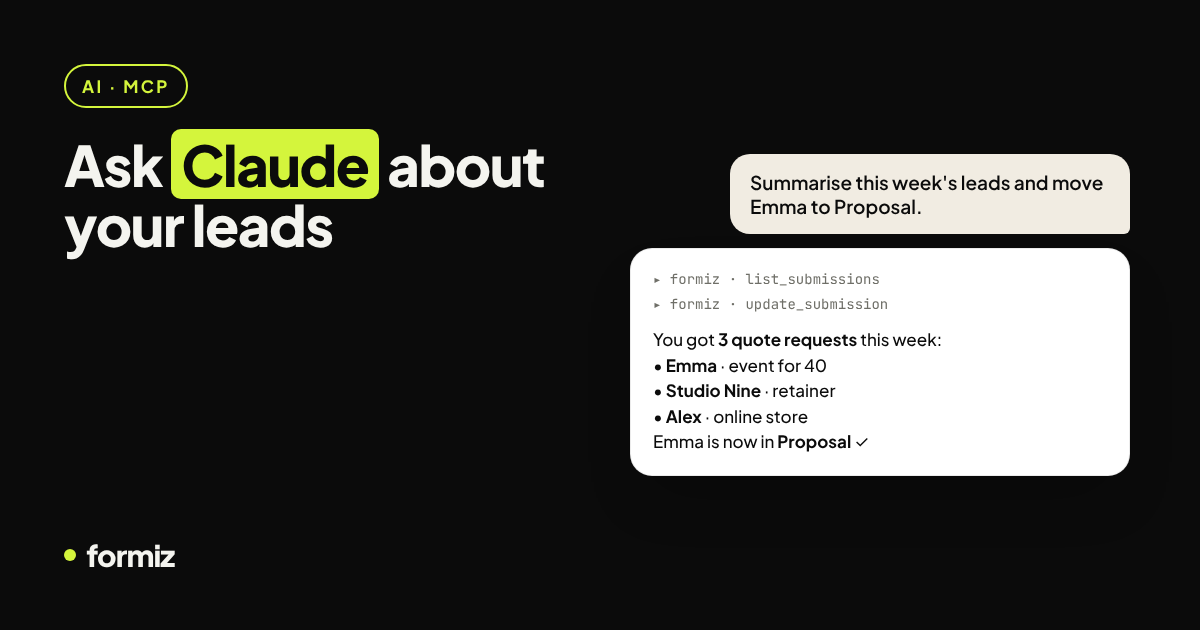
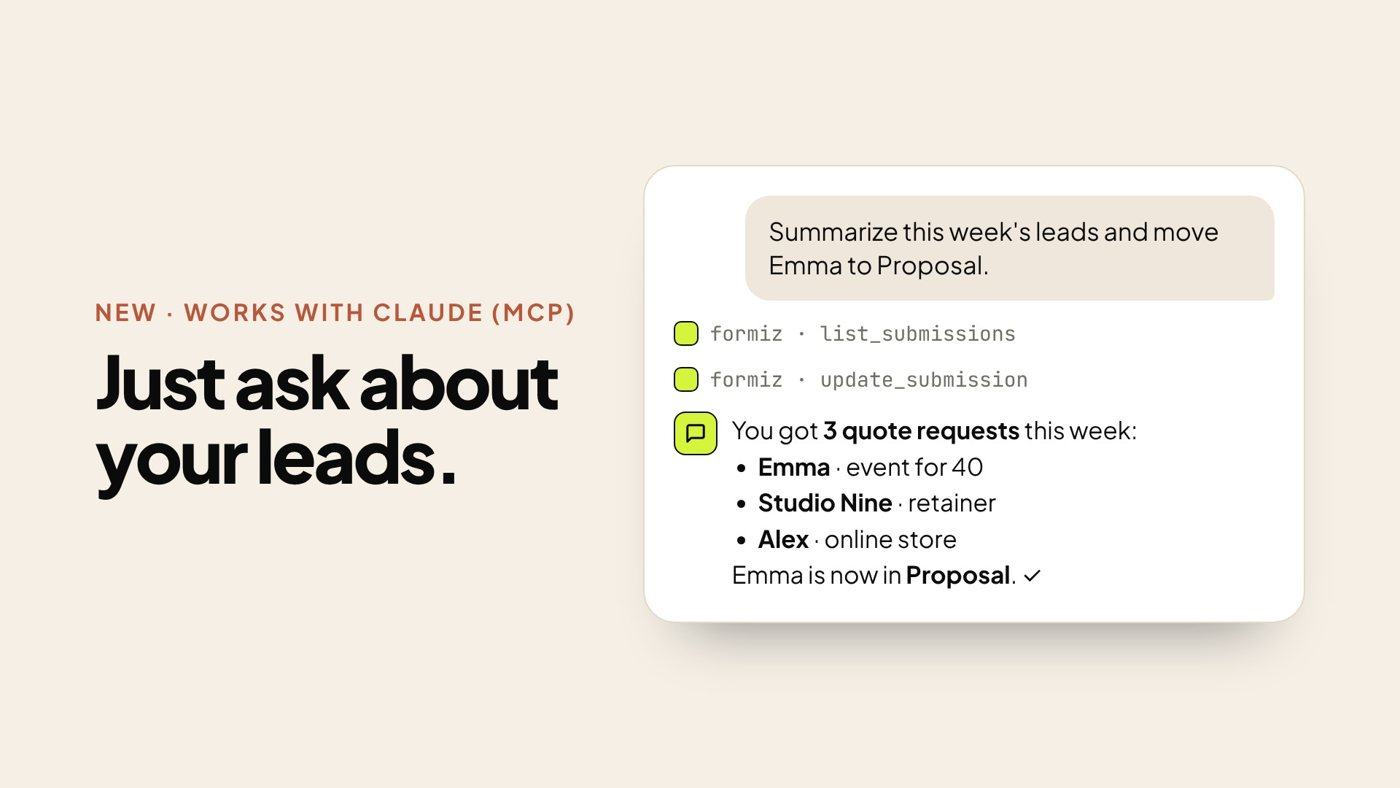
- "Move Emma's request to Proposal and add a note: sending the quote today."
- "How many submissions did each project get this month?"
Behind the scenes, Claude uses tools such as list_projects, list_submissions, get_submission, update_submission, list_team and get_stats.
Setting it up
1. Create a connection link
In your Formiz dashboard, open Channels (or Account) and find Connect Claude. Create a connection; you get a private URL that looks like https://api.formiz.app/mcp/fmz_…. It is shown once, so copy it somewhere safe.
2. Add it to Claude
- Claude apps: go to Settings → Connectors, add a custom connector and paste the URL.
- Claude Code: run
claude mcp add --transport http formiz https://api.formiz.app/mcp/fmz_your_token3. Ask a question
Start a new conversation and try "List my Formiz projects". Claude should call the tool and answer with your real data.
Security notes
- Treat the URL like a password. Anyone with it can read and update submissions in your account.
- Revoke any time. Connections are listed in your dashboard; revoking one stops it immediately.
- Scoped access. The connector works with your forms and submissions only. It cannot change billing, delete your account or send email on your behalf.
- You stay in control. Claude asks for permission before using tools, depending on your settings.
Ideas for a weekly routine
- Monday morning: "Summarise last week's submissions by type and flag anything urgent."
- After calls: "Mark these three as Contacted and add the notes I paste below."
- End of month: "How many leads reached Won this month compared with last month?"
It turns a lead inbox into something you can talk to, without building any integration yourself.
Not using Formiz yet?
Start with a free account and connect your existing form in a few minutes using the guide for your stack: HTML, Next.js, React, WordPress or Webflow.
Get your form working in five minutes
Create a free Formiz key, add it to your form and receive submissions by email and Telegram. No server, no SMTP, no card.