How to protect your email address from spam bots on your website
Publishing your email address in plain HTML invites spam. Compare obfuscation techniques (entities, CSS, JavaScript, images) and see why a contact form is the most effective option.
Put hello@yourcompany.com in your website's footer and within weeks it will start receiving spam. Bots crawl the web looking for anything that matches an email pattern, then add it to lists that are sold and resold for years.
Here are the common ways to protect an address, ranked by how well they work, and the approach that sidesteps the problem.
How harvesters work
Most harvesters download pages and search the HTML for name@domain.tld patterns and mailto: links. Simple ones do not run JavaScript; sophisticated ones use headless browsers that do. No technique is perfect, but each layer filters out a share of bots.
Technique 1: HTML entities (weak)
<a href="mailto:hello@example.com">hello@example.com</a>Browsers decode entities, so it looks normal to people. Many harvesters decode them too. Better than nothing, not by much.
Technique 2: "hello [at] example [dot] com" (weak, bad UX)
Humans have to rewrite it, many make mistakes, and harvesters have handled this pattern for decades. Avoid.
Technique 3: CSS reversal (moderate, poor accessibility)
<span style="unicode-bidi: bidi-override; direction: rtl;">moc.elpmaxe@olleh</span>Displays correctly, but copying the text gives the reversed version, and screen readers may read it backwards. Not recommended.
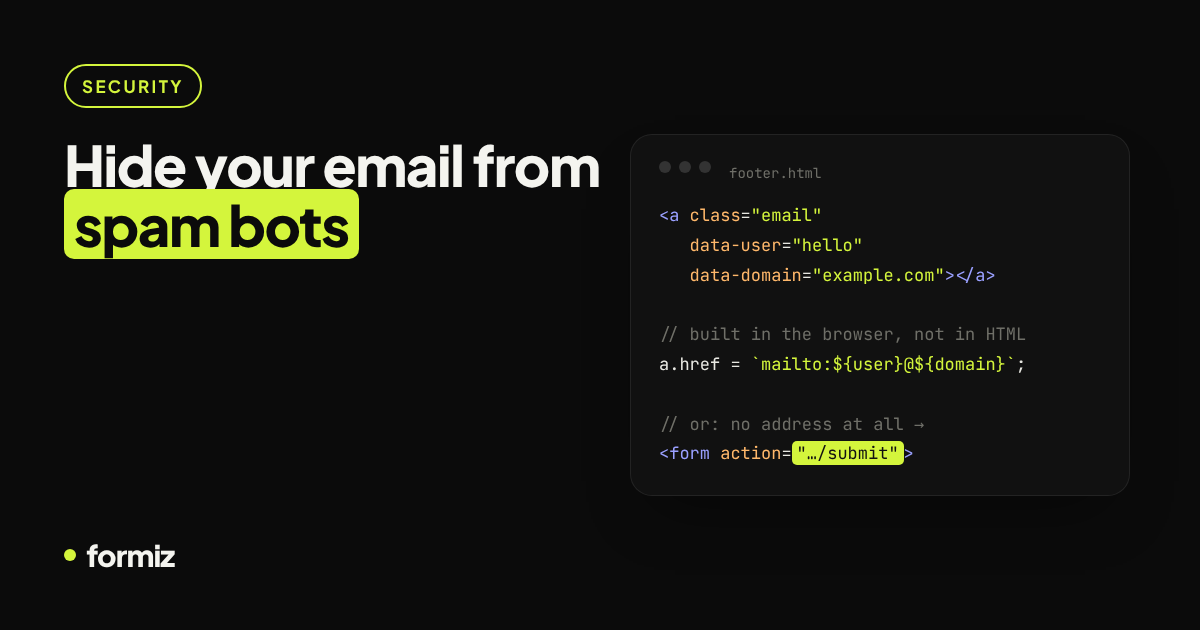
Technique 4: Build it with JavaScript (good)
<a class="email" data-user="hello" data-domain="example.com">Email us</a>
<script>
  document.querySelectorAll('a.email').forEach((a) => {
    const addr = `${a.dataset.user}@${a.dataset.domain}`;
    a.href = `mailto:${addr}`;
    a.textContent = addr;
  });
</script>
The address never appears in the HTML source. It stops most simple harvesters, works for people and screen readers once the script runs, and is easy to maintain. Headless-browser bots can still read it.
Technique 5: Cloudflare Email Address Obfuscation (good, automatic)
If your site is behind Cloudflare, Email Address Obfuscation (in the Scrape Shield settings) rewrites addresses in your HTML and decodes them with a small script in the visitor's browser. Same idea as technique 4, but automatic.
Technique 6: An image of the address (moderate, bad UX)
Text recognition defeats this easily nowadays, it is inaccessible, and people cannot click or copy it. Avoid.
The most effective option: don't publish it at all
The only address that cannot be harvested is one that is not on the page. A contact form lets people reach you without exposing anything:
- No address in your HTML, so nothing to scrape.
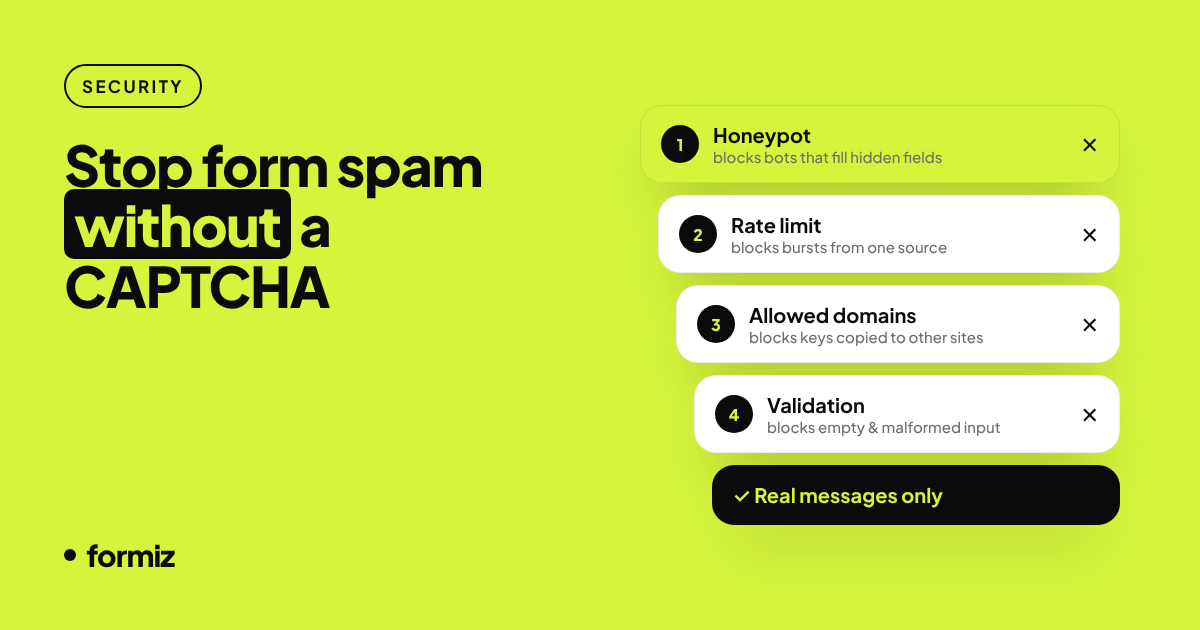
- Spam bots that target forms are filtered with honeypots and rate limits before anything reaches you (how).
- With a form backend such as Formiz, your real address is only stored in your account. Notifications arrive in your inbox with the visitor's address as reply-to, so you reply from your normal mailbox as usual.
A sensible combination
- A contact form as the main way to reach you.
- If you also want an address visible, generate it with JavaScript (technique 4) or Cloudflare.
- Use a role address (hello@, info@) rather than a personal one, so you can filter or rotate it later.
- Keep strong spam filtering on that mailbox.
More on choosing between them: contact form or email address?
Get your form working in five minutes
Create a free Formiz key, add it to your form and receive submissions by email and Telegram. No server, no SMTP, no card.