Contact forms on Vercel: what works and what to avoid
Vercel has no built-in form handling. Learn the options for collecting form submissions on a Vercel-hosted site, from serverless functions to a form backend, and the pitfalls of each.
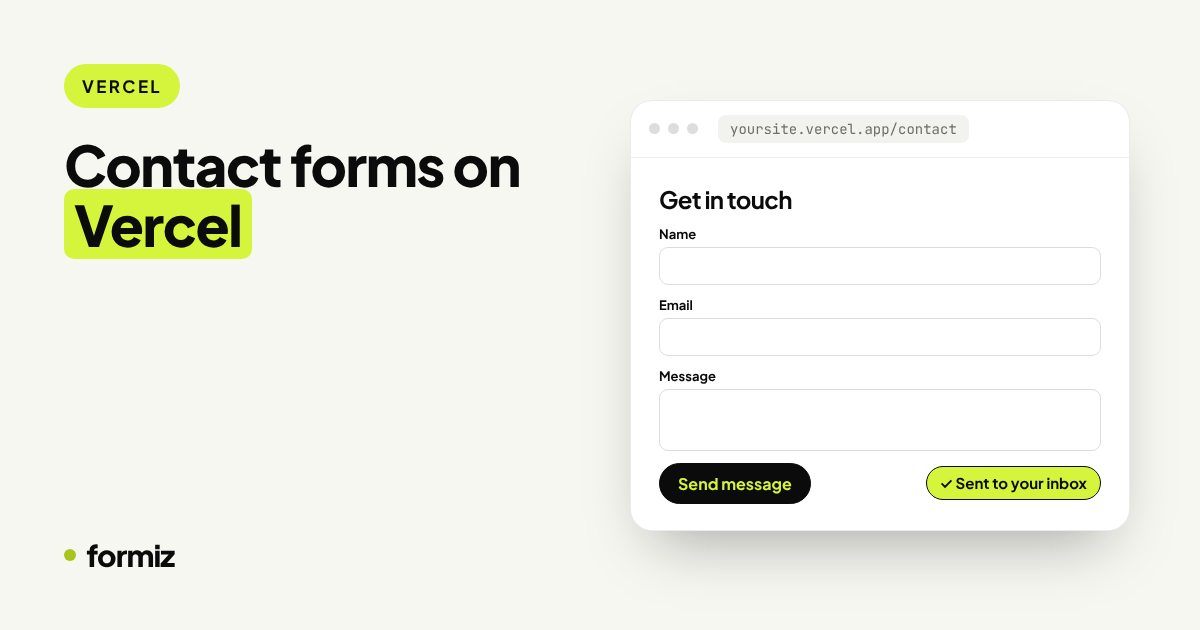
A common surprise when moving a site to Vercel: unlike some hosts, Vercel has no built-in form feature. Add <form method="POST"> to a static page and the submission goes nowhere.
Here are the realistic ways to collect form submissions on Vercel, and what each one costs you in setup and maintenance.
Option 1: A Vercel Function (or Next.js route handler)
Write a function under api/ (or app/api/contact/route.js in Next.js), validate the input and send an email through a provider.
Pros
- Full control, and you can write submissions to your own database.
- Everything lives in your repository.
Cons
- You need an email provider, a verified sending domain and DNS records, or messages land in spam.
- API keys must be stored as environment variables for each environment.
- Spam filtering and rate limiting are up to you.
- Functions count against your usage, and a burst of bot traffic is billed like real traffic.
Option 2: Server Actions (Next.js)
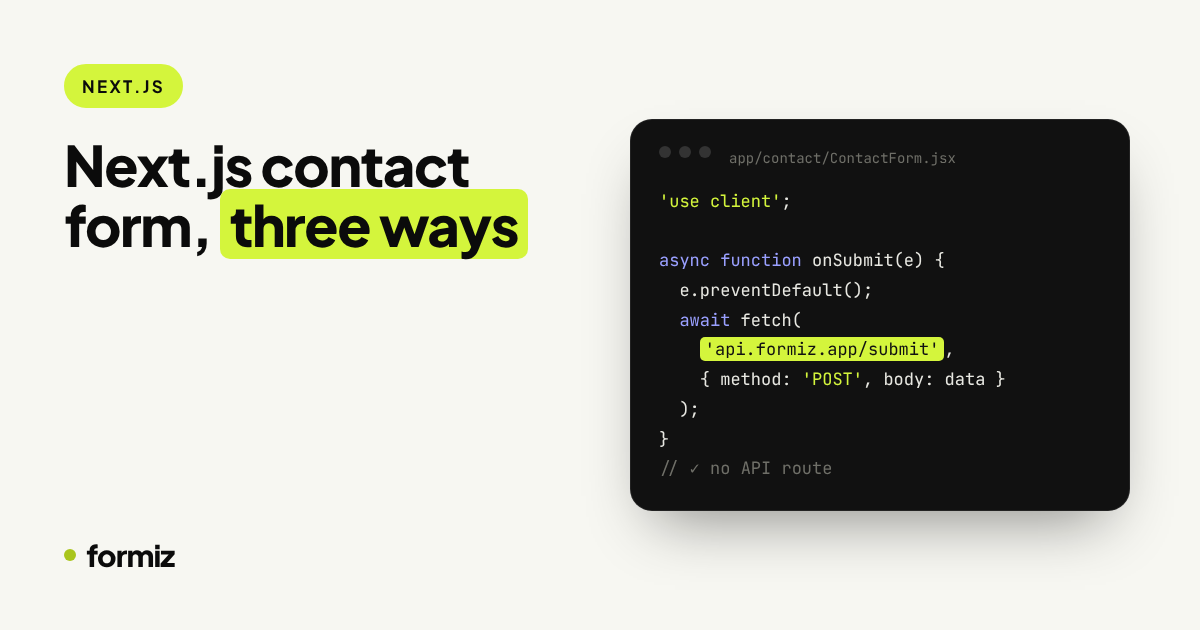
Server Actions are a cleaner syntax for option 1, not a different architecture: the code still runs as a function on Vercel and still needs an email provider and spam protection. See Next.js contact form: three ways for the trade-offs.
Option 3: Post to a form backend
Point the form at an external endpoint that handles delivery, spam and storage. Nothing runs on Vercel at all, which also means it works for fully static exports.
<form action="https://api.formiz.app/submit" method="POST">
  <input type="hidden" name="access_key" value="YOUR_ACCESS_KEY">
  <input type="checkbox" name="_honey" style="display:none" tabindex="-1" autocomplete="off">
  <input name="name" required>
  <input name="email" type="email" required>
  <textarea name="message" required></textarea>
  <button type="submit">Send</button>
</form>
In a React or Next.js component, send it with fetch and show your own success message; the endpoint answers with JSON. The Next.js guide has a full component.
Pitfalls to avoid on Vercel
Using mailto: as the form action
It opens the visitor's email app (if they have one) and gives you no record or confirmation. Treat mailto: as a link, not a form handler.
Sending email "from" the visitor
If your function sets From: visitor@gmail.com, DMARC fails and your own inbox is likely to quarantine it. Send from your own domain and put the visitor in Reply-To.
Forgetting preview deployments
Preview URLs change on every push. If you restrict which domains can submit, remember your previews, or test on production. With Formiz, add vercel.app under Settings → Allowed domains to cover previews, then remove it once you are happy.
Logging personal data
Function logs are easy to read and easy to forget. Do not console.log full submissions in production.
Which should you choose?
- App with its own database and backend logic: a function or Server Action.
- Marketing site, portfolio, docs, landing page, client project: a form backend. It is faster to set up, nothing to maintain, and you get an inbox, spam filtering and Telegram alerts out of the box.
Create a free Formiz key and your Vercel site can accept messages in five minutes.
Get your form working in five minutes
Create a free Formiz key, add it to your form and receive submissions by email and Telegram. No server, no SMTP, no card.