Cloudflare Pages Contact Form: 2 Ways to Set It Up (2026)
Cloudflare Pages has no built-in form handling. Compare Pages Functions with a form backend and get a working contact form on your Pages site in minutes.

Cloudflare Pages is fast, generous on its free plan and easy to deploy to from Git. What it does not have is a built-in way to collect form submissions. When your site needs a contact form, you have two realistic options.
Option 1: Pages Functions + an email API
Pages Functions run Workers code for routes under /functions. You can write functions/api/contact.js, read the form data and call an email provider over HTTP.
What you take on:
- An email provider account (Resend, Postmark, SendGrid, Amazon SES or similar) with a verified domain and SPF/DKIM records.
- Secrets for the provider's API key in your Pages project settings.
- Spam protection, such as Turnstile verification, honeypots and rate limiting.
- Storage, if you want to keep submissions (for example in D1 or KV), so nothing is lost when an email is filtered.
This is a good route if you already run Workers and want everything inside Cloudflare.
Option 2: Post to a form backend
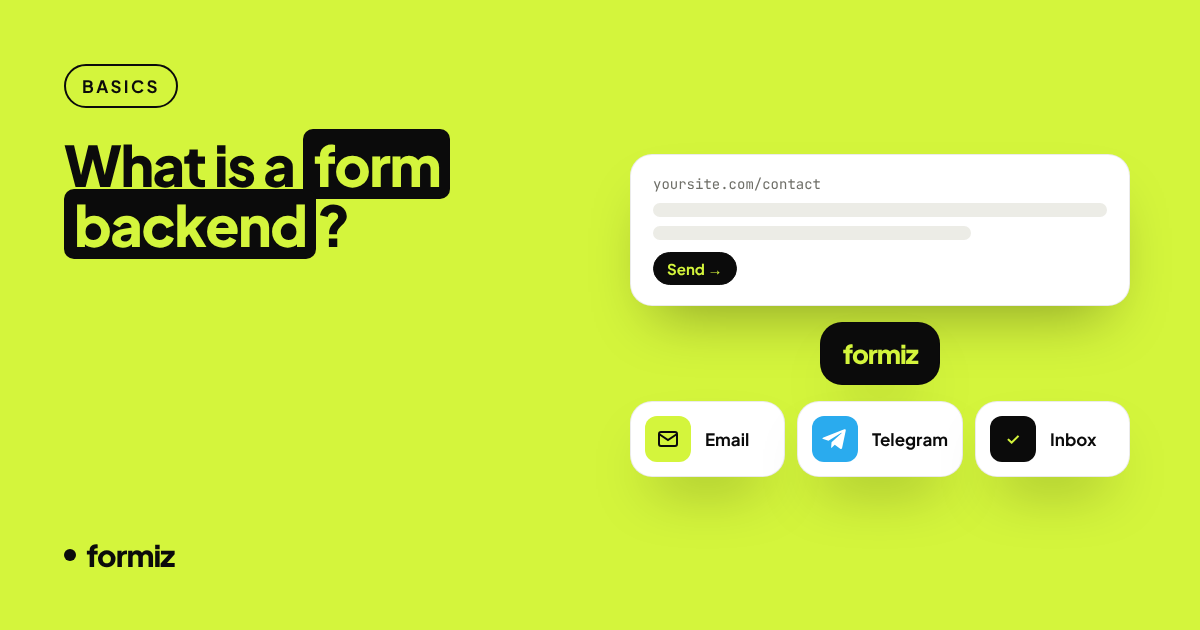
Point the form at a form backend. No function, no secrets, no email provider. The site stays purely static.
| Pages Functions | Form backend | |
|---|---|---|
| Code to write | Function + validation | None |
| Email setup and DNS | You | Handled |
| Spam filtering | You | Honeypot, rate limit, allowed domains |
| Stored submissions | You | Included, with an inbox |
| Notifications | Email (you build it) | Email and Telegram |
Setting up option 2
1. Create an access key
Sign up for Formiz, copy your access key and add your email under Channels → Email. Under Settings → Allowed domains, add your pages.dev subdomain and your custom domain.
2. Add the form
<form action="https://api.formiz.app/submit" method="POST">
  <input type="hidden" name="access_key" value="YOUR_ACCESS_KEY">
  <input type="hidden" name="subject" value="New message via Cloudflare Pages site">
  <input type="hidden" name="redirect" value="https://example.com/thanks/">
  <input type="checkbox" name="_honey" style="display:none" tabindex="-1" autocomplete="off">

  <input name="name" placeholder="Name" required>
  <input name="email" type="email" placeholder="Email" required>
  <textarea name="message" placeholder="Message" required></textarea>
  <button type="submit">Send</button>
</form>
It works with any framework Pages supports: plain HTML, Astro, Hugo, SvelteKit with adapter-static, Vite + React and so on. Framework-specific versions: Astro, SvelteKit, React, Hugo.
3. Deploy and test
Push to your connected repository. Once the build finishes, submit the form. You land on your thank-you page and the email arrives within seconds, with the visitor as reply-to.
Using Turnstile as well
If a form is targeted by persistent spam, Cloudflare Turnstile is a good, privacy-friendly challenge. Note that a Turnstile token has to be verified on a server, so it pairs naturally with option 1. With a form backend, start with the built-in honeypot, rate limits and allowed domains; for most sites they are enough. See stop contact form spam without a CAPTCHA.
Which one?
If you are already deep in Workers, D1 and KV, option 1 keeps everything in one place. If you just need a contact form that works and lets you reply quickly, option 2 takes five minutes and nothing to maintain.
Get your form working in five minutes
Create a free Formiz key, add it to your form and receive submissions by email and Telegram. No server, no SMTP, no card.