After the submit button: thank-you pages, redirects and inline success messages
What visitors see after submitting a form affects trust and conversion tracking. Compare hosted thank-you pages, custom redirects and inline success messages, with code for each.
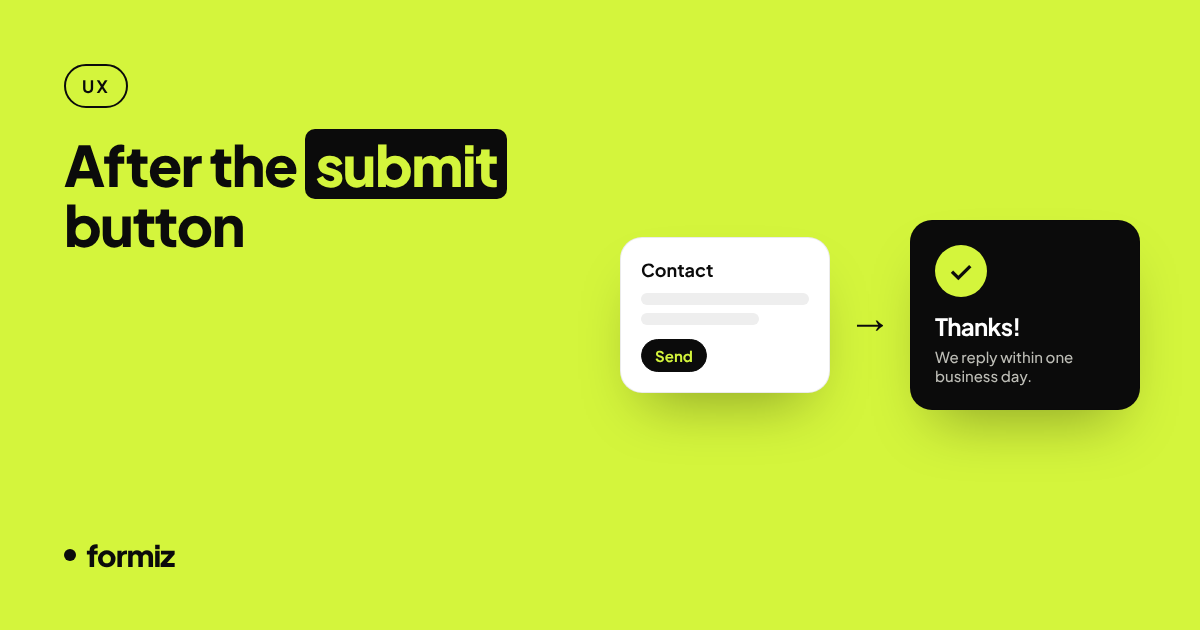
The moment after someone presses Send is easy to overlook, but it matters. A visitor who is unsure whether their message went through will send it twice, or worse, give up and email a competitor. And if you run ads, the post-submit moment is usually where you measure conversions.
There are three common patterns. Here is how each works and when to use it.
Option 1: A hosted thank-you page
Setup: none. A plain HTML form posting to Formiz redirects visitors to a clean thank-you page in their own language, with a link back to the page they came from.
Good for: getting a form live in minutes, prototypes, and sites where you do not want to design another page.
Downside: the visitor briefly leaves your site, and you cannot fire your own analytics events on that page.
Option 2: Redirect to your own thank-you page
Add a hidden redirect field with a full URL:
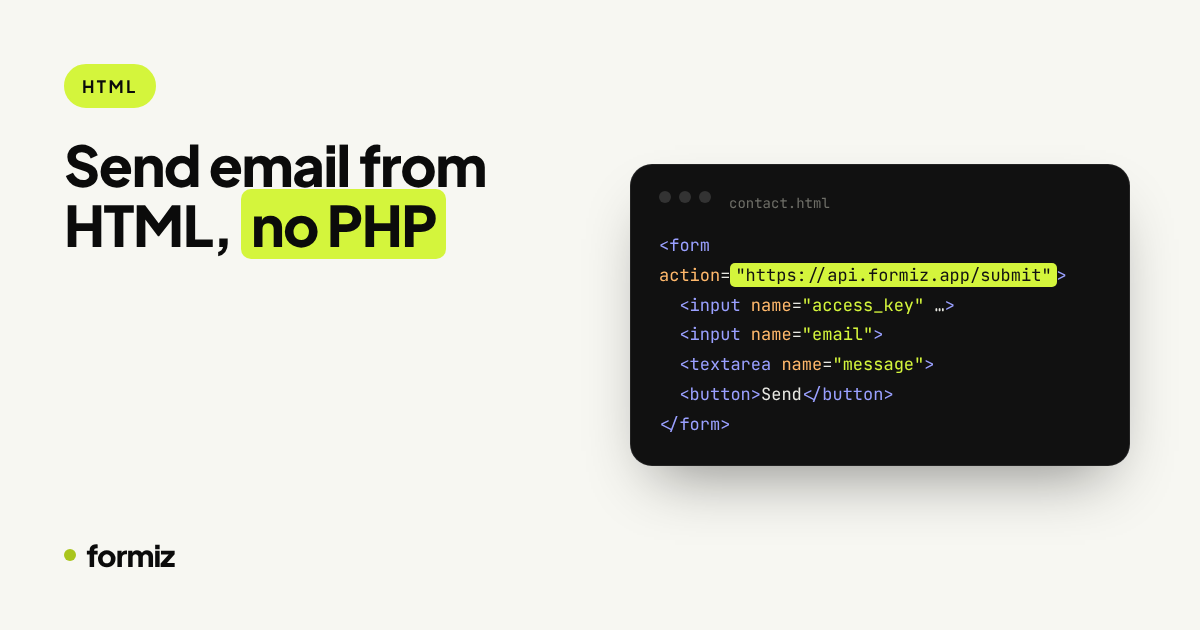
<form action="https://api.formiz.app/submit" method="POST">
  <input type="hidden" name="access_key" value="YOUR_ACCESS_KEY">
  <input type="hidden" name="redirect" value="https://example.com/thanks">
  <!-- your fields -->
</form>
After a successful submission, the browser goes straight to /thanks on your site.
Good for:
- Conversion tracking. A dedicated URL is the simplest possible goal in Google Analytics, Google Ads, Meta and most other tools: "a visit to
/thankscounts as a lead". - Next steps. Use the page to set expectations ("we reply within one business day"), link to a calendar booking or show case studies.
Tips:
- Add
<meta name="robots" content="noindex">to the thank-you page so it does not appear in search results and is not visited by accident. - Use different redirect URLs per form (
/thanks/quote,/thanks/contact) to tell conversions apart.
Option 3: Stay on the page with an inline message
Send the form with JavaScript and show a message in place of the form. When the request comes from fetch, Formiz replies with JSON instead of redirecting:
const form = document.querySelector('#contact');

form.addEventListener('submit', async (event) => {
  event.preventDefault();
  const res = await fetch(form.action, { method: 'POST', body: new FormData(form) });
  const data = await res.json();

  if (data.success) {
    form.innerHTML = '<p role="status">Thanks! We will reply within one business day.</p>';
    // window.gtag?.('event', 'generate_lead');  // track the conversion here
  } else {
    alert(data.message || 'Something went wrong. Please try again.');
  }
});
Good for: single-page apps, forms in modals or footers, and any design where a page change feels jarring. Framework versions are in the Next.js, React and Astro guides.
Tips:
- Use
role="status"(oraria-live="polite") on the success message so screen readers announce it. - Disable the submit button while sending to prevent double submissions.
- Keep the plain
actionattribute on the form. If JavaScript fails, the form still works and falls back to a redirect.
Which one should you use?
| Need | Best option |
|---|---|
| Live in five minutes | Hosted thank-you page |
| Track conversions in Ads or Analytics | Your own thank-you page |
| Form inside a modal, footer or SPA | Inline message |
| Upsell or next step after submitting | Your own thank-you page |
Write a better success message
Whatever the mechanism, the words matter:
- Confirm it worked: "Your message has been sent."
- Set expectations: "We reply within one business day."
- Say where the reply comes from, so it is not mistaken for spam.
- Offer one next step, not five.
A reassured visitor is far less likely to submit twice, and far more likely to be there when you reply.
Get your form working in five minutes
Create a free Formiz key, add it to your form and receive submissions by email and Telegram. No server, no SMTP, no card.