Jekyll Contact Form for GitHub Pages (Include File and Config)
Add a contact form to a Jekyll site with a reusable include, the key in _config.yml and a thank-you page. Works on GitHub Pages without plugins or a server.
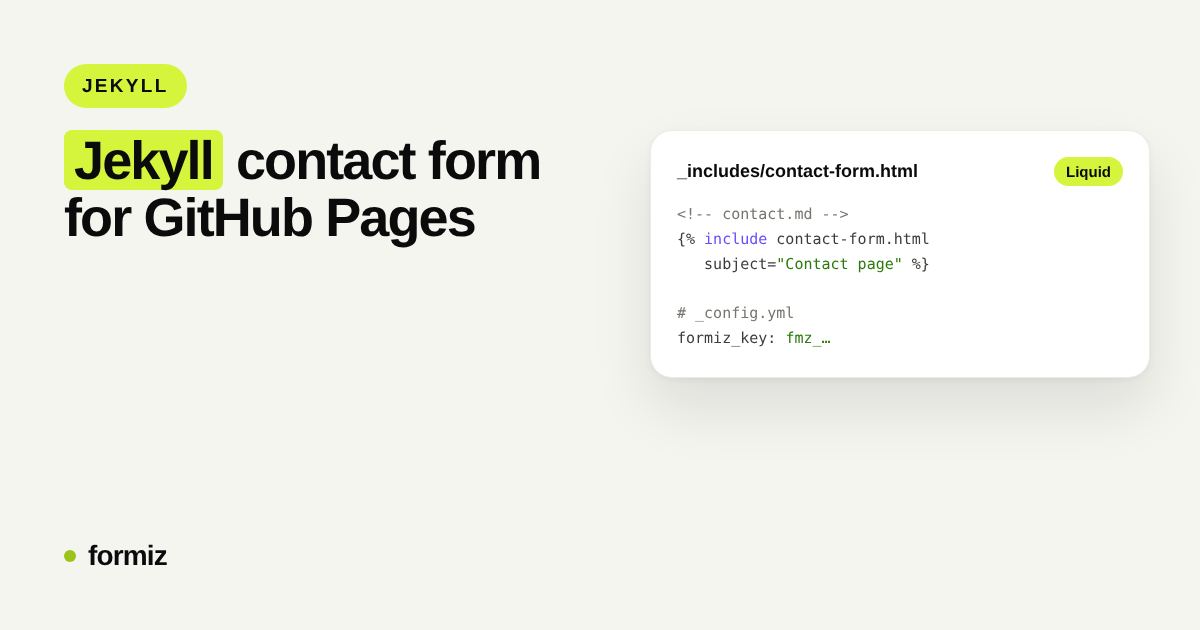
Jekyll powers a huge number of personal sites, docs and blogs, many of them on GitHub Pages. GitHub Pages only serves static files and does not run custom plugins, so a contact form needs an external endpoint.
Here is a clean setup: a reusable include, the key in your site config and a proper thank-you page.
1. Get an access key
Create a free Formiz account, copy your access key and verify your email under Channels → Email. Optionally add yourname.github.io and your custom domain under Settings → Allowed domains.
2. Add the key to _config.yml
formiz_key: fmz_your_key_here
contact_thanks: /thanks/
The key is meant to be public; it can only send submissions to you.
3. Create the include
_includes/contact-form.html:
<form class="contact-form" action="https://api.formiz.app/submit" method="POST">
  <input type="hidden" name="access_key" value="{{ site.formiz_key }}">
  <input type="hidden" name="subject" value="{{ include.subject | default: 'New message from the website' }}">
  <input type="hidden" name="redirect" value="{{ site.contact_thanks | absolute_url }}">
  <input type="checkbox" name="_honey" style="display:none" tabindex="-1" autocomplete="off">

  <label for="cf-name">Name</label>
  <input id="cf-name" name="name" autocomplete="name" required>

  <label for="cf-email">Email</label>
  <input id="cf-email" name="email" type="email" autocomplete="email" required>

  <label for="cf-message">Message</label>
  <textarea id="cf-message" name="message" rows="5" required></textarea>

  <button type="submit">Send message</button>
</form>
For absolute_url to produce the right address, set url (and baseurl if you use one) in _config.yml.
4. Use it on any page
contact.md:
---
layout: page
title: Contact
permalink: /contact/
---

Questions, ideas or work enquiries: send me a message.

{% include contact-form.html subject="Contact page message" %}
Because the subject is a parameter, you can reuse the same include on a "Hire me" page with a different subject and filter for it later.
5. Add a thank-you page
thanks.md:
---
layout: page
title: Thanks!
permalink: /thanks/
---

Your message is on its way. I usually reply within a day or two.

[← Back to the homepage]({{ '/' | relative_url }})
6. A little styling
Add to your Sass (for example assets/css/style.scss in many themes):
.contact-form {
  display: grid; gap: 8px; max-width: 560px;
  label { font-weight: 600; margin-top: 8px; }
  input, textarea { padding: 10px 12px; border: 1px solid #ccc; border-radius: 8px; font: inherit; }
  button { margin-top: 12px; padding: 12px; border: 0; border-radius: 8px; background: #111; color: #fff; font-weight: 700; cursor: pointer; }
}
Commit, push, and GitHub Pages rebuilds the site. Send yourself a test message.
Going further
- Same idea for other generators: Hugo, Eleventy, Astro.
- More on hosting: GitHub Pages contact form.
- Get notified on your phone with Telegram, or post new messages to Slack or Discord.
Get your form working in five minutes
Create a free Formiz key, add it to your form and receive submissions by email and Telegram. No server, no SMTP, no card.