How to send form submissions to multiple email addresses
Route each website form submission to several people, such as sales, the owner and a shared inbox, without forwarding rules or code. Plus when to use a team chat or lead assignment instead.
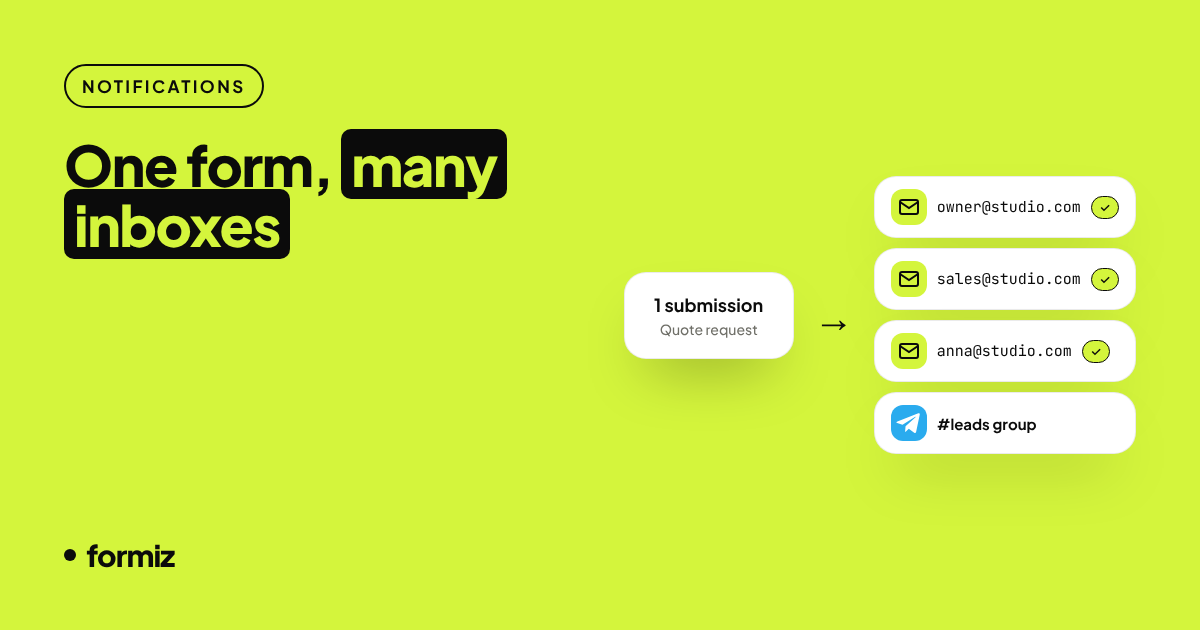
A single recipient is a single point of failure. If that person is on holiday, sick or simply busy, enquiries wait. Sending each submission to two or three people (or to a shared inbox) is the simplest way to make sure someone sees it quickly.
Option 1: Forwarding rules in your mailbox (fragile)
Set up a rule in Gmail or Outlook that forwards form notifications to colleagues. It works, but:
- Forwarded mail is more likely to be flagged by spam filters.
- The reply-to can get lost, so replies go to the wrong person.
- Rules break silently when someone changes their settings or leaves.
Option 2: Multiple recipients in your form backend (recommended)
With a form backend, recipients are configured in one place, not in anyone's mailbox.
In Formiz:
- Open your project and go to Channels → Email.
- Add each address that should receive submissions.
- Each person confirms their address once via a link we send. Only confirmed addresses receive notifications, so a typo cannot leak leads to a stranger.
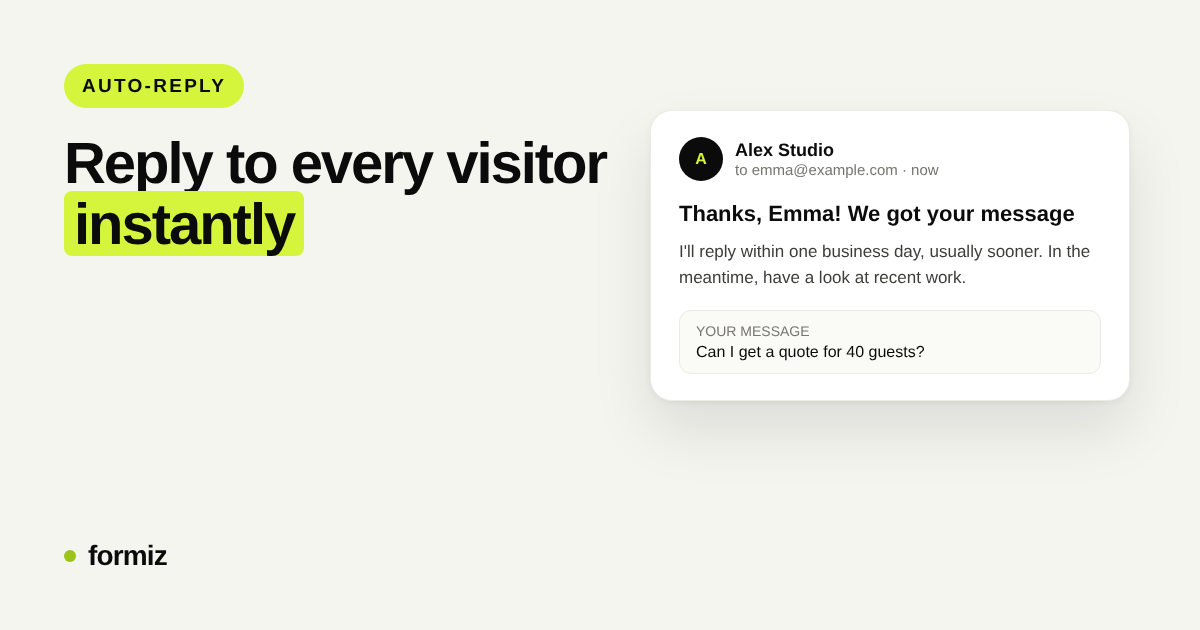
From then on, every submission is delivered to all confirmed addresses. Because each notification uses the visitor's email as reply-to, whoever answers first replies directly to the visitor from their own mailbox.
Nothing changes on your website; the form keeps posting to the same endpoint with the same access key.
Option 3: A shared inbox
Add one shared address (sales@, hello@) as the recipient and let your help desk or shared mailbox tool distribute it. Good for larger teams that already work this way.
Avoid replying twice
The risk with several recipients is two people answering the same lead. A few ways to prevent it:
- Assign leads. In the Formiz inbox you can assign a submission to a teammate and move it to Contacted once someone replies, so everyone sees it is handled.
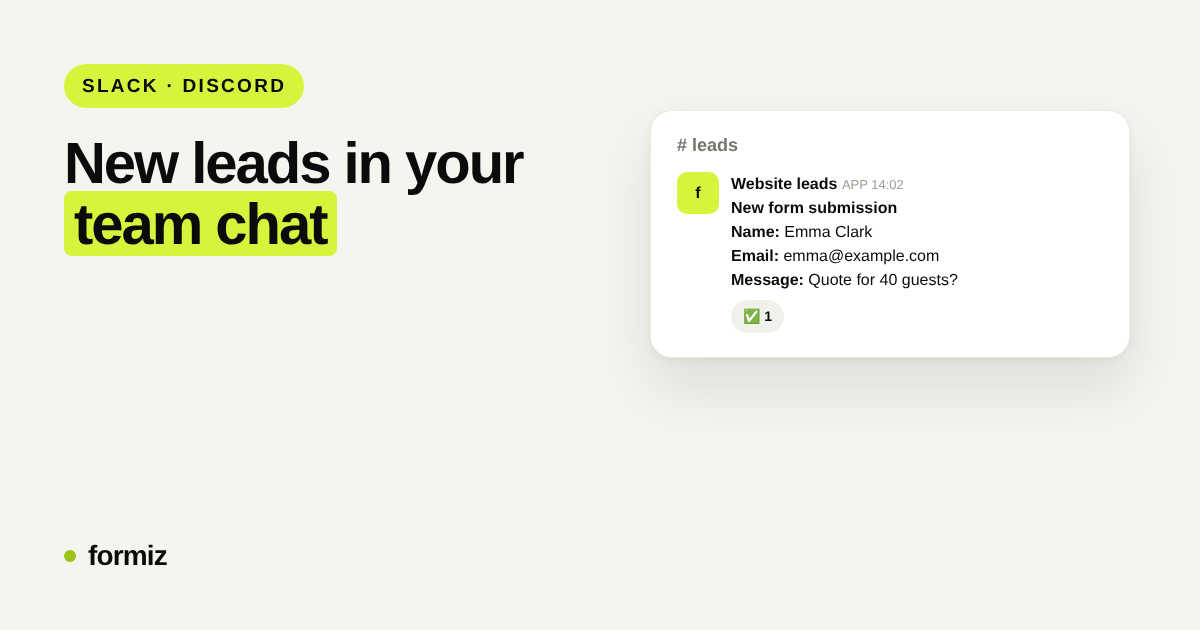
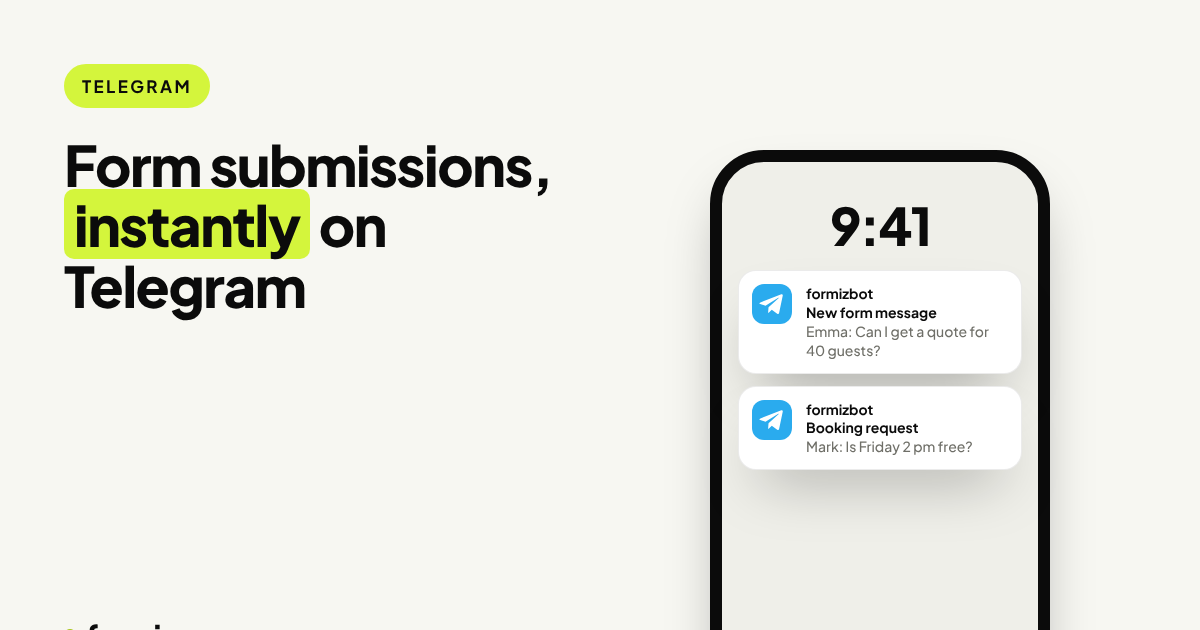
- Use a team chat. Connect a Telegram group: a new submission appears for everyone at once, and someone replies "I've got this" in the thread.
- CC on replies. If you reply by email, CC the shared address so the others see it.
Different forms, different people
Often the quote form should go to sales and the support form to support. With Formiz, use separate projects (each with its own recipients and keys) when the audiences are completely different, for example per client site. Within one project, use a clear subject per form (such as "Quote request" vs "Support") so recipients can filter in their mail app.
Telegram + email: the reliable combo
Email is great for records and replying; chat is great for speed. Many small teams use both: email to the owner and the sales lead, and a Telegram group for everyone. If one channel is delayed, the other still gets through, and every submission is stored in the inbox regardless.
Related: how to follow up on website leads.
Get your form working in five minutes
Create a free Formiz key, add it to your form and receive submissions by email and Telegram. No server, no SMTP, no card.