How to add a contact form to SvelteKit (works with adapter-static)
A SvelteKit contact form that emails you every submission, using a public env variable and fetch. No form actions or server needed, so it works with adapter-static too.
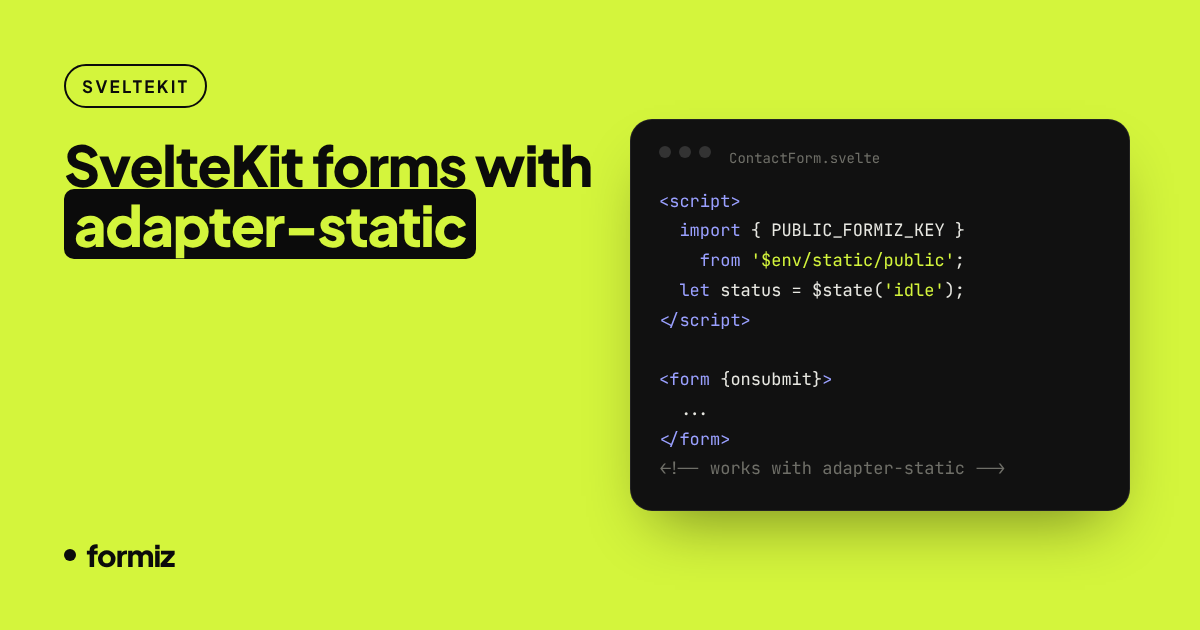
SvelteKit has excellent form handling through form actions, but actions need a server. If you deploy with adapter-static, or simply do not want to set up an email provider, you need another way to receive contact form submissions.
The answer is to post the form from the browser to a form backend. Here is a complete component.
1. Add your key
Create a free Formiz account, copy your access key and add your email under Channels → Email. In .env:
PUBLIC_FORMIZ_KEY=fmz_your_key_hereSvelteKit only exposes variables with the PUBLIC_ prefix to the browser. This key can only send submissions to you; add your domain under Settings → Allowed domains to stop it working elsewhere.
2. The component
<!-- src/lib/ContactForm.svelte -->
<script>
  import { PUBLIC_FORMIZ_KEY } from '$env/static/public';

  let status = $state('idle'); // idle | sending | sent | error
  let error = $state('');

  async function onsubmit(event) {
    event.preventDefault();
    const form = event.currentTarget;
    status = 'sending';
    error = '';

    const data = new FormData(form);
    data.append('access_key', PUBLIC_FORMIZ_KEY);

    try {
      const res = await fetch('https://api.formiz.app/submit', { method: 'POST', body: data });
      const json = await res.json();
      if (!res.ok || !json.success) throw new Error(json.message || 'Could not send your message');
      form.reset();
      status = 'sent';
    } catch (err) {
      error = err.message;
      status = 'error';
    }
  }
</script>

{#if status === 'sent'}
  <p role="status">Thanks! Your message has been sent.</p>
{:else}
  <form {onsubmit}>
    <input type="checkbox" name="_honey" style="display:none" tabindex="-1" autocomplete="off" />

    <label for="name">Name</label>
    <input id="name" name="name" autocomplete="name" required />

    <label for="email">Email</label>
    <input id="email" name="email" type="email" autocomplete="email" required />

    <label for="message">Message</label>
    <textarea id="message" name="message" rows="5" required></textarea>

    <button disabled={status === 'sending'}>{status === 'sending' ? 'Sending…' : 'Send'}</button>
    {#if status === 'error'}<p role="alert">{error}</p>{/if}
  </form>
{/if}
This uses Svelte 5 runes ($state) and the new onsubmit attribute. On Svelte 4, use let status = 'idle' and on:submit|preventDefault={onsubmit} instead.
Import it in a route:
<!-- src/routes/contact/+page.svelte -->
<script>
  import ContactForm from '$lib/ContactForm.svelte';
</script>

<h1>Contact</h1>
<ContactForm />
Progressive enhancement without JavaScript
Want the form to work even before JavaScript loads? Add action and method to the form, plus the key as a hidden input:
<form action="https://api.formiz.app/submit" method="POST" {onsubmit}>
  <input type="hidden" name="access_key" value={PUBLIC_FORMIZ_KEY} />
  <input type="hidden" name="redirect" value="https://example.com/thanks" />
  ...
</form>
With JavaScript, onsubmit takes over and the visitor stays on the page. Without it, the browser posts the form normally and the visitor is redirected to your thank-you page. (Remove the data.append line in that case, since the key is already in the form.)
Prerendering
The page can be fully prerendered (export const prerender = true); nothing about the form depends on the server. That is what makes it work with adapter-static and on GitHub Pages or Cloudflare Pages.
Related
Get your form working in five minutes
Create a free Formiz key, add it to your form and receive submissions by email and Telegram. No server, no SMTP, no card.