How to add a WordPress contact form without a plugin
Skip the heavy form plugin and the SMTP plugin. Add a fast contact form to any WordPress page with a Custom HTML block, get reliable email delivery and Telegram notifications, and keep your site lean.
The default answer to "contact form in WordPress" is to install a form plugin. Then you discover the emails go to spam, so you install an SMTP plugin, configure an email provider and add DNS records. Then a spam plugin. Three plugins, three update cycles, for one form.
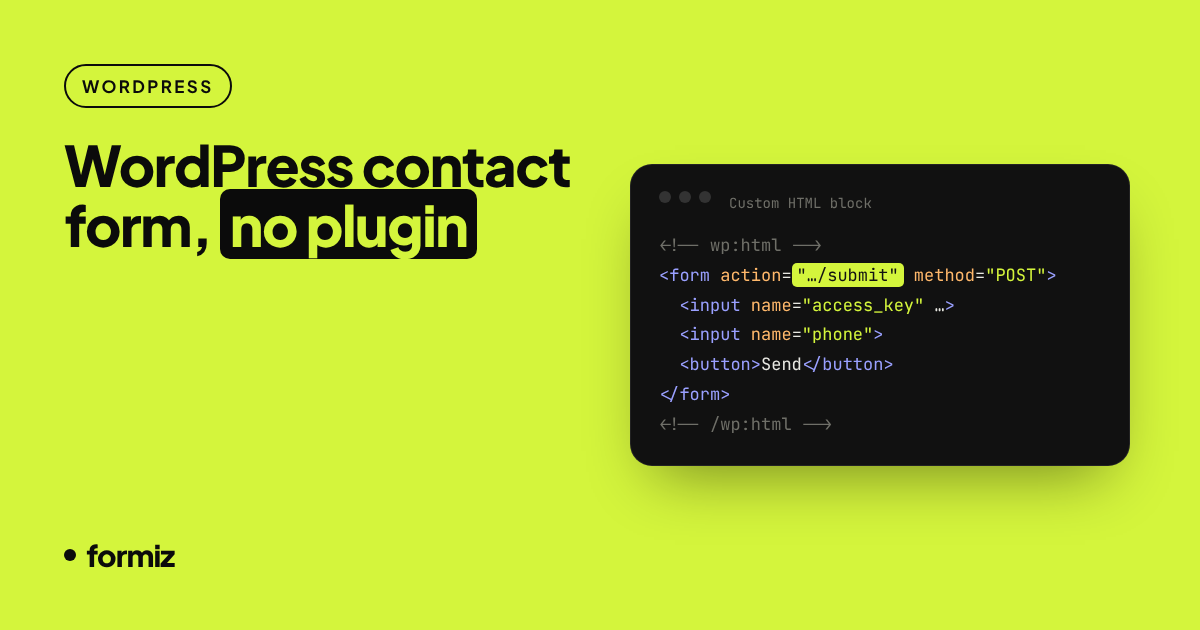
There is a lighter option: a plain HTML form inside a Custom HTML block, posting to a form backend that handles delivery and spam for you.
When this approach makes sense
- You need a simple contact, quote or callback form.
- You want fewer plugins for performance and security reasons.
- Your current form's emails are unreliable (see why form emails go to spam).
- You manage several client sites and want all their leads in one dashboard.
If you need multi-step forms with conditional logic, payment fields or deep WordPress user integration, a full form plugin is still the right tool.
1. Get an access key
Create a free Formiz account, copy your access key and add the address that should receive messages under Channels → Email. Add your site's domain under Settings → Allowed domains.
2. Add a Custom HTML block
- Open the page in the block editor.
- Click +, search for Custom HTML and add the block where the form should appear.
- Paste the form below and replace
YOUR_ACCESS_KEY. - Click Preview to check it, then Update.
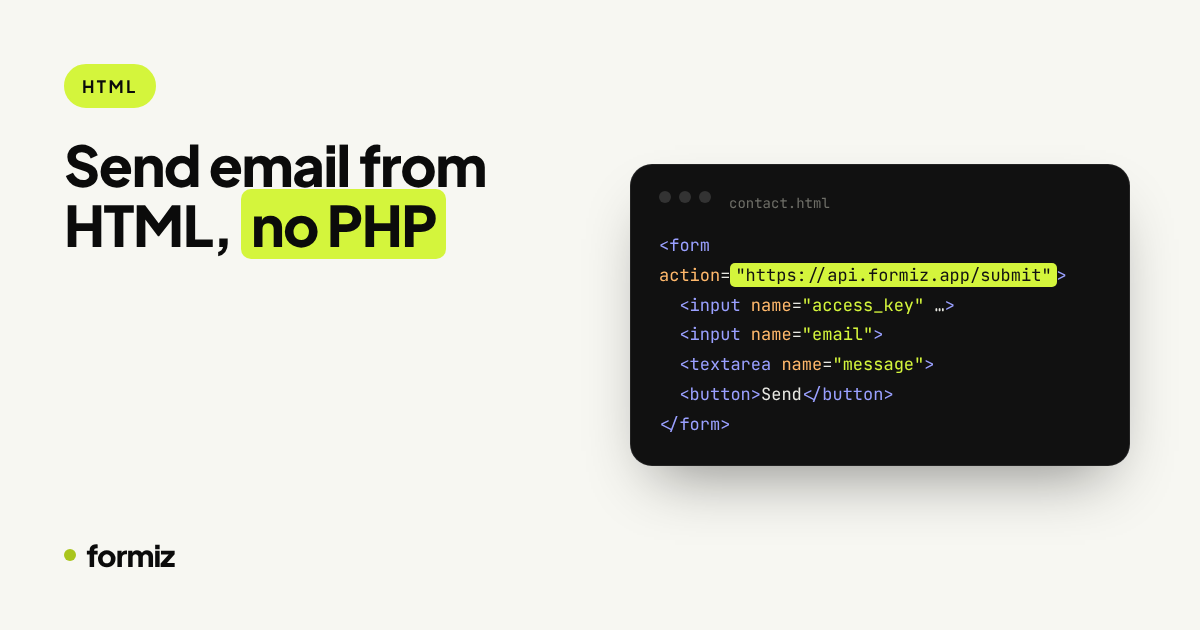
<form action="https://api.formiz.app/submit" method="POST" class="formiz-form">
  <input type="hidden" name="access_key" value="YOUR_ACCESS_KEY">
  <input type="hidden" name="subject" value="New enquiry from the website">
  <input type="checkbox" name="_honey" style="display:none" tabindex="-1" autocomplete="off">

  <p><label for="ff-name">Name</label><br>
  <input id="ff-name" name="name" autocomplete="name" required></p>

  <p><label for="ff-email">Email</label><br>
  <input id="ff-email" name="email" type="email" autocomplete="email" required></p>

  <p><label for="ff-phone">Phone (optional)</label><br>
  <input id="ff-phone" name="phone" type="tel" autocomplete="tel"></p>

  <p><label for="ff-message">Message</label><br>
  <textarea id="ff-message" name="message" rows="5" required></textarea></p>

  <p><button type="submit" class="wp-element-button">Send message</button></p>
</form>
Most themes style form inputs automatically. The wp-element-button class makes the button match block themes; classic themes may use a different class such as button.
3. Test it
Visit the page while logged out (or in a private window), submit the form and check your inbox. The visitor lands on a hosted thank-you page with a link back to your site. To use your own thank-you page instead, add:
<input type="hidden" name="redirect" value="https://yoursite.com/thank-you/">Using the classic editor or a page builder?
- Classic editor: switch to the Text tab and paste the form.
- Elementor, Divi, Bricks and others: use the builder's HTML or Code element.
- Widgets or footer: use a Custom HTML widget.
The form is just HTML, so it works anywhere WordPress lets you add markup.
What you get compared with a plugin stack
| Form + SMTP plugins | HTML form + Formiz | |
|---|---|---|
| Plugins to update | 2–3 | 0 |
| DNS and SMTP setup | Yes | No |
| Spam filtering | Separate plugin or CAPTCHA | Honeypot, rate limits, allowed domains |
| Telegram notifications | Another plugin | Built in |
| Submissions stored | In your database, per site | In one dashboard, across sites |
Tips for agencies
Create a project per client in Formiz. Each project has its own access keys, channels and team members, so client A's enquiries go only to client A, and you can still see everything from one login. Connect a Telegram group per client if they prefer messages on their phone.
Get your form working in five minutes
Create a free Formiz key, add it to your form and receive submissions by email and Telegram. No server, no SMTP, no card.