Mailto Form Action vs a Form Backend: Why mailto: Forms Lose Messages
Using action="mailto:" for an HTML contact form looks easy but fails for most visitors. What actually happens, why it loses messages, and the simple alternative that works everywhere.
It is one of the first things people try when they build a contact form without a server:
<form action="mailto:you@example.com" method="POST" enctype="text/plain">
  <input name="name">
  <textarea name="message"></textarea>
  <button>Send</button>
</form>
It looks like it should work. In practice it fails for a large share of visitors, and you never find out about the messages you lost.
What actually happens when someone submits
A mailto: form does not send anything. It asks the visitor's device to open its default email app with a pre-filled draft. Then:
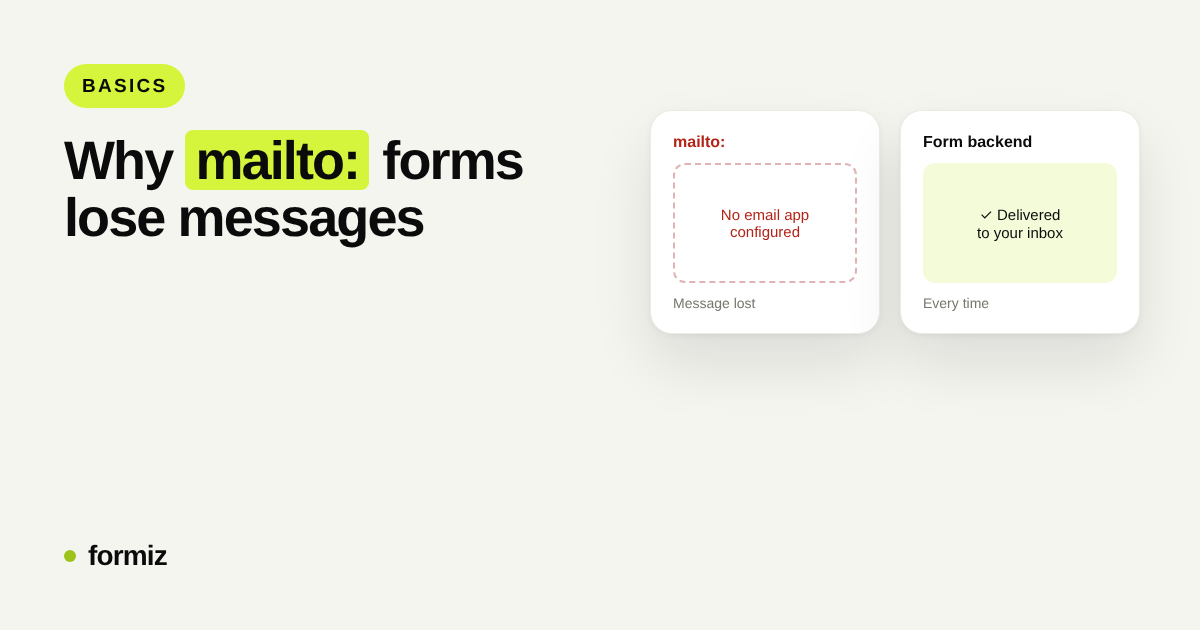
- On many computers there is no configured mail app. People use Gmail or Outlook in the browser, so the click opens an unconfigured desktop app, or nothing at all.
- On phones it may open a mail app the person never set up.
- If a draft does open, the visitor still has to press Send in their own email. Many don't; the form "looked" submitted.
- The formatting is a mess:
name=Emma&message=Hello+thereor a plain-text dump, depending on the browser. - Browsers handle it differently, and some ignore
methodandenctypeentirely.
The result is a form that seems fine when you test it on your own laptop and quietly loses enquiries from everyone else.
Other problems
- Your email address is in the page source and ends up on spam lists (how to hide it).
- No confirmation for the visitor and no thank-you page.
- No record: nothing is stored, so there is nothing to follow up on.
- No spam filtering, for the messages that do get through.
When a mailto link is fine
A plain link, not a form, is still useful as a secondary option:
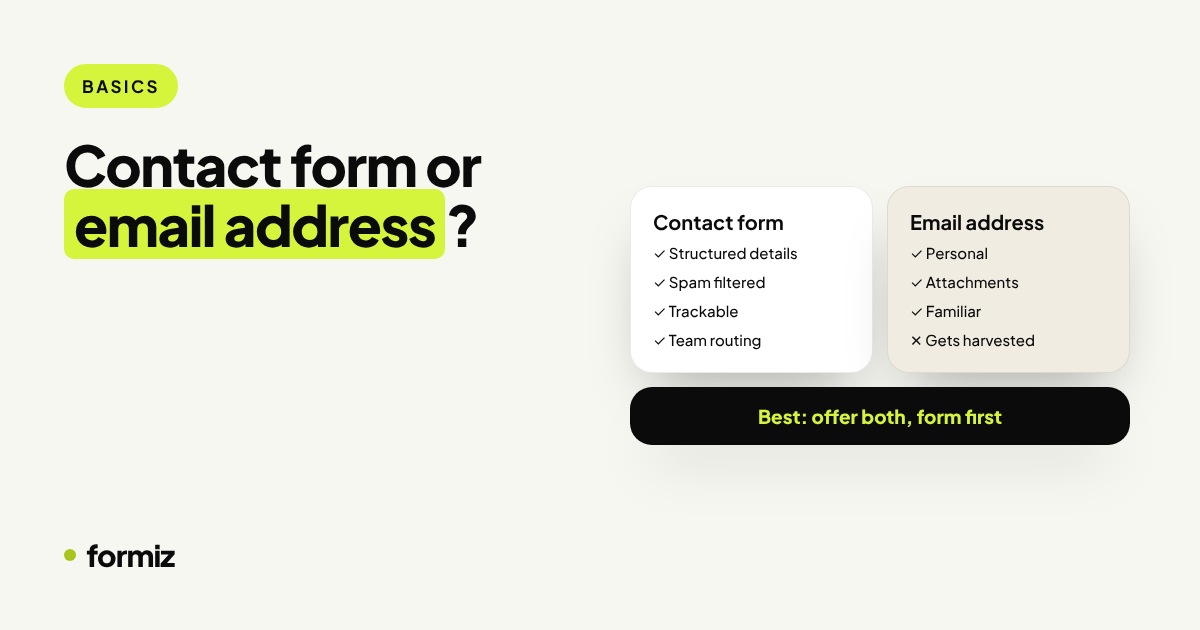
<a href="mailto:hello@example.com">hello@example.com</a>People who prefer their own email can use it, and everyone else gets a form. See contact form vs email address for when to offer which.
The alternative: point the form at a form backend
A form backend receives the submission over HTTPS, the same way any website form works, and emails it to you. Nothing depends on the visitor's mail setup:
<form action="https://api.formiz.app/submit" method="POST">
  <input type="hidden" name="access_key" value="YOUR_ACCESS_KEY">
  <input type="checkbox" name="_honey" style="display:none" tabindex="-1" autocomplete="off">
  <input name="name" required>
  <input name="email" type="email" required>
  <textarea name="message" required></textarea>
  <button type="submit">Send</button>
</form>
Compared with mailto::
mailto: form | Form backend | |
|---|---|---|
| Works without a mail app | No | Yes |
| Visitor must press Send twice | Yes | No |
| Thank-you page | No | Yes (redirects) |
| Your address hidden | No | Yes |
| Spam filtering | No | Yes |
| Stored and searchable | No | Yes, in the lead inbox |
| Reply directly to the visitor | Sometimes | Yes, reply-to is their address |
The whole switch is changing the action, removing enctype="text/plain" and adding one hidden field. For a step-by-step version, see sending an HTML form to email without PHP.
Get your form working in five minutes
Create a free Formiz key, add it to your form and receive submissions by email and Telegram. No server, no SMTP, no card.