Submit an HTML form with fetch and FormData: the complete guide
How to send any HTML form with JavaScript's fetch API and FormData, handle JSON responses and errors, prevent double submits, add timeouts and keep the form working without JavaScript.
Submitting a form with JavaScript lets you show a success message without reloading the page, keep the visitor's scroll position and handle errors gracefully. Modern browsers make this easy with two built-ins: fetch and FormData.
This guide walks through a production-ready pattern you can use with any endpoint, including a form backend like Formiz.
The basic pattern
<form id="contact" action="https://api.formiz.app/submit" method="POST">
  <input type="hidden" name="access_key" value="YOUR_ACCESS_KEY">
  <input name="name" required>
  <input name="email" type="email" required>
  <textarea name="message" required></textarea>
  <button type="submit">Send</button>
</form>

<script>
  const form = document.getElementById('contact');

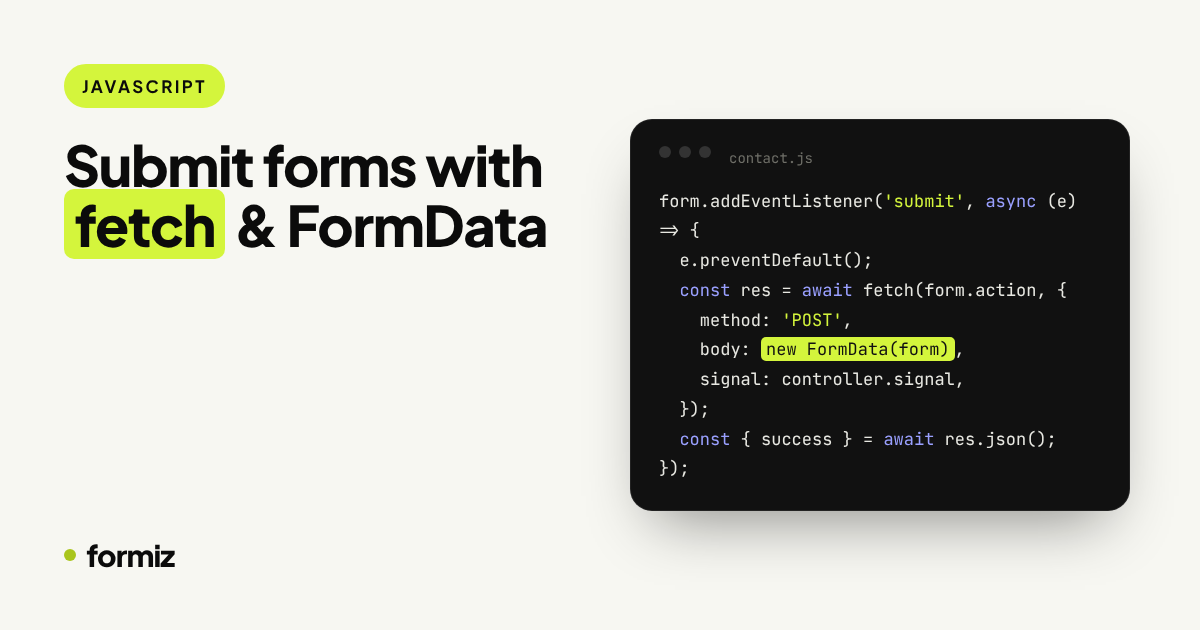
  form.addEventListener('submit', async (event) => {
    event.preventDefault();
    const res = await fetch(form.action, {
      method: form.method,
      body: new FormData(form),
    });
    const data = await res.json();
    console.log(data); // { success: true, id: "..." }
  });
</script>
Three things are worth noticing:
new FormData(form)collects every input with aname, including checkboxes, selects and file inputs.- Do not set a
Content-Typeheader yourself when sendingFormData. The browser setsmultipart/form-datawith the correct boundary. - The form keeps its
actionandmethod. If the script fails to load, the browser submits it the old-fashioned way. That is progressive enhancement for free.
A production-ready version
const form = document.getElementById('contact');
const button = form.querySelector('button[type="submit"]');
const status = document.createElement('p');
status.setAttribute('role', 'status');
form.append(status);

form.addEventListener('submit', async (event) => {
  event.preventDefault();
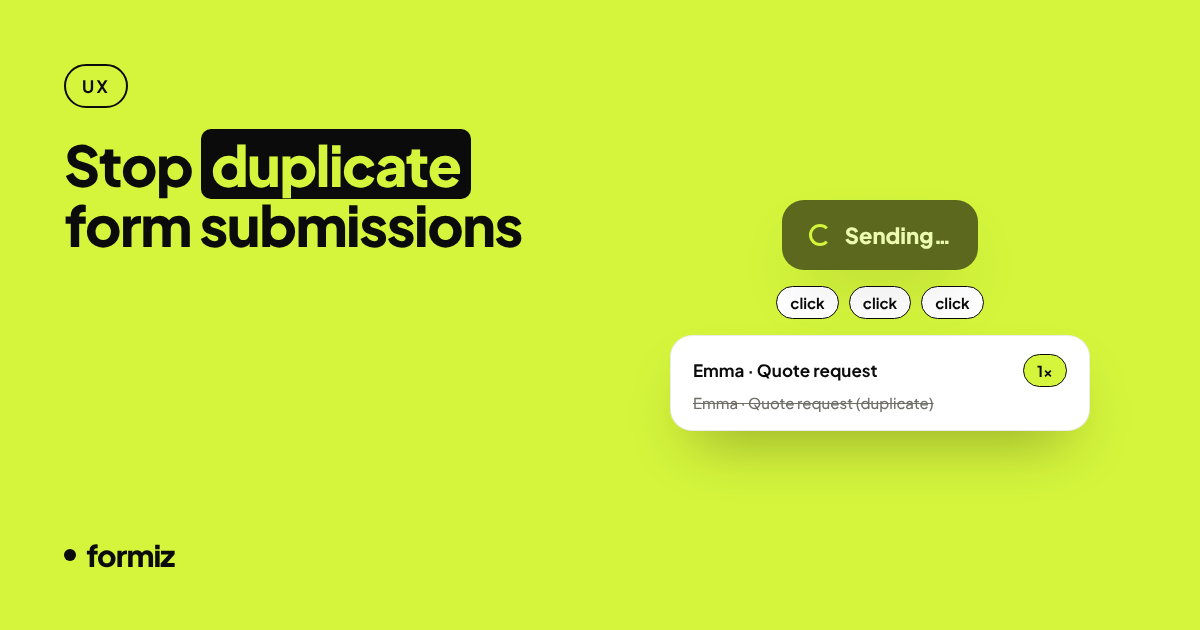
  if (button.disabled) return; // prevent double submits

  button.disabled = true;
  const original = button.textContent;
  button.textContent = 'Sending…';
  status.textContent = '';

  const controller = new AbortController();
  const timer = setTimeout(() => controller.abort(), 15000);

  try {
    const res = await fetch(form.action, {
      method: 'POST',
      body: new FormData(form),
      headers: { Accept: 'application/json' },
      signal: controller.signal,
    });

    let data = {};
    try { data = await res.json(); } catch { /* non-JSON response */ }

    if (!res.ok || data.success === false) {
      throw new Error(data.message || `Request failed (${res.status})`);
    }

    form.reset();
    status.textContent = 'Thanks! Your message has been sent.';
  } catch (err) {
    status.textContent = err.name === 'AbortError'
      ? 'The request timed out. Please try again.'
      : err.message || 'Something went wrong. Please try again.';
  } finally {
    clearTimeout(timer);
    button.disabled = false;
    button.textContent = original;
  }
});
What this adds:
| Feature | Why |
|---|---|
| Disabled button | Stops impatient double-clicks sending twice |
Accept: application/json | Tells the endpoint to answer with JSON, not a redirect |
AbortController timeout | A hung request does not leave the button stuck forever |
| Safe JSON parsing | A proxy error page will not crash your handler |
role="status" | Screen readers announce the result |
Sending JSON instead of FormData
If your data does not come from a <form> (for example a multi-step widget), send JSON:
await fetch('https://api.formiz.app/submit', {
  method: 'POST',
  headers: { 'Content-Type': 'application/json' },
  body: JSON.stringify({
    access_key: 'YOUR_ACCESS_KEY',
    name: 'Ada',
    email: 'ada@example.com',
    message: 'Hello!',
  }),
});
Convert a form to a plain object with Object.fromEntries(new FormData(form)) (note: this keeps only the last value for repeated names, such as multiple checkboxes).
Handling validation before sending
event.preventDefault() in a submit handler runs after the browser's built-in validation passes, so required and type="email" still work. If you add custom rules, call form.reportValidity() to show messages. More in HTML5 form validation.
CORS
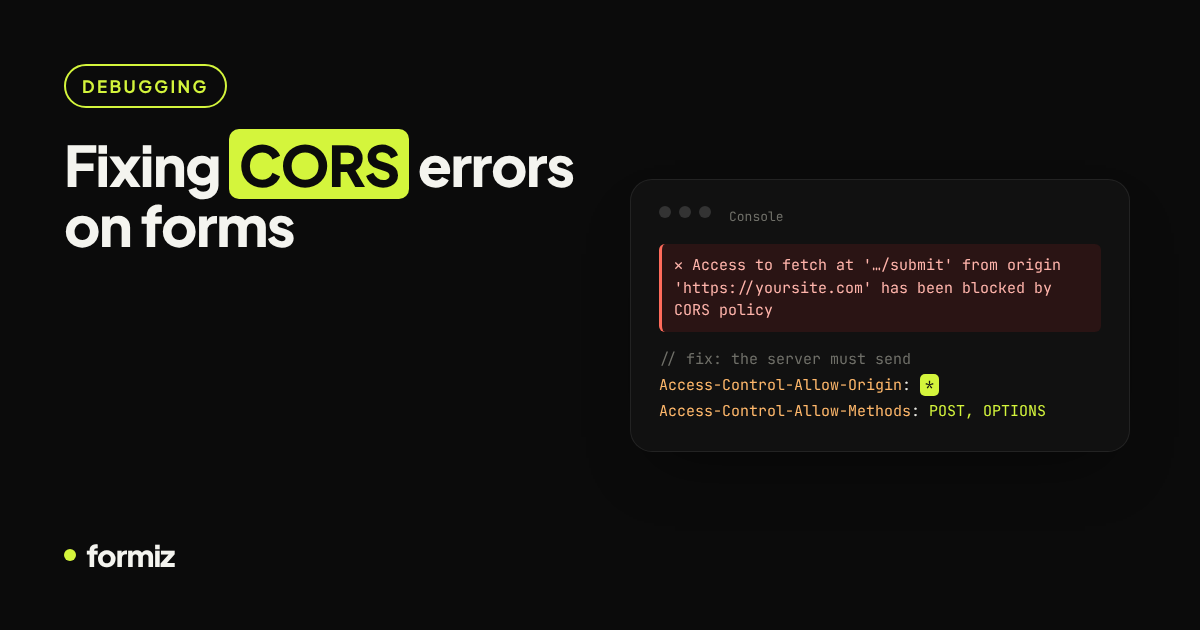
fetch to another domain only works if that server allows it. Form backends are built for this and send the right CORS headers; a random API might not. If you see a CORS error in the console, the endpoint is the problem, not your code.
Common mistakes
- Setting
Content-Type: multipart/form-datamanually (breaks the boundary). - Forgetting
event.preventDefault(), so the page also navigates. - Reading
event.targetinside a nested element handler instead of the form. - Showing success before checking
res.okand the response body.
Related
Get your form working in five minutes
Create a free Formiz key, add it to your form and receive submissions by email and Telegram. No server, no SMTP, no card.