Contact Form Not Working? 12 Causes and How to Fix Each One
Contact form not sending, emails not arriving or the page just reloads? A step-by-step checklist of the 12 most common causes, from wrong field names to spam folders, with fixes.
A broken contact form is the worst kind of bug: nothing crashes, nobody complains, and enquiries simply stop arriving. Work through this list from top to bottom. Most problems are found in the first five steps.
Start here: submit it yourself
Open your site in a private window, fill in the form with your own email address and submit. Then note three things:
- What did you see after pressing Send? (Thank-you page, error page, nothing?)
- Did the submission appear in your dashboard inbox?
- Did the notification email arrive?
Your answers point to the right section below. Testing a contact form has a longer checklist.
The form does not submit at all
1. The button is not inside the form, or is not a submit button. The <button> must sit between <form> and </form>. A <button type="button"> does nothing on its own; use type="submit" or leave the type out.
2. JavaScript is cancelling the submit. A theme script or page builder may call preventDefault() on every form. Open the browser console (F12) and look for errors when you click Send.
3. Browser validation is blocking it. A required field that is hidden, or a pattern the visitor cannot satisfy, silently stops the submit. Check that every required field is visible and fillable. See HTML form validation.
The form submits but shows an error
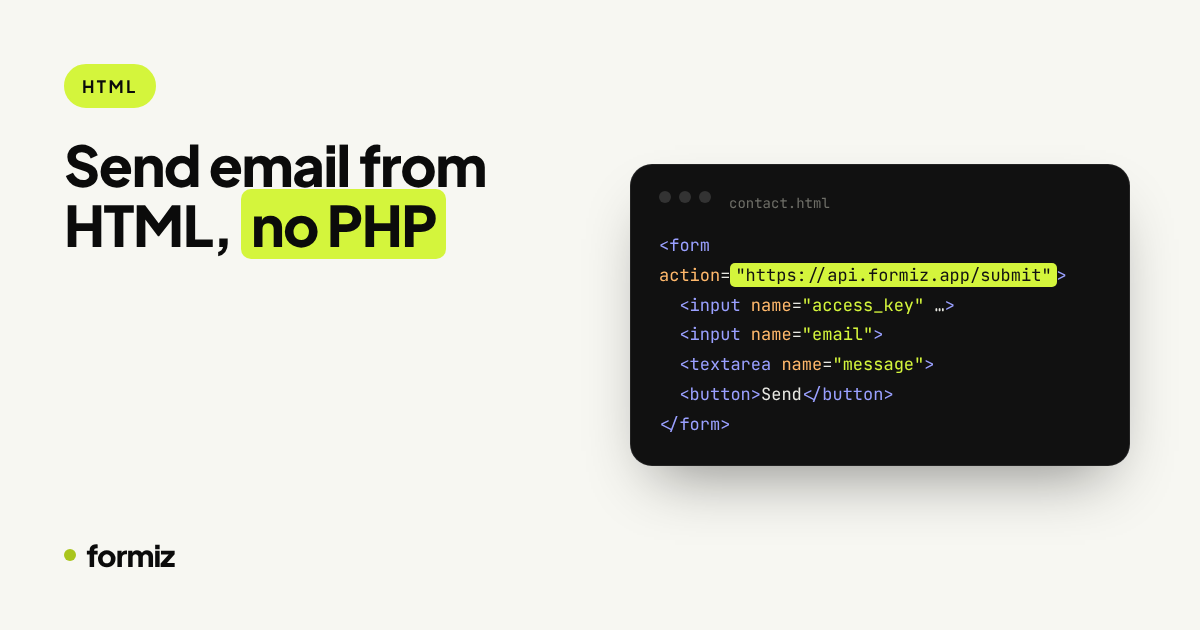
4. Wrong or missing action or method. The form must post to the endpoint:
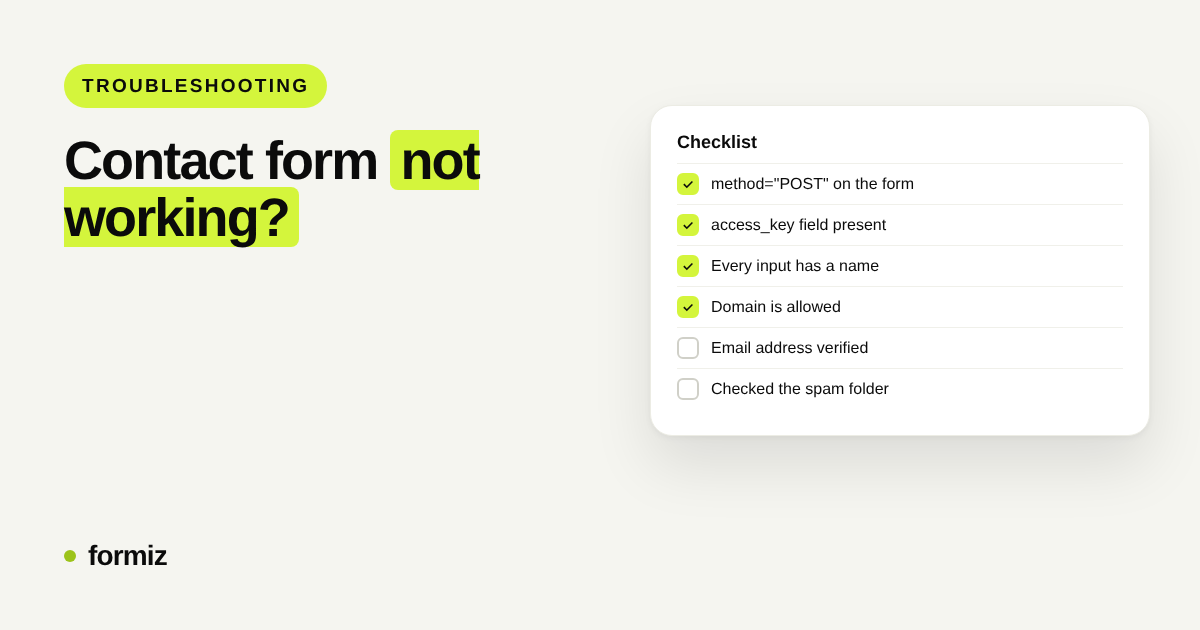
<form action="https://api.formiz.app/submit" method="POST">Without method="POST" the browser sends a GET request and the fields end up in the address bar.
5. Missing or wrong access key. The hidden field must be named exactly access_key, and the value must be your current key. If you rotated keys, update every form.
6. The domain is not allowed. If you added allowed domains in your settings, the site you are testing on (a staging URL, localhost, a new domain, the www version) must be on the list. The error page says "This domain is not allowed" when this is the cause.
7. Too many test submissions. Rate limiting kicks in after several submissions from one IP within a minute. Wait a minute and try again.
The submission arrives in the inbox, but no email
8. Your notification address is not verified. Under Channels → Email, the address must show Verified. Unverified addresses never receive anything.
9. The email is in spam or a filtered tab. Search your mailbox for "New form submission" or your subject line, check spam, Promotions and Updates, and mark it as Not spam. Read why contact form emails go to spam.
10. Monthly limit reached. Over the plan limit, submissions are still saved but notifications pause until the next month. The dashboard and a warning email tell you when this happens.
Fields are missing or empty
11. Inputs without a name. Only fields with a name attribute are sent. <input id="email"> sends nothing; <input id="email" name="email"> works. This is the most common cause of "the email arrives but it's empty".
12. File uploads arrive as names only. Add enctype="multipart/form-data" to the form. See HTML form file upload.
Still stuck? Check the response directly
Submit with fetch from the browser console to see the exact error message:
const fd = new FormData(document.querySelector('form'));
fetch('https://api.formiz.app/submit', { method: 'POST', body: fd })
  .then((r) => r.json())
  .then(console.log);
A { success: true } response means the form backend accepted it, so look at notifications and spam. Anything else includes a message telling you what to fix.
Prevent it from happening again
- Test the form after every theme update, plugin change or domain change.
- Keep a second notification channel, such as Telegram, so one blocked mailbox does not hide every lead.
- Track a
form_errorevent in analytics to notice failures early (contact form analytics).
Get your form working in five minutes
Create a free Formiz key, add it to your form and receive submissions by email and Telegram. No server, no SMTP, no card.