How to choose a form backend: 10 things to check before you commit
Not all form backends are equal. A practical checklist covering delivery, spam protection, data handling, notifications, pricing limits and lock-in, so you pick a service you will not have to migrate away from.
There are many hosted form backends today, and on the surface they all do the same thing: give you a URL, and email you whatever gets posted to it. The differences show up later, when a lead goes missing, spam floods your inbox or a client asks where their data is stored.
Here is a checklist to run through before you put any form backend on a live site. (Yes, we build one. We have tried to keep this useful whichever service you pick.)
1. Does it work with plain HTML?
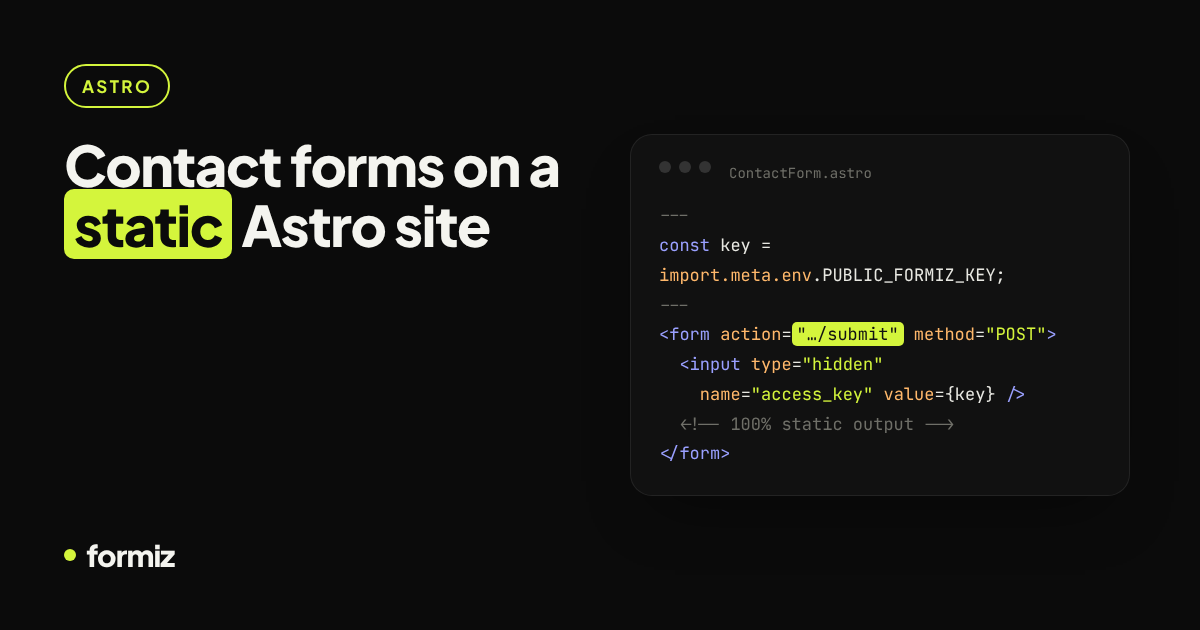
The best integration is a normal <form action> plus a hidden key. That works on every host and framework, today and after you migrate. Be wary of services that only work through their own JavaScript widget or SDK; they make your form depend on their script loading.
2. Can you stay on the page?
You will eventually want an inline success message. Check that the endpoint returns JSON when called with fetch, and supports CORS from your domain. See thank-you pages and inline messages.
3. How does it handle email deliverability?
Notifications should come from the service's own authenticated domain (SPF, DKIM, DMARC aligned), with the visitor's address as Reply-To. If a service asks you to put the visitor's address in From, expect spam-folder problems. Background: why form emails go to spam.
4. What spam protection is included?
Look for layers that need no CAPTCHA:
- Honeypot fields that fail silently
- Rate limiting
- Allowed-domain restrictions on your key
A CAPTCHA option is nice to have for forms under targeted attack, but it should not be the only defence. More in stop contact form spam without a CAPTCHA.
5. Can someone steal your key?
The key will be visible in your HTML. Make sure it can only send submissions (not read them) and that you can restrict it to your domains and rotate it easily.
6. Where do notifications go?
Email is the baseline. But email gets buried, and leads cool down fast. Check for faster channels such as Telegram or chat-app notifications, and whether you can send to a team rather than one person.
7. Are submissions stored, and can you work with them?
Email is not a database. You want every submission stored and searchable, ideally with simple follow-up tools: a status (new, contacted, won), notes and assignment. Otherwise you will end up copying leads into a spreadsheet by hand.
8. What are the limits on the free and paid plans?
Read the small print for:
- Submissions per month, and what happens when you go over (blocked, queued or charged?)
- Number of forms and projects
- Team members
- Whether spam submissions count against your quota
9. Does it handle multiple sites cleanly?
If you build sites for clients, you want separate projects with their own keys, recipients and team members, so one client's data never appears in another's notifications.
10. What about data and exit?
- Where is data stored, and is there a DPA for GDPR?
- Can you export everything (CSV at minimum)?
- Can you delete submissions?
- What data does the service tell you not to collect? (Payment cards, government IDs and health data should not go through a general-purpose form backend.)
A quick scoring table
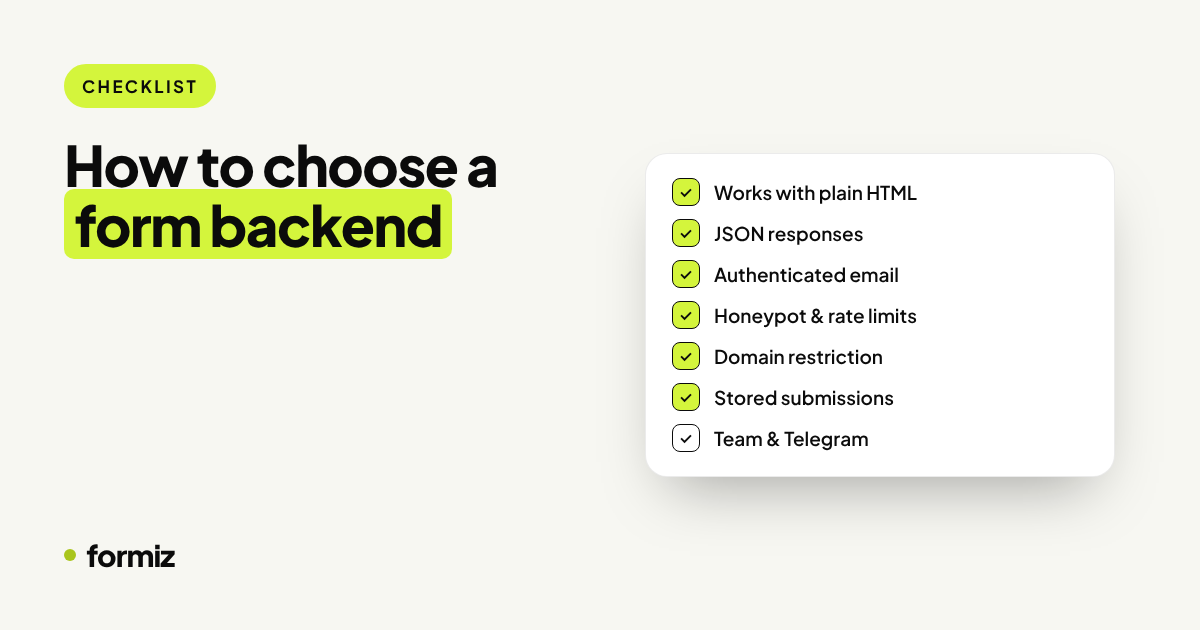
| Check | Must have | Nice to have |
|---|---|---|
| Plain HTML integration | ✓ | |
| JSON responses | ✓ | |
| Authenticated sending, reply-to visitor | ✓ | |
| Honeypot and rate limiting | ✓ | |
| Domain restriction | ✓ | |
| Stored, searchable submissions | ✓ | |
| Chat notifications (Telegram etc.) | ✓ | |
| Lead status, notes, team | ✓ | |
| Projects per client | ✓ | |
| Export and DPA | ✓ |
Where Formiz fits
Formiz ticks the must-haves and focuses on what happens after the submission: email and Telegram notifications, a lead inbox with stages, notes and teammates, separate projects per client, and even a Claude connection to query your leads in plain English. The free plan includes 100 submissions a month, with no card required.
Whichever service you choose, run a test submission, check the email headers, and try the export before you put it on a client's site.
Get your form working in five minutes
Create a free Formiz key, add it to your form and receive submissions by email and Telegram. No server, no SMTP, no card.