HTML Form action and method Explained (GET vs POST, With Examples)
What the action and method attributes of an HTML form do, when to use GET or POST, what enctype changes, and the most common mistakes that make a form silently fail.
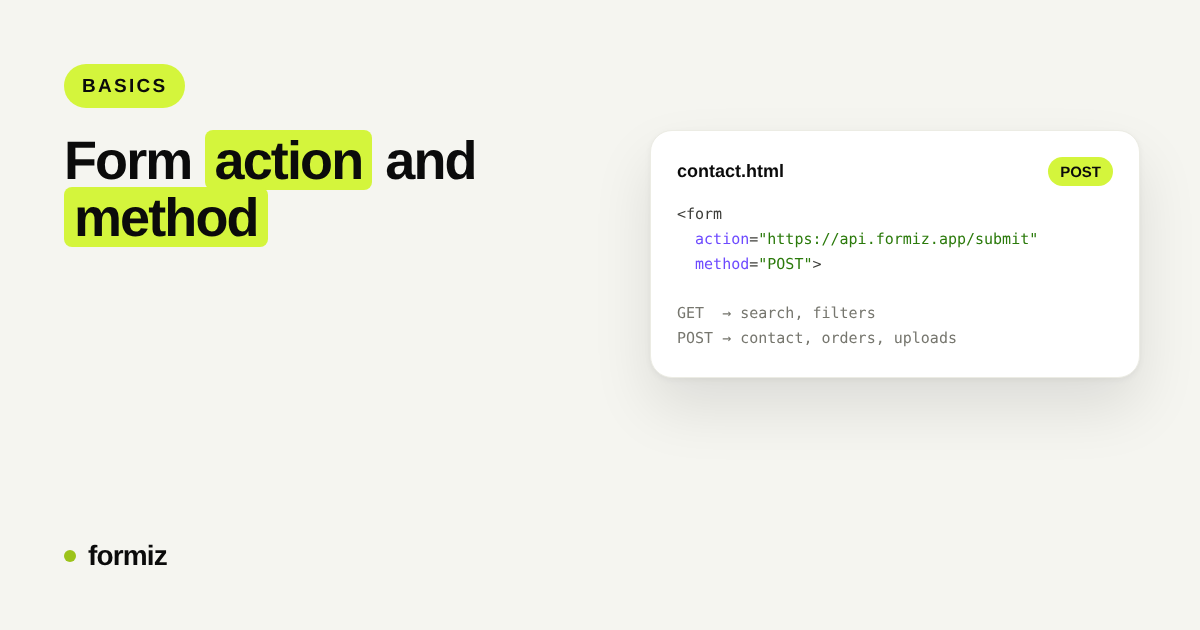
Every HTML form answers two questions: where should the data go, and how should it be sent? The action and method attributes are those answers. Get them wrong and the form looks fine but never delivers anything.
The action attribute: where the data goes
action is the URL the browser sends the form to when it is submitted:
<form action="https://api.formiz.app/submit" method="POST">- An absolute URL sends the data to another server, such as a form backend.
- A relative URL like
action="/contact"sends it to your own site, which only works if your server handles that path. - No action at all sends the form to the current page URL. On a static site, that means the data goes nowhere.
The URL must accept the method you use. An endpoint that only accepts POST returns an error for GET.
The method attribute: how the data is sent
GET
With method="GET" (the default when you leave it out), the fields are added to the URL:
https://example.com/search?q=contact+form&sort=newUse GET for forms that read something and are safe to repeat: search boxes, filters, sorting. The result can be bookmarked and shared.
Do not use GET for contact forms: messages and email addresses end up in browser history, server logs and analytics, URLs have length limits, and file uploads are impossible.
POST
With method="POST", the fields travel in the request body, not the URL:
<form action="https://api.formiz.app/submit" method="POST">Use POST for anything that sends or changes something: contact forms, sign-ups, orders, uploads. It is the right choice for nearly every form that delivers a message.
| GET | POST | |
|---|---|---|
| Data location | URL query string | Request body |
| Visible in history and logs | Yes | No |
| Bookmarkable | Yes | No |
| Size limit | Practical URL limits | Large (server-defined) |
| File uploads | No | Yes, with multipart |
| Typical use | Search, filters | Contact, sign-up, orders |
The enctype attribute: how the body is encoded
For POST forms, enctype decides the body format:
application/x-www-form-urlencoded(default) is fine for text fields.multipart/form-datais required for file uploads; without it, only the file name is sent. See HTML form file upload.text/plainis mostly seen withmailto:forms and should be avoided (why mailto forms lose messages).
Fields need a name
action and method only matter if there is data to send, and only inputs with a name attribute are included:
<input id="email" type="email">               <!-- not sent -->
<input id="email" name="email" type="email">  <!-- sent as email=… -->
The name becomes the key on the server side and the label in your notification emails.
A complete, working example
<form action="https://api.formiz.app/submit" method="POST">
  <input type="hidden" name="access_key" value="YOUR_ACCESS_KEY">
  <input type="hidden" name="redirect" value="https://example.com/thanks">
  <input name="name" required>
  <input name="email" type="email" required>
  <textarea name="message" required></textarea>
  <button type="submit">Send</button>
</form>
It posts to an endpoint that accepts POST, every field has a name, and the hidden fields configure the key and the thank-you page. More on hidden fields in hidden input fields explained.
What about JavaScript?
With fetch, the attributes become defaults you can read in code: fetch(form.action, { method: 'POST', body: new FormData(form) }). Keeping correct action and method attributes means the form still works if JavaScript fails. See submitting a form with fetch.
Common mistakes
- No method: the form uses GET and puts the message in the URL.
- Action points to a page, not an endpoint: the browser shows that page and the data is lost.
action="#": reloads the same page; nothing is sent anywhere.- Uploads without
multipart/form-data: only file names arrive.
If a form still misbehaves, go through contact form not working.
Get your form working in five minutes
Create a free Formiz key, add it to your form and receive submissions by email and Telegram. No server, no SMTP, no card.