Submit a form with jQuery AJAX (and send it to your inbox)
Still running jQuery? Here is the right way to submit a contact form with $.ajax, serialize or FormData, handle JSON responses and errors, and deliver submissions by email without PHP.
jQuery still powers a huge share of the web: WordPress themes, older Bootstrap templates and countless business sites. If your site already loads it, submitting a form with jQuery AJAX is perfectly reasonable. The part that often breaks is the other end: a contact.php file that no longer sends mail after a hosting change.
This guide shows a clean jQuery submission and pairs it with a form backend, so you can delete the PHP script entirely.
The form
<form id="contact" action="https://api.formiz.app/submit" method="POST">
  <input type="hidden" name="access_key" value="YOUR_ACCESS_KEY">
  <input type="checkbox" name="_honey" style="display:none" tabindex="-1" autocomplete="off">
  <input name="name" placeholder="Name" required>
  <input name="email" type="email" placeholder="Email" required>
  <textarea name="message" placeholder="Message" required></textarea>
  <button type="submit">Send</button>
  <p class="form-status" role="status"></p>
</form>
Get YOUR_ACCESS_KEY free from Formiz and add your email under Channels → Email.
Submitting with $.ajax
$(function () {
  $('#contact').on('submit', function (e) {
    e.preventDefault();
    var $form = $(this);
    var $button = $form.find('button[type="submit"]');
    var $status = $form.find('.form-status');

    $button.prop('disabled', true).text('Sending…');
    $status.text('');

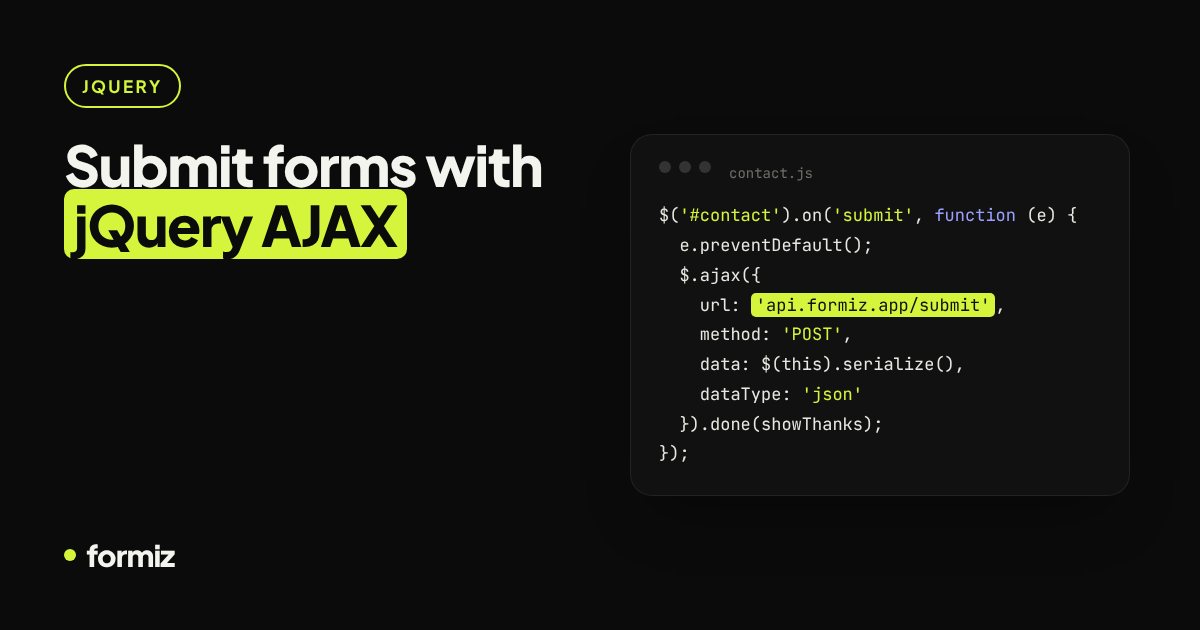
    $.ajax({
      url: $form.attr('action'),
      method: 'POST',
      data: $form.serialize(),
      dataType: 'json',
      headers: { Accept: 'application/json' },
      timeout: 15000
    })
      .done(function (res) {
        if (res.success) {
          $form[0].reset();
          $status.text('Thanks! Your message has been sent.');
        } else {
          $status.text(res.message || 'Something went wrong.');
        }
      })
      .fail(function (xhr) {
        var msg = (xhr.responseJSON && xhr.responseJSON.message) || 'Could not send. Please try again.';
        $status.text(msg);
      })
      .always(function () {
        $button.prop('disabled', false).text('Send');
      });
  });
});
Key points:
$form.serialize()sends the fields URL-encoded, just like a normal form post.dataType: 'json'and theAcceptheader ask for a JSON answer instead of a redirect..fail()reads the error message from the JSON body, for example "access_key is missing".- The button is disabled during the request to prevent duplicate submissions.
If the form contains checkboxes with the same name
serialize() handles them fine. If you ever need FormData (for example to match other code), tell jQuery not to process it:
$.ajax({
  url: $form.attr('action'),
  method: 'POST',
  data: new FormData($form[0]),
  processData: false,
  contentType: false,
  dataType: 'json'
});
Do you still need jQuery?
Not for this. The same thing in modern JavaScript is a few lines of fetch; see submit a form with fetch and FormData. But if jQuery is already on the page, there is no reason to rewrite working code.
Replacing contact.php
If your current form posts to a PHP mail script:
- Change the form
actiontohttps://api.formiz.app/submit. - Add the hidden
access_keyfield. - Update the
urlin your$.ajaxcall if it is hard-coded. - Delete
contact.phponce you have tested.
You gain authenticated email delivery (no more spam folder problems), spam filtering and an inbox for every message.
Get your form working in five minutes
Create a free Formiz key, add it to your form and receive submissions by email and Telegram. No server, no SMTP, no card.