FormSubmit Alternative: Keep the Simplicity, Add a Dashboard and Spam Control
FormSubmit is quick to start with, but your email sits in the HTML and there is no inbox. How to move a FormSubmit form, mapping _next, _subject and _captcha, in a few minutes.
FormSubmit made the "form with no backend" idea famous: put your email address in the form's action, confirm it once, done. For a quick prototype that is hard to beat.
As a site grows, a few things start to hurt:
- Your email address is in the page source, readable by every scraper. See hiding your email from spam bots.
- There is no inbox. Submissions live only in your email; there is no search, status or history to share with a teammate.
- Notifications are email only.
- Behaviour is controlled with special fields like
_next,_captchaand_template, which are easy to get wrong.
If any of these is why you are here, this guide shows how to move.
The same form, before and after
A typical FormSubmit form:
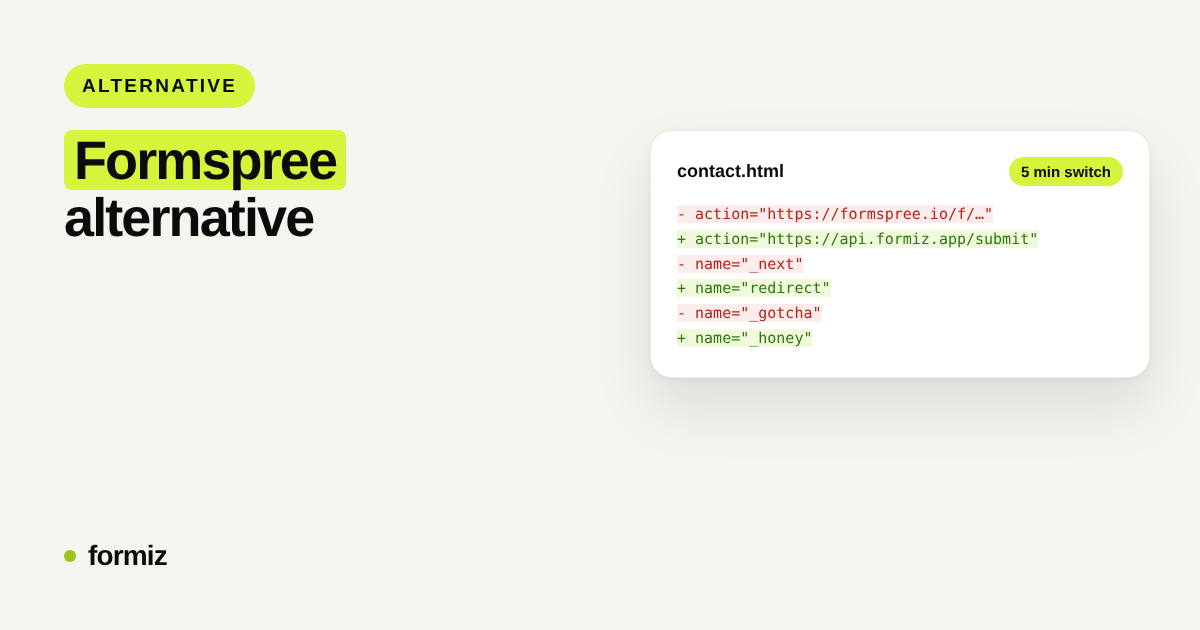
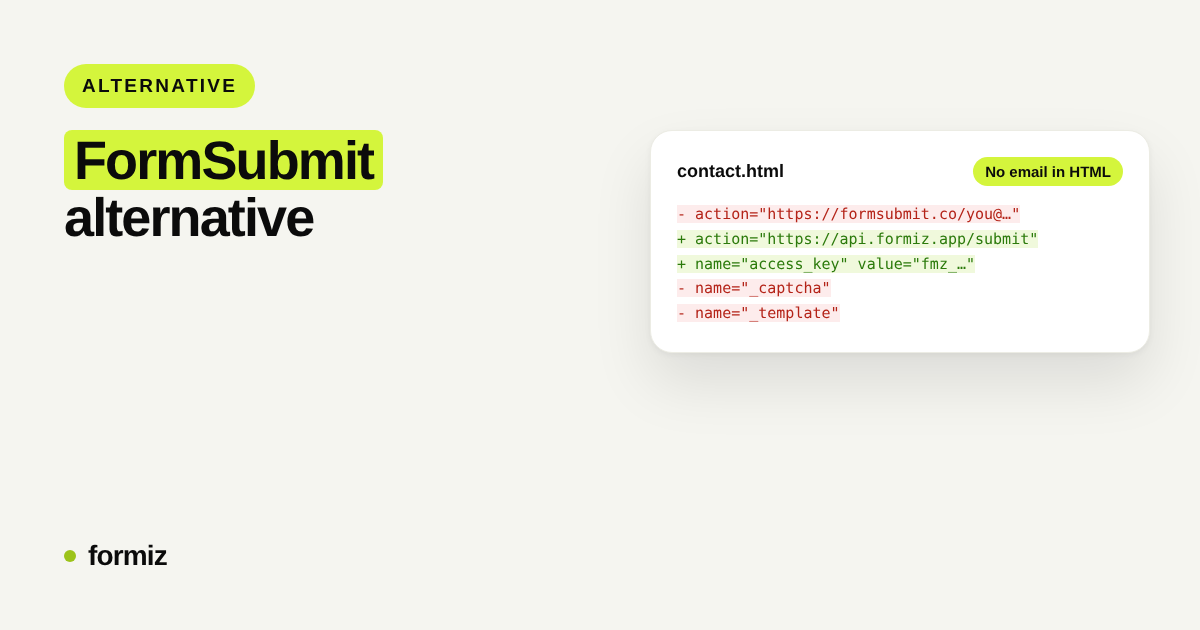
<form action="https://formsubmit.co/you@example.com" method="POST">
  <input type="hidden" name="_subject" value="New enquiry">
  <input type="hidden" name="_next" value="https://example.com/thanks">
  <input type="hidden" name="_captcha" value="false">
  <input type="text" name="_honey" style="display:none">
  <input name="name" required>
  <input name="email" type="email" required>
  <textarea name="message" required></textarea>
  <button type="submit">Send</button>
</form>
On Formiz:
<form action="https://api.formiz.app/submit" method="POST">
  <input type="hidden" name="access_key" value="YOUR_ACCESS_KEY">
  <input type="hidden" name="subject" value="New enquiry">
  <input type="hidden" name="redirect" value="https://example.com/thanks">
  <input type="checkbox" name="_honey" style="display:none" tabindex="-1" autocomplete="off">
  <input name="name" required>
  <input name="email" type="email" required>
  <textarea name="message" required></textarea>
  <button type="submit">Send</button>
</form>
The access key replaces your email address. It can only send submissions to you, so it is safe in public HTML (why public keys are fine).
Field mapping
| FormSubmit | Formiz |
|---|---|
action="https://formsubmit.co/you@example.com" | action="https://api.formiz.app/submit" + hidden access_key |
_subject | subject |
_next | redirect (thank-you pages) |
_replyto | reply_to, or just name the field email |
_honey | _honey (same name) |
_captcha | Not needed: honeypot, rate limiting and allowed domains run automatically |
_cc | Add more verified addresses under Channels → Email |
_template | Not needed: notifications use one clean, mobile-friendly layout |
_autoresponse | Channels → Auto-reply to visitors (guide) |
What you gain
- A lead inbox with stages, notes and assignees, so leads are followed up instead of buried. See following up website leads.
- Telegram notifications for instant alerts on your phone (guide).
- Webhooks to Make, n8n, Zapier, Slack or Discord (guide).
- Allowed domains, so a copied form cannot spam you from another site.
- No CAPTCHA for your visitors (how spam is stopped).
The Free plan covers 50 submissions a month with email and the inbox; Telegram, webhooks, auto-reply and file uploads are in Pro at $9/month. See pricing.
Step by step
- Create a free account and copy your access key from the dashboard.
- Add your email under Channels → Email and enter the code you receive.
- Update the form as shown above.
- Add your domain under Settings → Allowed domains.
- Submit a test message (testing checklist).
That's it. The visitor-facing form looks and behaves exactly as before; only where the data goes has changed.
Get your form working in five minutes
Create a free Formiz key, add it to your form and receive submissions by email and Telegram. No server, no SMTP, no card.